18 Monitoring EEG
284
EEG Reports
The content of EEG Reports is always the same and does not need to be configured.
To print an EEG Report, in the
Setup EEG menu, select Print Report.
Alternatively, you can select the CSA and use the
Print Report pop-up key to start the report.
To modify the buffer and trendline settings on the CSA Report, in the
Reports menu, select CSA on
EEG Rep.
. If you do not change these settings, the monitor will use the default settings with the
trendlines for the SEF numeric on and the buffer time from Buffer C.
EEG Safety Information
WARNING
Do not touch the patient, or table, or instruments during defibrillation.
When connecting electrodes and/or patient cables, ensure that the EEG leads and connectors do not
come into contact with other conductive parts or earth.
High-frequency Surgery - To reduce the hazard of burns, the EEG electrodes should not be located
between the surgical site and the electrosurgical unit return electrode.
EEG and Electrical Interference
CAUTION
Implanted devices (e.g. cardiac pace makers), other patient connected equipment, and other equipment
near the patient (e.g. high-frequency surgical units) can cause interference on the waveform, numerics,
and the CSA presentation.
Radiated field strengths above 1 V/m and patient signals ≤ 50 µV may cause noise on the EEG waves
at various frequencies. Therefore, it is recommended to avoid the use of electrical radiating equipment
in close proximity to the patient monitor. The noise does not influence the measurement accuracy.
Interference from ECG can be eliminated by adjusting the low filter settings.
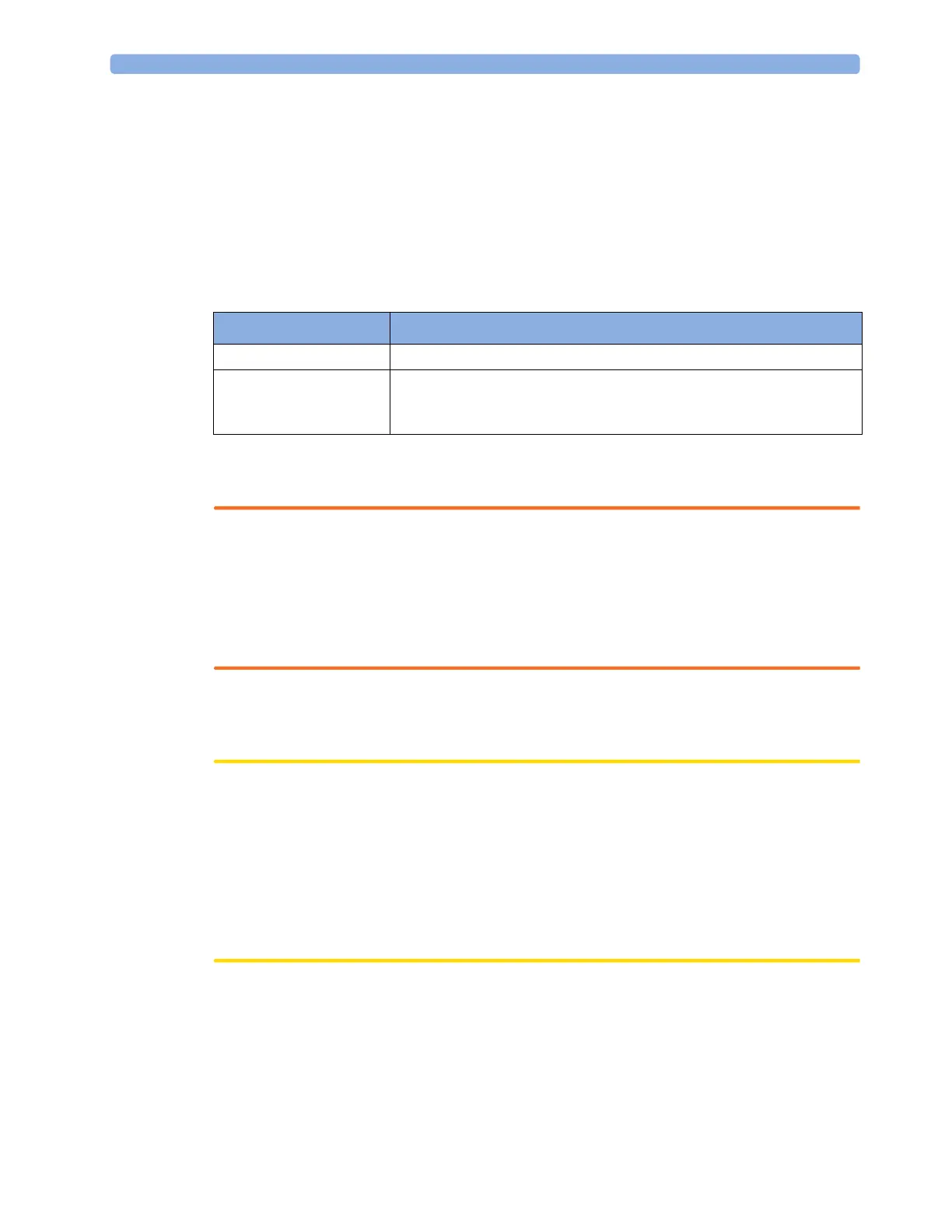
CSA on EEG Rep. This menu entry lets you
Buffer Choose one of the three pre-configured buffer times.
Trend SEF
Trend MDF
Trend PPF
Switch the trendline of the specific numeric on or off.



 To Next Page