6 ECG, Arrhythmia, ST and QT Monitoring
168
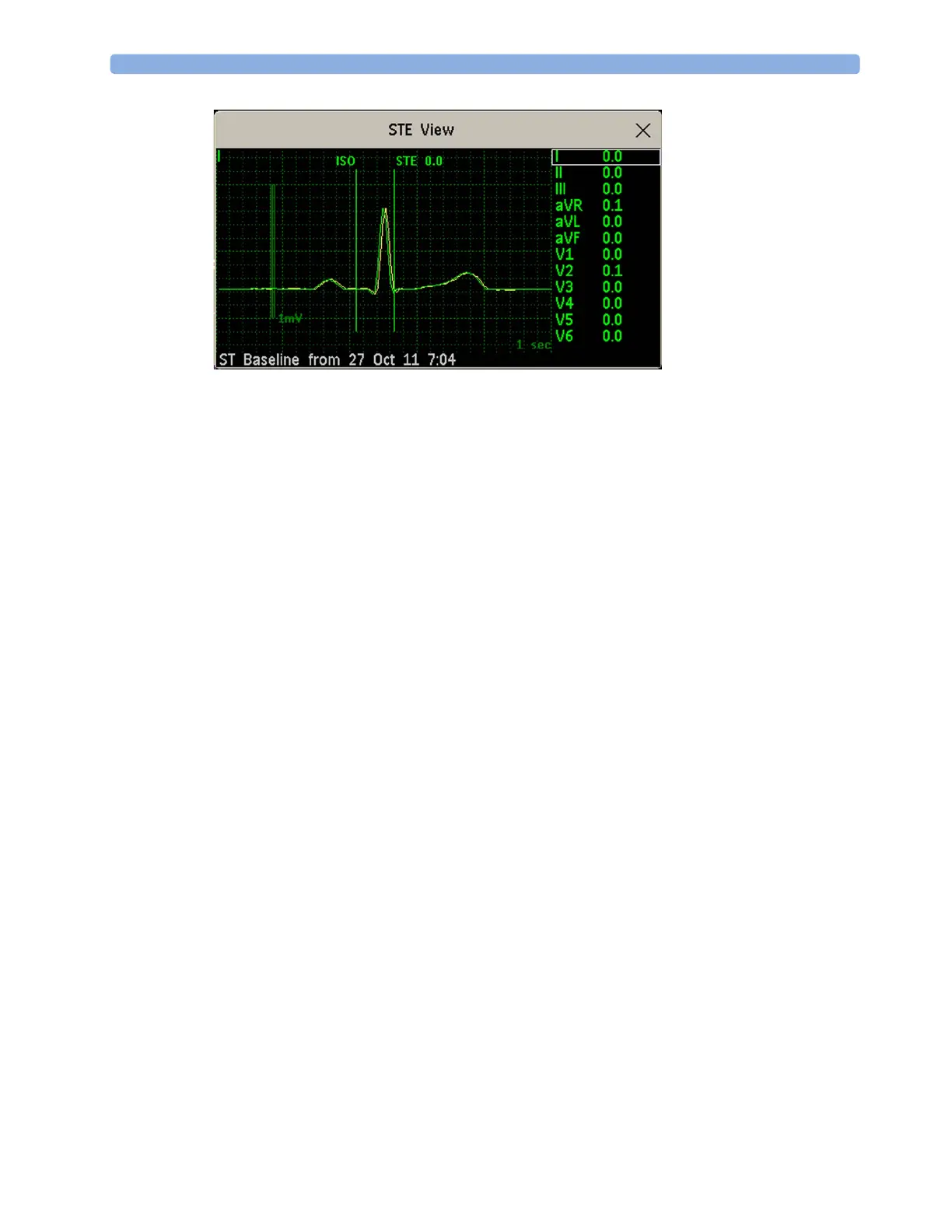
The STE View window opens with the pop-up keys Current / Baseline / Overlap (to select viewing
mode),
Show Points/Hide Points, Record STE, ST View, ST Map, Setup ST and arrow keys for
scrolling through the available leads.
The ST point, J-point and ISO point can be hidden using the
Hide Points pop-up key.
Updating ST Baseline Snippets
ST analysis requires valid samples to measure and store a snippet. ST Snippets and ST values are
updated every minute. If there is artifact in the signal, it may take longer for an ST snippet and an ST
value to appear.
The first baseline is stored automatically after ST monitoring is started, or when a new patient is
admitted.
To update ST baselines,
1 Select an ST snippet to open the ST View window.
2 In the ST View window, select Update Baseline to store all current snippets as baselines. This
deletes all previously-stored baselines.
An ST baseline copy is also stored in the MMS, for transport purposes.
Recording ST Segments
To record all currently available ST snippets and baselines, in the ST View window, select the pop-up
key
Record ST.
About the ST Measurement Points
The ST value for each beat complex is the vertical difference between the ISO point and the ST point,
as shown in the diagram below.



 To Next Page