1 Introduction
33
Hardkeys
A hardkey is a physical key on a monitoring device, such as the zero pressure key on the MMS or a
setup key on a module.
Pop-Up Keys
Pop-up keys are task-related graphical keys that appear automatically on the monitor screen when
required. For example, the
Confirm pop-up key appears only when you need to confirm a change.
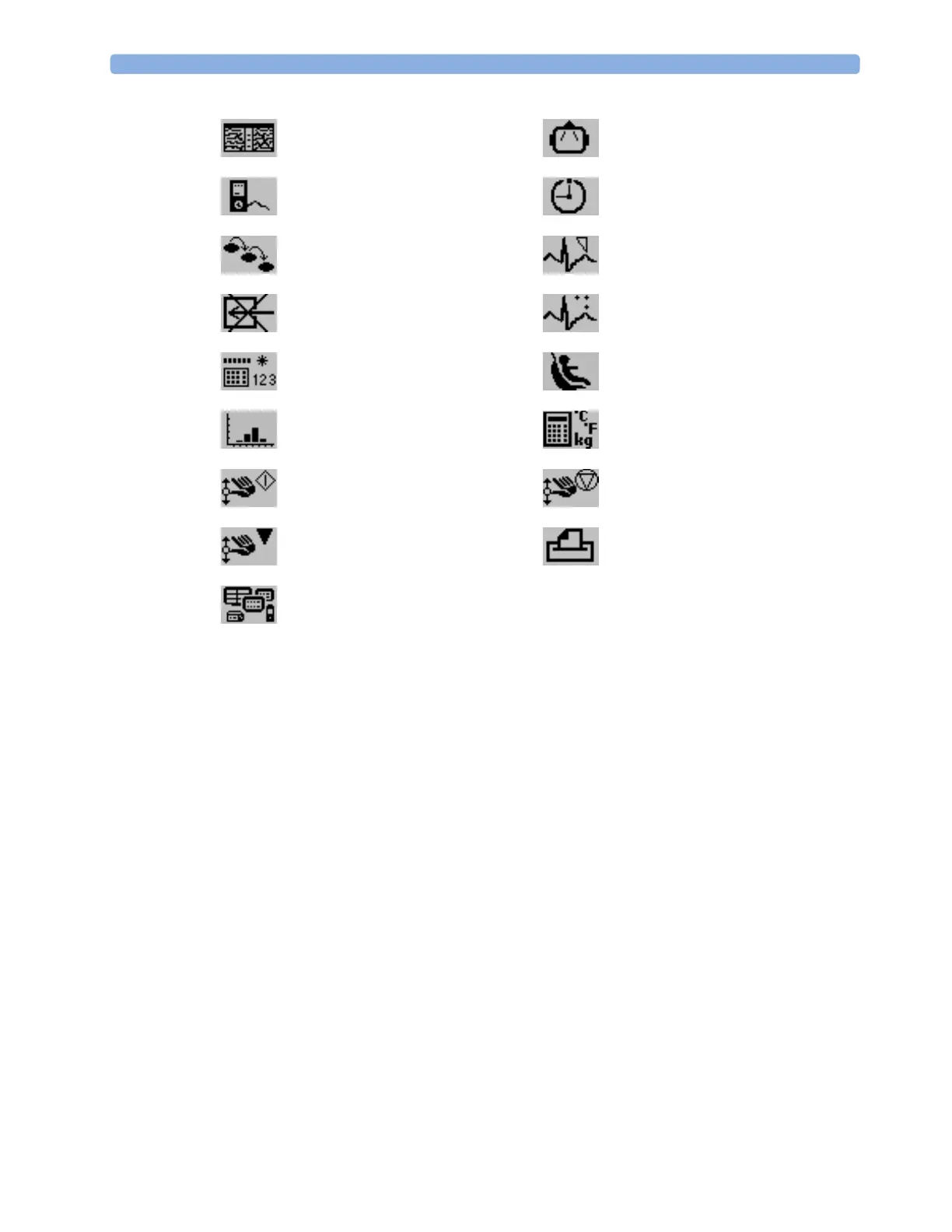
access EEG CSA access the EEG montage
display external device information access timers
access ProtocolWatch set standard or EASI lead placement
switch CO
2
pump off new lead setup
enter data manually start/stop car seat assessment record
open the
Histogram window open Unit Conversion window
start an NMT measurement cycle stop an NMT measurement cycle
start NMT calibration access patient reports
open the
Equipment window



 To Next Page