28 Recording
360
Stopping Recordings
Recordings stop automatically when the preset runtime is over, when the recorder runs out of paper,
when you open the recorder door or when the recorder has an INOP condition.
• To manually stop a recording, select the
Recor- dings SmartKey and then select the pop-up key
Stop All Recordng.
M1116B/C
only
You can also stop a recording by pressing the Stop key on the recorder module.
Recording Without a Template
To record without a pre-configured template, selecting the waves you require,
1 Either: Select the Recor- dings SmartKey then select the pop-up key Select Waves.
Or: Select the SmartKey
Record Waves.
2 Use the pop-up keys to choose up to three measurement waves to be printed on the recording. If
you want fewer than three waves on the recording, select the waves you want then select the
Continue pop-up key.
3 Select one of the recording speed pop-up keys to set the required recording speed.
4 Select the Start pop-up key to start the recording.
Select Waves recordings use default values for any recorder settings not defined: runtime is
continuous, overlapping is set to non-overlapping.
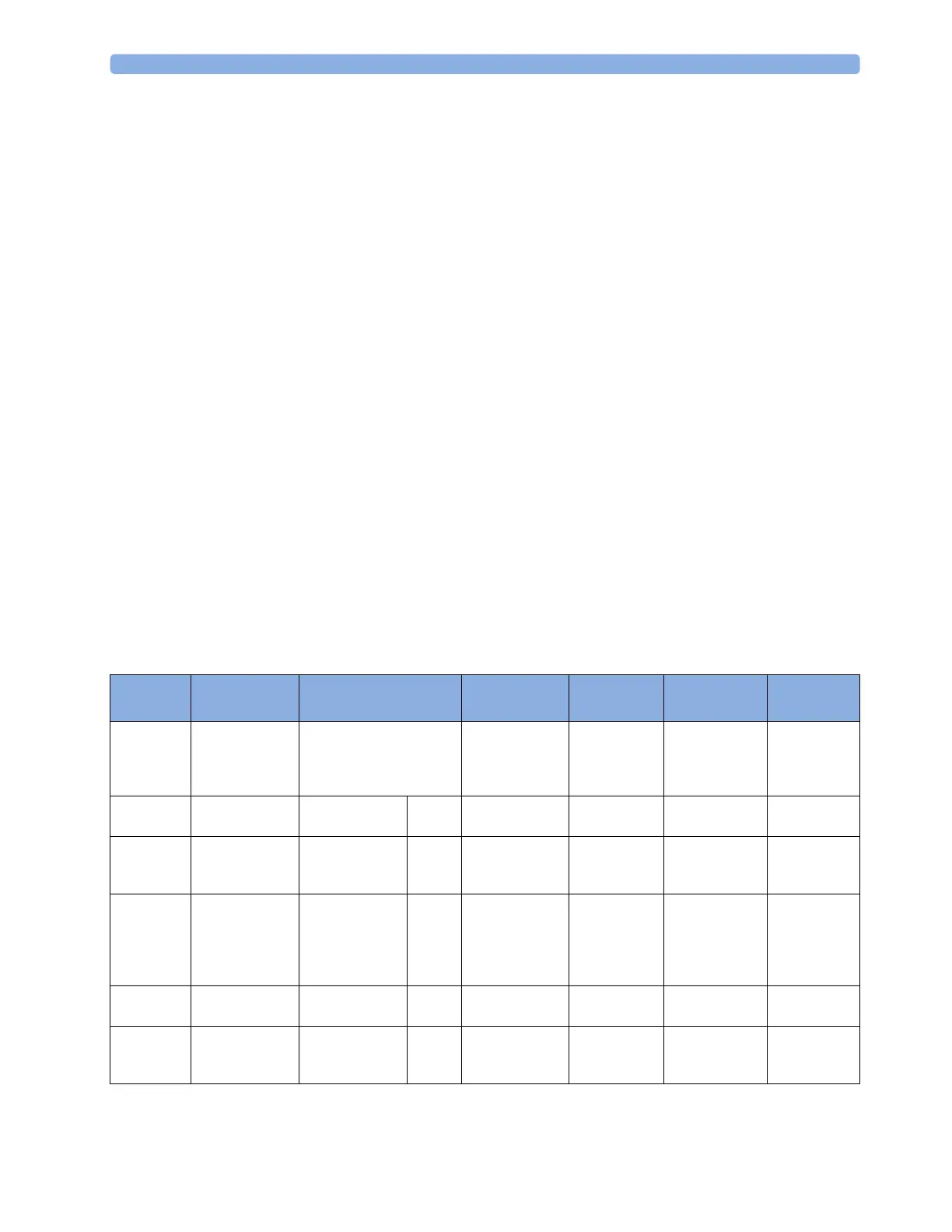
Overview of Recording Types
This table details settings for local recordings. For details on recordings made on the central recorder,
see your Information Center Instructions for Use.
Delayed Alarm Realtime (RT)
All ECG
Waves
HiRes Trend
Procedure or
Context
Type of
recording
manual automatic, triggered by
defined alarm conditions
manual manual manual manual, use the
context
window's pop-
up keys to start
Recording
Destination
local recorder and
central
local recorder and
central
printer local recorder and
central
local recorder
only
local recorder
only
local recorder
only
Information
recorded
from the start
trigger minus the
delay time
from the start
trigger minus the
delay time
n/a from the start
trigger
from the start
trigger, in
realtime
from the start
trigger minus
delay time
defined by the
context
Number of
waves
up to 3 up to 3 n/a up to 3 all ECG waves
currently
monitored and
available
up to 3 high-
resolution trends
(beat-to-beat)
waves
up to 3 waves,
or specific to
the context, e.g.
a wedge
procedure
Speed 50, 25, 12.5, 6.25,
2.5 mm/sec
50, 25, 12.5, 6.25,
2.5 mm/sec
n/a 50, 25, 12.5, 6.25,
2.5 mm/sec
25 mm/sec 1, 2, 2.5, 3, 6 cm/
min
defined by the
context
Runtime 15, 20, 25, or 30
seconds
15, 20, 25, or 30
seconds
n/a 6, 8, 10, 15
seconds or
continuously
4 seconds per
wave
10 minutes, or
continuously
defined by the
context



 To Next Page