40 Specifications
455
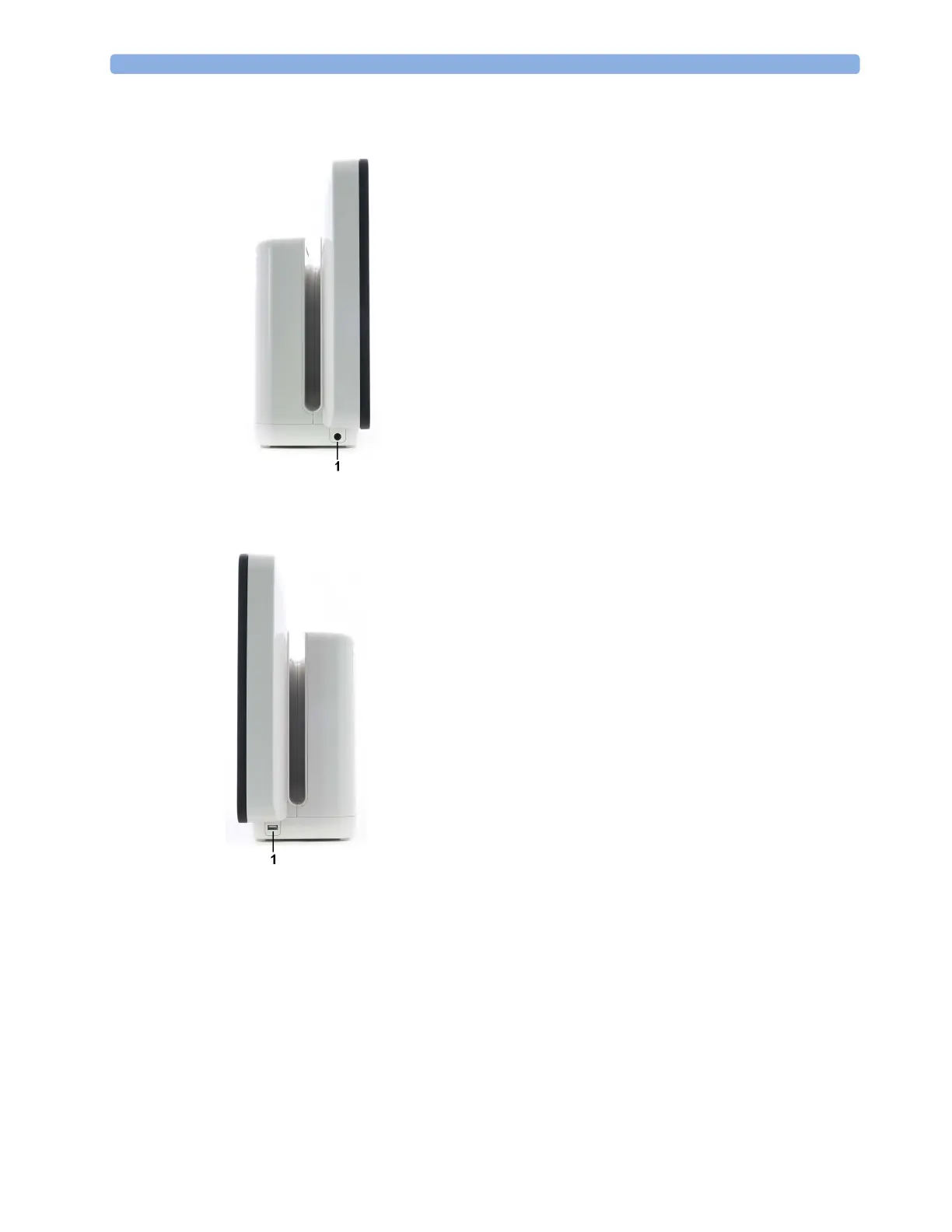
Left Side of the Monitor
Right Side of the Monitor
Monitor Mounting Precautions
Mount the monitor using either the Philips Quick Mount or Fix Mount solution or another approved
mounting solution. Select the mounting equipment and the mounting position so that no patient,
operator or other person can be harmed by a monitor removed intentionally or released accidentally
from the mount. When using the Quick Mount, be aware of the danger of accidental activation of the
Quick Mount release button when lifting or moving items located under the monitor, such as pole
mounts, etc. If in doubt, use the Philips Fix Mount solution to avoid such situations. Refer to the
respective IntelliVue Monitor Service Manual, Installation Instructions chapter, for more details.
1 ECG Sync Output/Analog ECG
output connector
1 USB side connector (only present
with the iPC)



 To Next Page