26 Event Surveillance
341
Selecting the Event Summary window calls up the events pop-up keys.
Parts of the
Event Summary window can also be embedded in Screens so that they are always visible,
for example the
Total row showing the total number of events with the bars on the timeline or the
column showing all the groups with the activation and notification status.
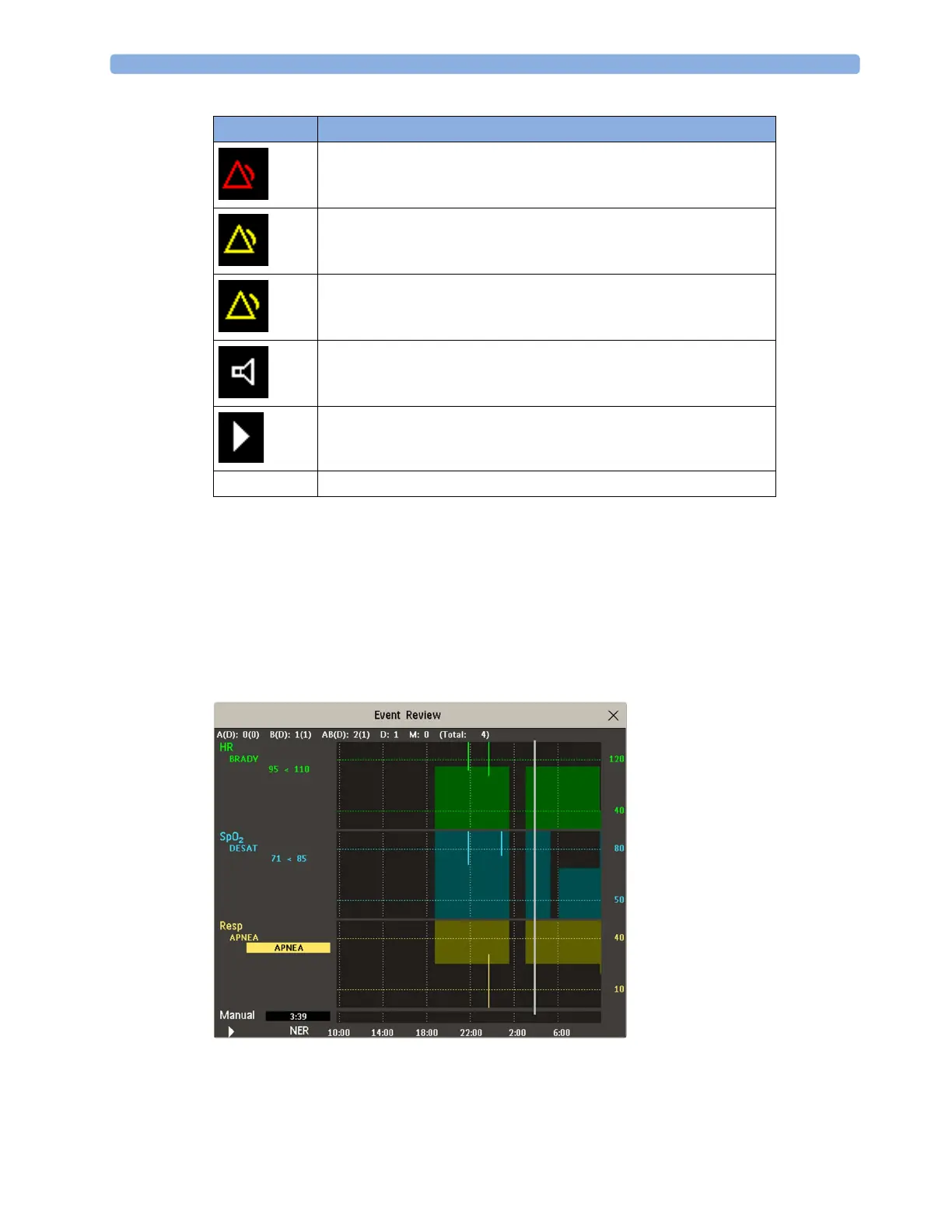
Event Review Window
To enter the Event Review window, select the graphic event summary, if available, or select the events
pop-up key
Show Review.
When you open the Event Review window, it automatically shows the event group with the most
recent event.
symbol meaning
group activated, notification set to ***alarm
group activated, notification set to **alarm
group activated, notification set to *alarm
group activated, notification set to screen prompt
group is activated, notification is switched off
no symbol group not activated



 To Next Page