16 Monitoring tcGas
266
• you doubt the measurement accuracy
• you start a new monitoring period or use a new site
• the monitor displays the
Calibration required INOP message.
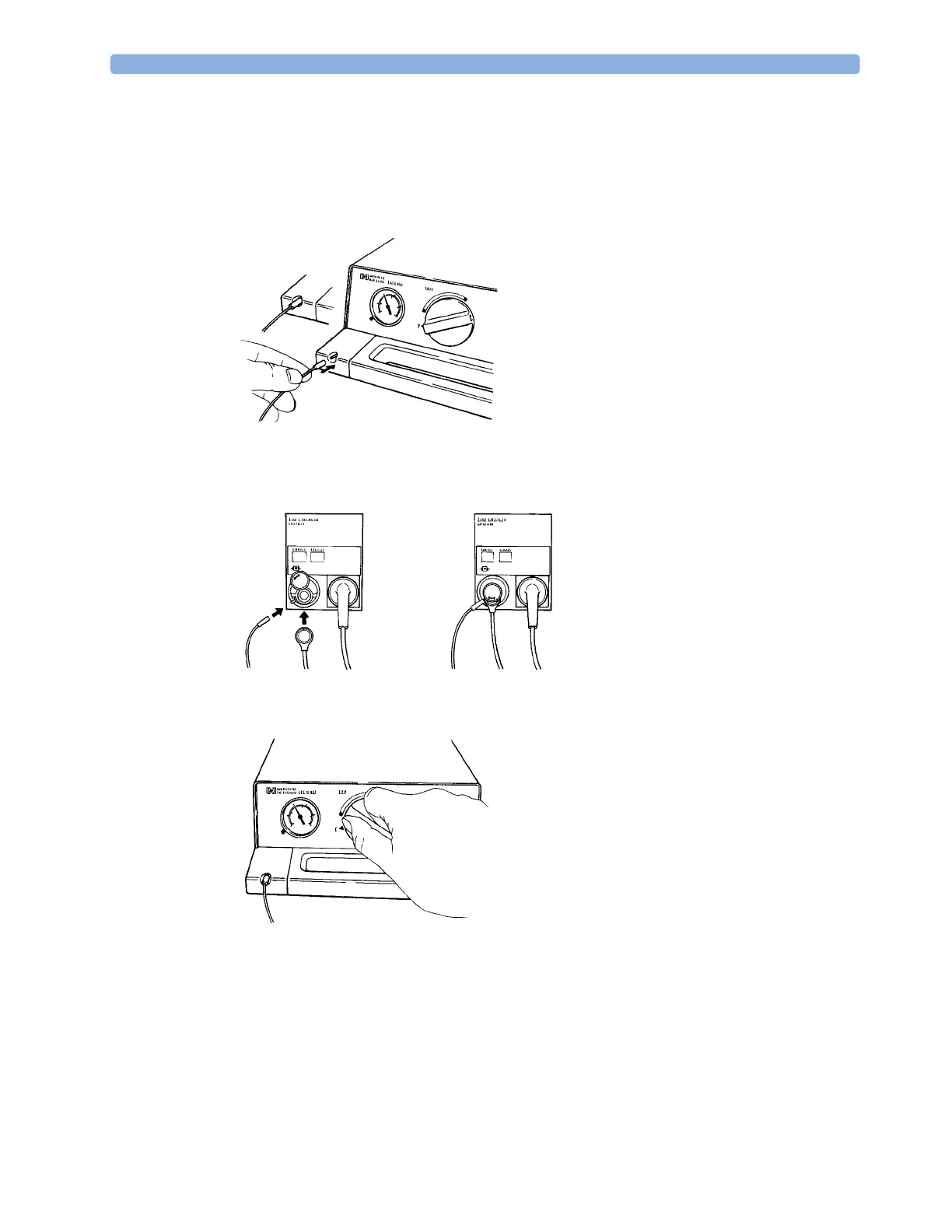
1 Connect the calibration unit to the inlet on the side of the module's calibration chamber using the
recommended gas tubing. Different tubing will cause inaccurate measurements.
2 Plug the transducer cable into the module. Swing the calibration chamber cover open and insert
the transducer into the chamber. Close the cover to secure the transducer. Set the transducer
temperature at the monitor now.
3 On the 15210B calibration unit, turn the timer control clockwise as far as you can. On the
Radiometer calibration unit, press the button with the green arrow once.
4 Press CAL on the module until the light above the key comes on and wait (three - 20 minutes) for
the completion message to appear on the monitor. Alternatively, in the
Setup tcGas menu, select
StartCalibration. To save gas on 15210B, if the timer control dial is not in the start position when
the monitor displays the completion message, turn the dial counter-clockwise to the start position.
For TCC3, if the green light is still flashing when INOP
<tcGas Label> Cal Running disappears,
press the green arrow button again.



 To Next Page