DMG 3200/3100/3000 – User Manual
Page 115 (306)
6.3.1.5 Configuring an EMM Generator (EMMG) Channel
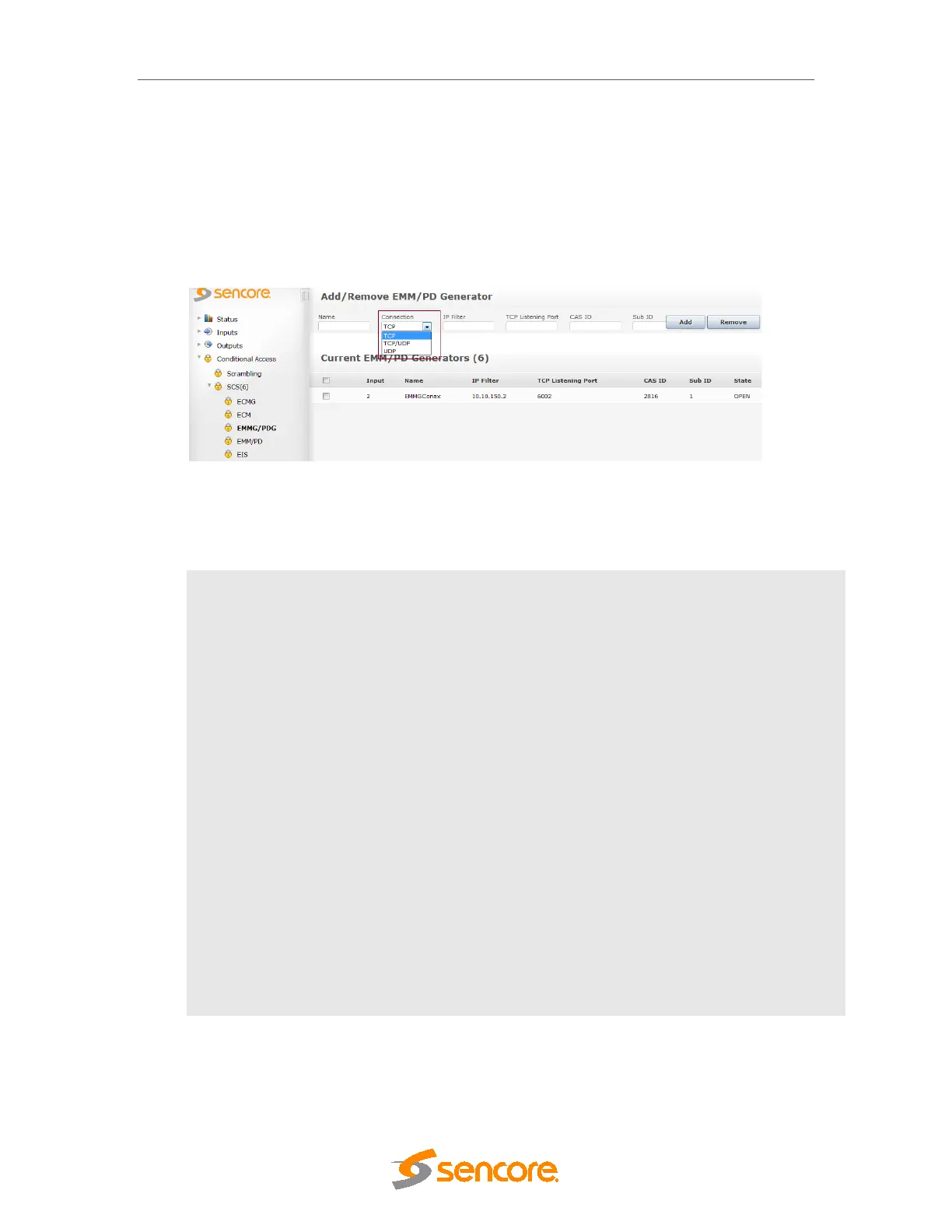
To establish a connection to an EMM Generator (or Private Data Generator), go to Scrambler
SCS
EMMG/PDG node in the Navigation Tree, enter appropriate values and click Add.
Figure 6.24 - Adding an EMM Generator
The following information is displayed:
Input
Logical port representing the connection to the EMMG – assigned
automatically. This number is used internally as well as for generating alarms.
Name
For reference in the GUI only
Connection
EMM transfer connection can be either of the below
-TCP
-TCP/UDP
-UDP
IP Filter
IP address of the EMMG to be connected to. If the value 0.0.0.0 is used, the
unit will accept a connection from any IP address. When multiple sources are
trying to connect, it is first come first serve.
Listening
Port
TCP port for the EMMG to connect to
CAS ID
CA vendor specific ID
Sub ID
CA vendor specific sub ID
State
Status of the EMMG/PDG connection, either OPEN or NOT CONNECTED.
To change an, EMMG channel connection, click on the existing EMMG entry and enter the new
configuration.



 To Next Page