DMG 3200/3100/3000 – User Manual
Page 41 (306)
The secure login supports one pre-defined user account – the admin user. The password
protects the web GUI only, i.e., the SOAP interface is not password protected.
User
admin
Default password
admin
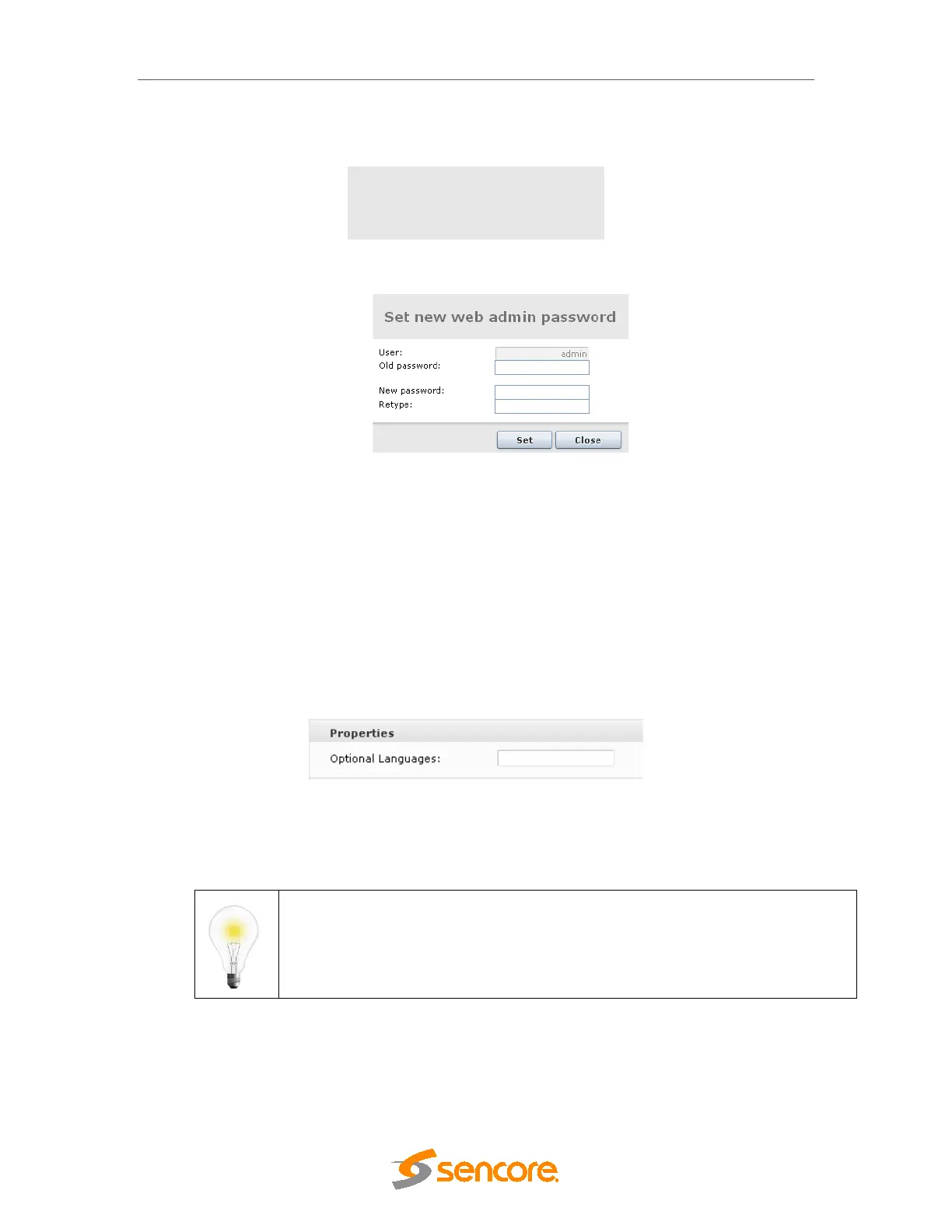
To change the password click Change. The following dialog will appear:
Figure 4.16 - Changing the Password
Type in the new password and click Set. Finally, click Close to exit the dialog. Reboot the MMI
module for the new password to take effect.
4.1.9 Optional Languages
It is possible to specify one or two default languages which will always be available when
configuring decoder modules. Since the drop-down list of available languages only includes
languages currently present in the transport stream, this enables the operator to select
languages expected to be present in the transport stream at a later point in time.
Open the Admin view in the Navigation Pane and select the module hosting the MMI.
Figure 4.17 - Optional Languages
Enter up to two additional languages for the Optional Languages field. Language codes should
be separated by a comma, e.g., nor,dan.
Language codes are defined in the ISO 639 specification.
4.2 Configuration of Clock reference module
Please refer to the Terrestrial Solution Configuration Guide for more information on this module
and its configuration.



 To Next Page