DMG 3200/3100/3000 – User Manual
Page 23 (306)
The switch module with management and two data ports is equipped with three electrical
connectors (RJ45) or one electrical connector (RJ45) and two SFP connectors. Two RJ45
electrical connectors or two SFP connectors are for data. The last RJ45 electrical connector is
for management
Automatic sensing of 10/100/1000Mbit Ethernet connections is supported on all RJ45 ports. For
a 1000Mbit connection, the Ethernet cable must be a category 6 cable.
The management port should be connected to your management network and the data port to
you data network carrying the video streaming content. Please refer to section 4 for
configuration.
Each port have a unique IP address and both data ports can be used at the same time as
wither 2 IP input ports (seamless or standalone), 2 IP output ports (cloned or standalone) or 1
IP input and 1 IP output port.
3.2 MMI MicroSD Installation
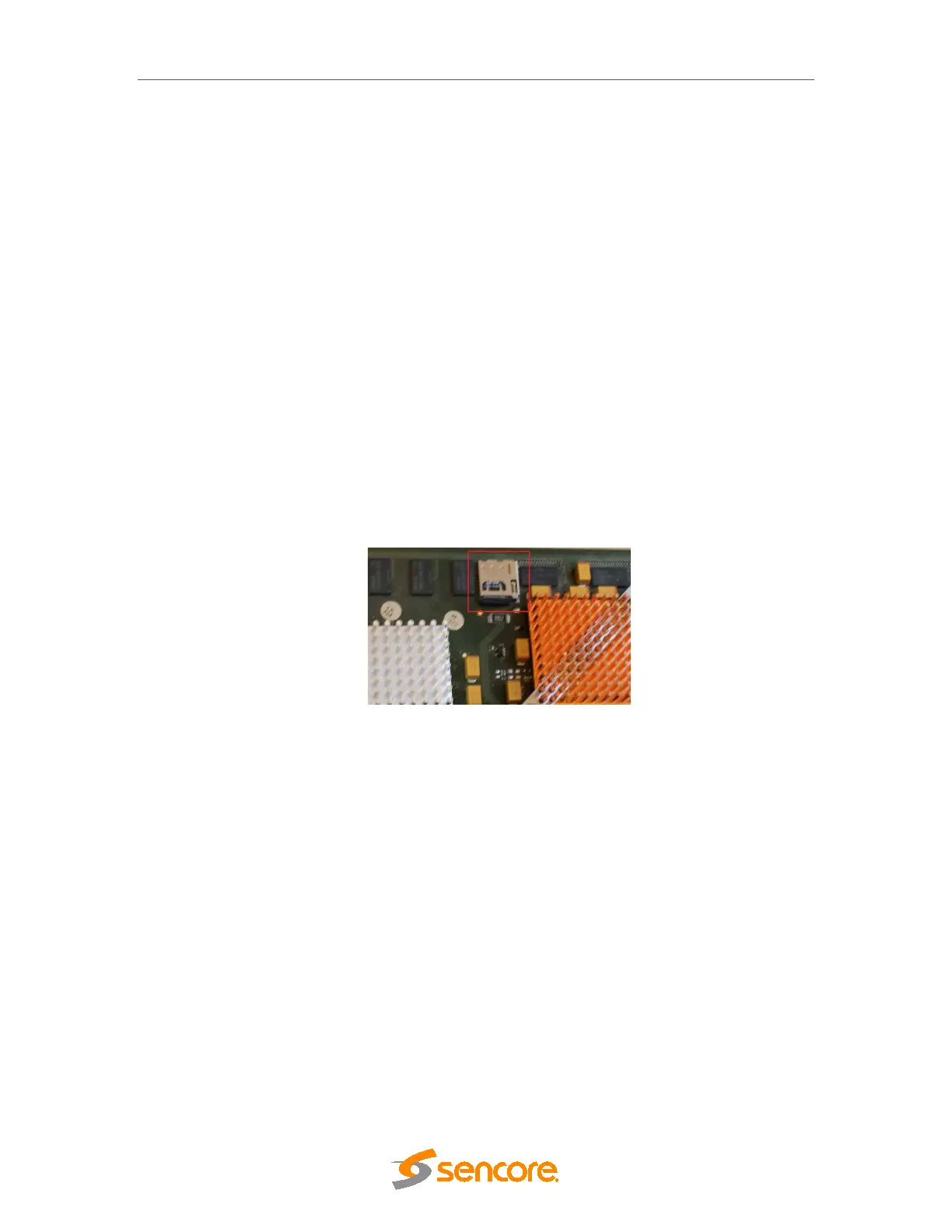
In order to enable Logo Insertion for the Encoder modules, a MicroSD card will need to be
installed in the MMI module. This will require physical removal of the MMI module from the unit.
Once the module has been removed, you will need to take the MicroSD card provided by
Sencore and insert this into and ‘click’ this into the MicroSD holder as shown below:
Figure 3.1 – MicroSD slot
In order to remove the MicroSD card, this can be pushed and then removed.
3.3 Connecting Input Signals
Please refer to product datasheets for module identification.
3.3.1 IP Input
This applies to the following modules::
• Standalone IP Input
• Dual IP module (Input mode)
The standalone IP input module is equipped with two electrical connectors (RJ45) and one SFP
connector. One RJ45 electrical connector and the SFP connector are for data. The second



 To Next Page