DMG 3200/3100/3000 – User Manual
Page 120 (306)
The following information is displayed:
Input
Logical port representing the connection to the EMMG – assigned
automatically. This number is used internally as well as for generating
alarms.
Name
For reference in the GUI only
IP Filter
IP address of the EIS service to be connected to
Listening Port
TCP port for the EIS to connect to
State
OPEN or CLOSE
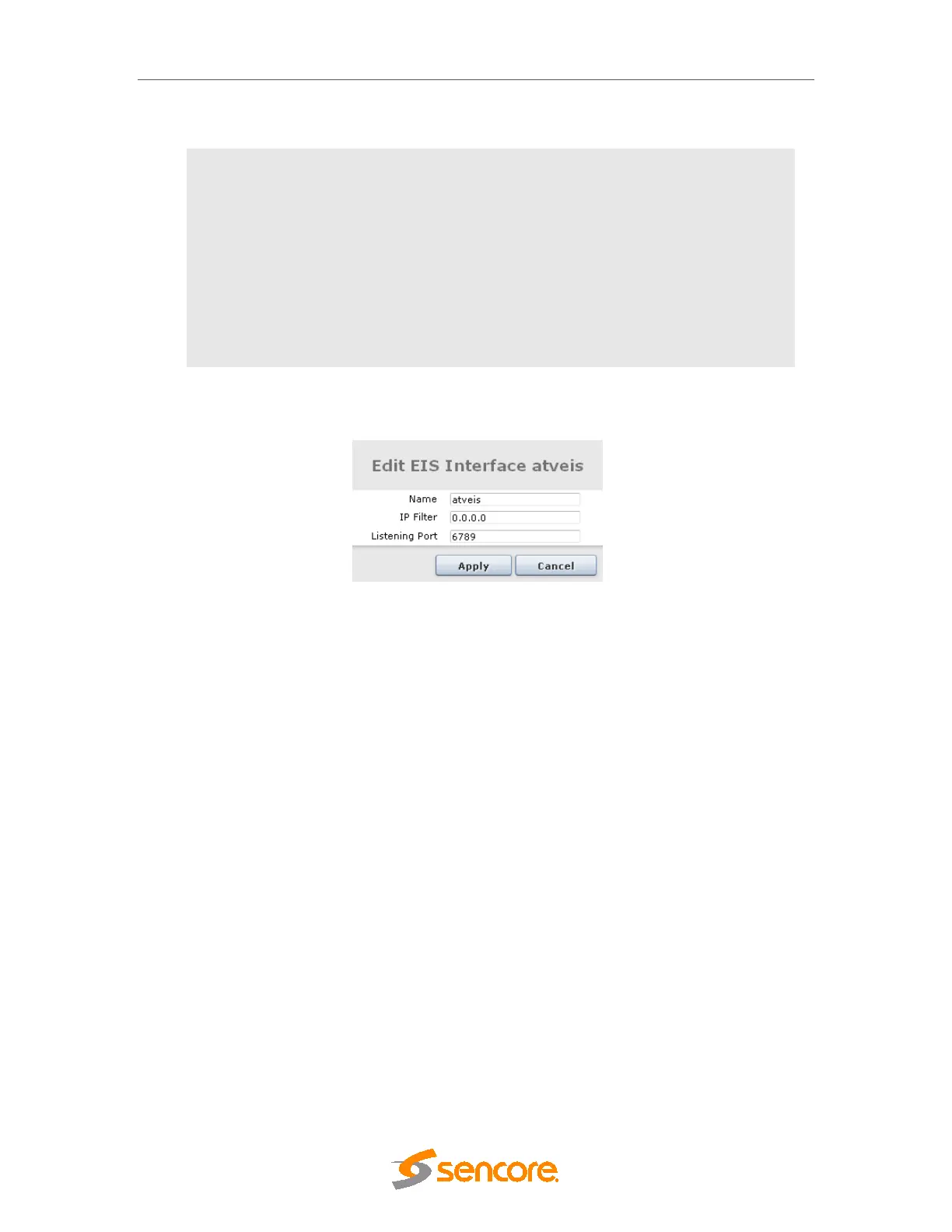
To change an, EIS connection, click on the existing EIS entry and enter the new configuration.
Figure 6.29 - Edit an EIS service
Once the service is connected, the EIS can schedule ECMs to the outputs.
7 Digital Output Configuration
The Sencore platform can be used to host a number of different output modules. Select
Outputs from the Navigation Pane to view all available output modules along with key
information on the current configuration for each output module. When expanded, this menu
also provides a list of the output cards, including type and installed slot.



 To Next Page