DMG 3200/3100/3000 – User Manual
Page 123 (306)
7.2 Auto Service Modes
The Auto-Service modes are available to automate the process of adding services to the
output. I.e., instead of manually selecting a service from the input, the user instructs the system
to add services from the input automatically.
Two implementations of the auto-service exist:
• Auto-First Service
• Auto-All Services
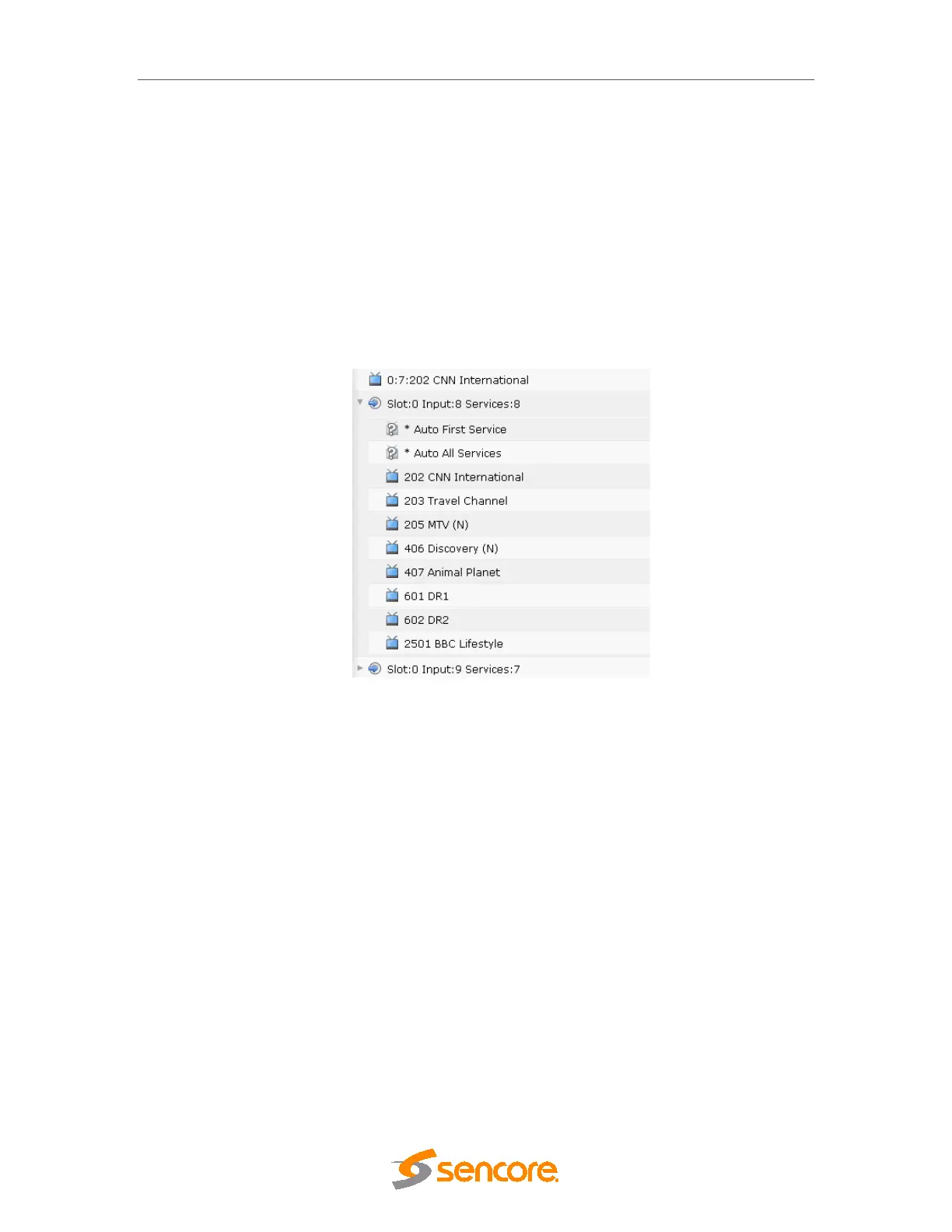
These modes are available for each input port when expanded, ie:
Figure 7.3 – Auto Service modes
These “services” can be added to the output in the same way as regular services, and can be
used in the following ways:
Auto-First Service will map the first available service in the input port. This feature is intended
for VOD, where the source never will contain more than one service. In this mode the output
service can be changed and edited like any other output service. I.e the service name can be
changed; the component/PID mapping can be specified etc.
Auto-All Services will map all incoming services for the input port to an output. Here it is not
possible to do any service editing at all. The service dialogs will be replaced with another dialog
to block selected services.
7.2.1 Configuring an output with Auto All Services
The Auto All Services configuration is done via drag-and-drop of the source “Auto All Services”
to the output. The “Auto All Services” is then enabled for the given source.



 To Next Page