DMG 3200/3100/3000 – User Manual
Page 291 (306)
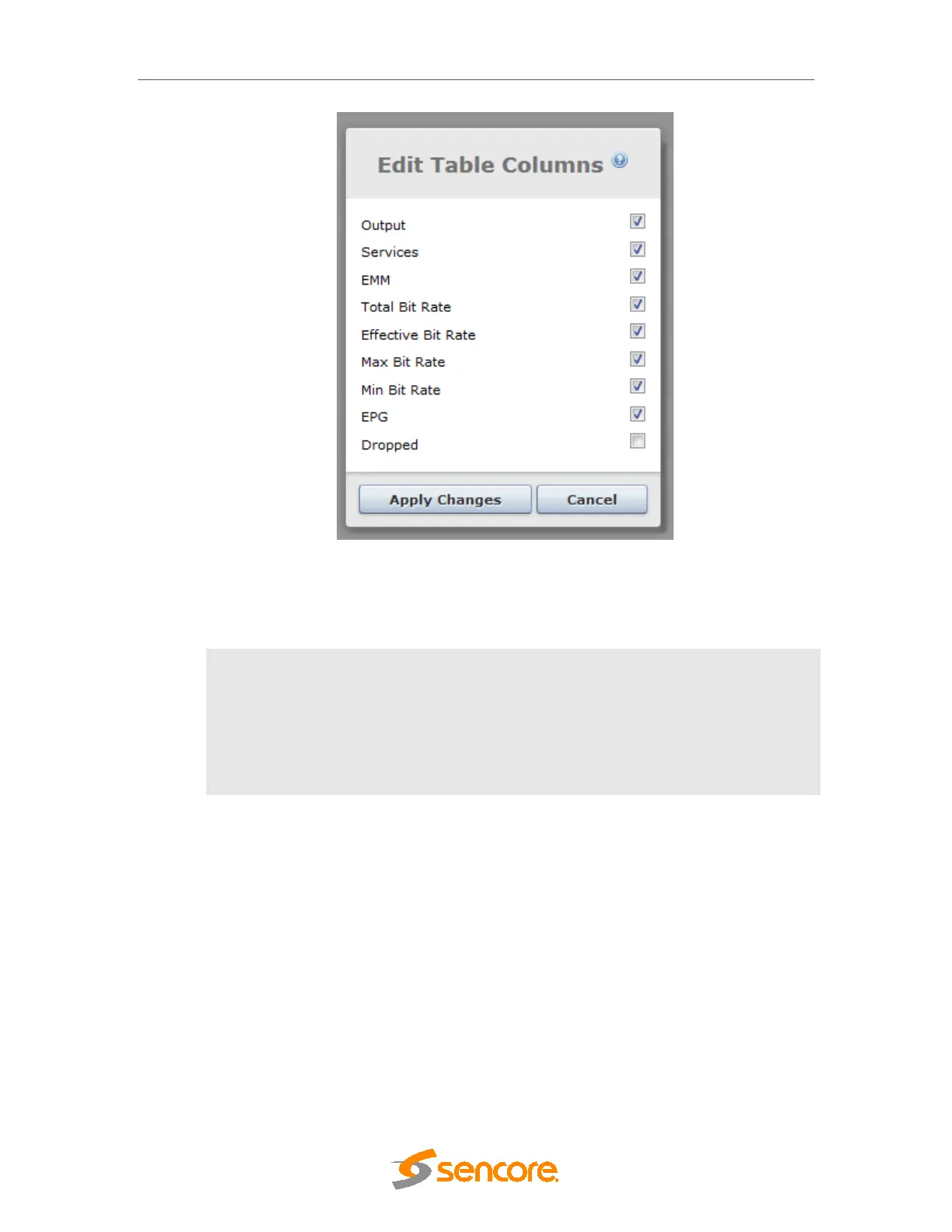
Figure 11.4 Output View Options
In this list, it is possible to sort the options by dragging the line to the desired location. The
optional information available is described below:
EMM
EMM defined on the output port
Max Bit Rate
Maximum bitrate of the output port
Min Bit Rate
Minimum bitrate of the output port
Dropped
Counter for packets dropped by the interface in overflow situations
11.1.3 Hardware View
The hardware view shows the unit’s status graphically. In the figure below there is one module
with critical alarm status, shown in red. A description of the alarm status is shown in the status
pane at the bottom of the screen.



 To Next Page