DMG 3200/3100/3000 – User Manual
Page 289 (306)
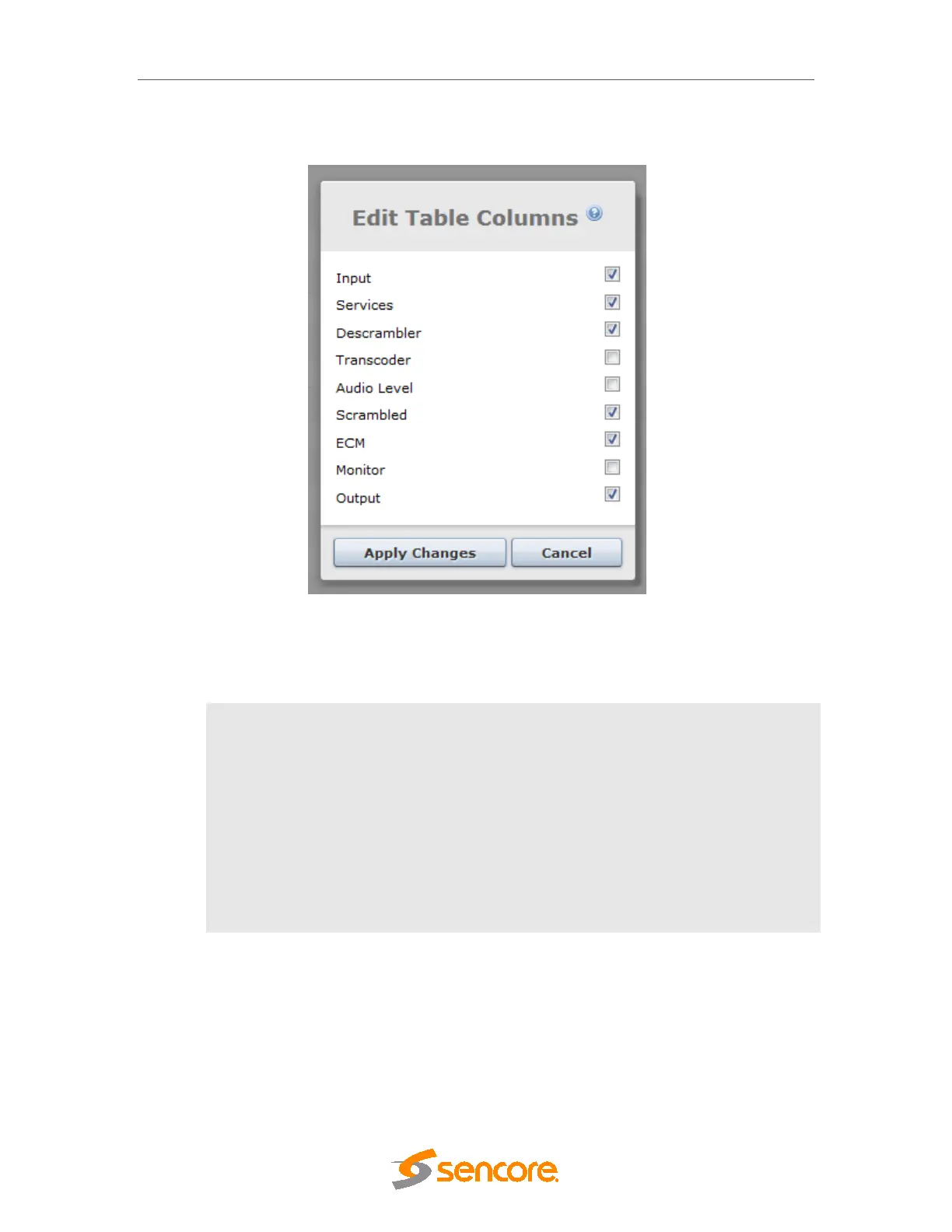
It is possible to select and deselect information in this view by clicking on the ‘…’ in the
top right hand corner of the title bar. This will bring up the following dialog:
Figure 11.2 Service View Options
In this list, it is possible to sort the options by dragging the line to the desired location.
The optional information available is described below:
Descrambler
Descrambler module assigned. The notation is <X:Y> where:
• X – descrambler module’s slot position
• Y – descrambler module’s Common Interface (CI) slot
Transcoder
Transcoder module/port assigned to the service
Audio Level
Audio leveling module assigned to the channel
ECM
ECM defined
Monitor
Monitor module used for monitoring the service
11.1.2 Output View
Expand the Status node in the Navigation Pane and click on the Output View node. The
Output View will be displayed as shown below.



 To Next Page