DMG 3200/3100/3000 – User Manual
Page 250 (306)
1 Rotation
1 Rotation
Slow Playout Rate = X
Fast Playout Rate = 2 X
First 12 hours of EPG data
Data being transmitted in 1
rotation
9.3.1 Playout Rate, Playout Limit, and Priority
There are three parameters that can be modified when configuring your schedule
information:
Playout Rate
The amount of bandwidth you want to allocate for schedule and
present/following information (the higher the playout rate, the shorter the
rotation time).
Playout Limit
The amount of schedule information being sent out.
Priority
The number of times schedule information for the next 12 hours is
repeated in your carousel.
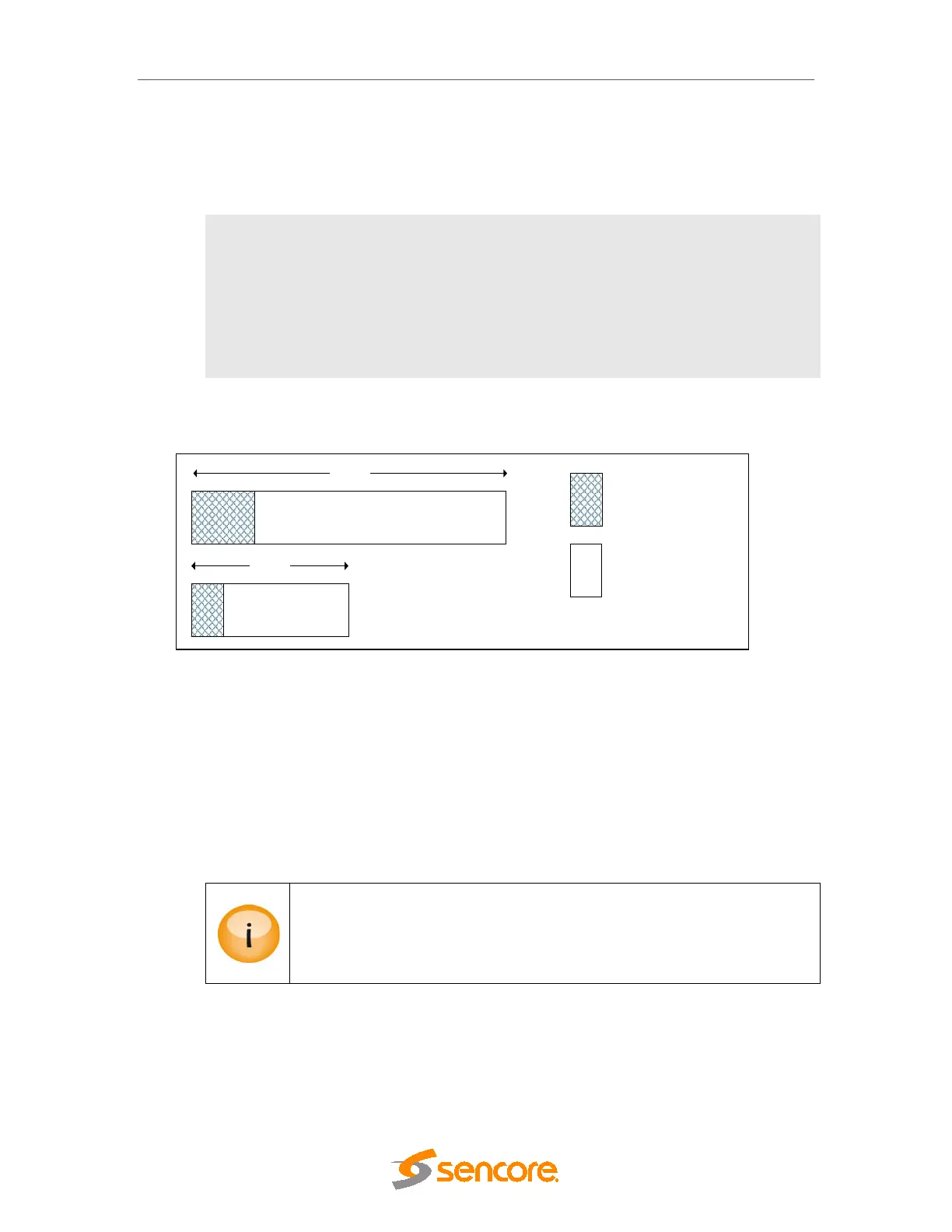
Assuming 1 rotation = r, the figures below illustrate these three parameters and how they
can influence the output of schedule information.
Figure 9.9 - Setting a Playout Rate
Figure 9.9 above illustrates the amount of schedule information sent in one rotation if the
Playout Rate is modified.
• In the first box, suppose the Playout Rate is X.
• In the second box, we double the Playout Rate, effectively increasing it to 2 X.
Consequently the size of one rotation will be halved, making it equivalent to ½ r.
When choosing a suitable Playout Rate, be aware that this also includes
present/following – Actual and Other.
If the Playout Rate is too low, present/following actual will be given priority
over present/following other; schedule will be inserted if/where there is room.



 To Next Page