DMG 3200/3100/3000 – User Manual
Page 251 (306)
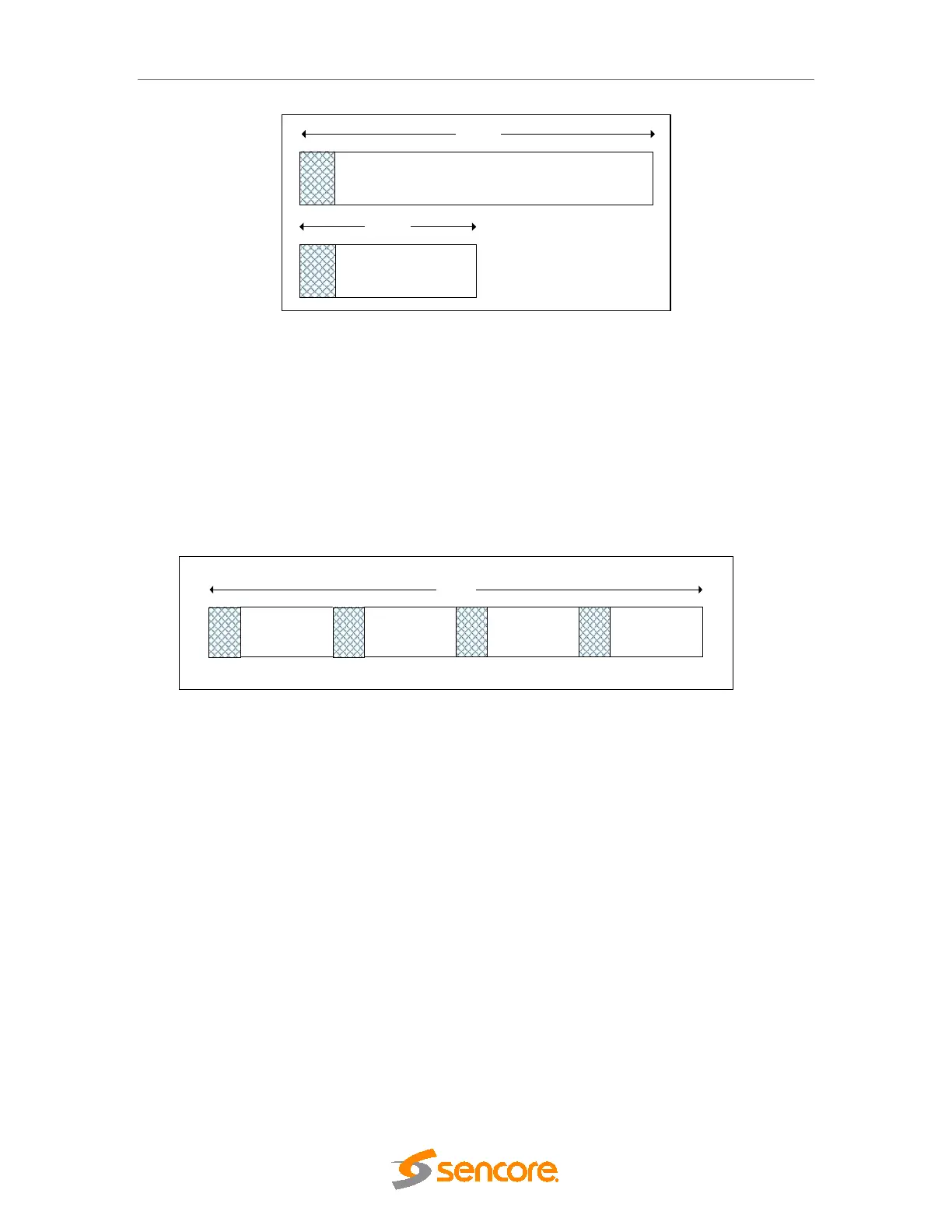
Figure 9.10 - Setting a Playout Limit
Figure 11.10 illustrates the amount of schedule information sent in one rotation if the
Playout Limit is modified.
• In the first box, suppose the Playout Limit is L.
• In the second box, we reduce the Playout Limit to ½ L. This reduces the amount of
schedule information being output. Consequently the size of one rotation will be
halved as well, making it equivalent to ½ r.
Figure 9.11 - Setting a Priority
To improve the time it takes for schedule information to load, you can assign a Priority
value for the next 12 hours of data. Suppose you choose 4x, then the 12 hours of data
will be repeated four times in one rotation. Consequently, this will increase the size of
your rotation.
1 Rotation
1 Rotation
Playout Limit
=
L
Playout Limit = ½ L



 To Next Page