DMG 3200/3100/3000 – User Manual
Page 131 (306)
7.3.2 Port Settings
The Port Settings tab is module specific and differs accordingly. Please see 8.4 for the specific
output module settings.
7.3.3 EMM
The EMM tab is only present if one or more scrambler modules are present in the unit, or if
using IP SPTS.
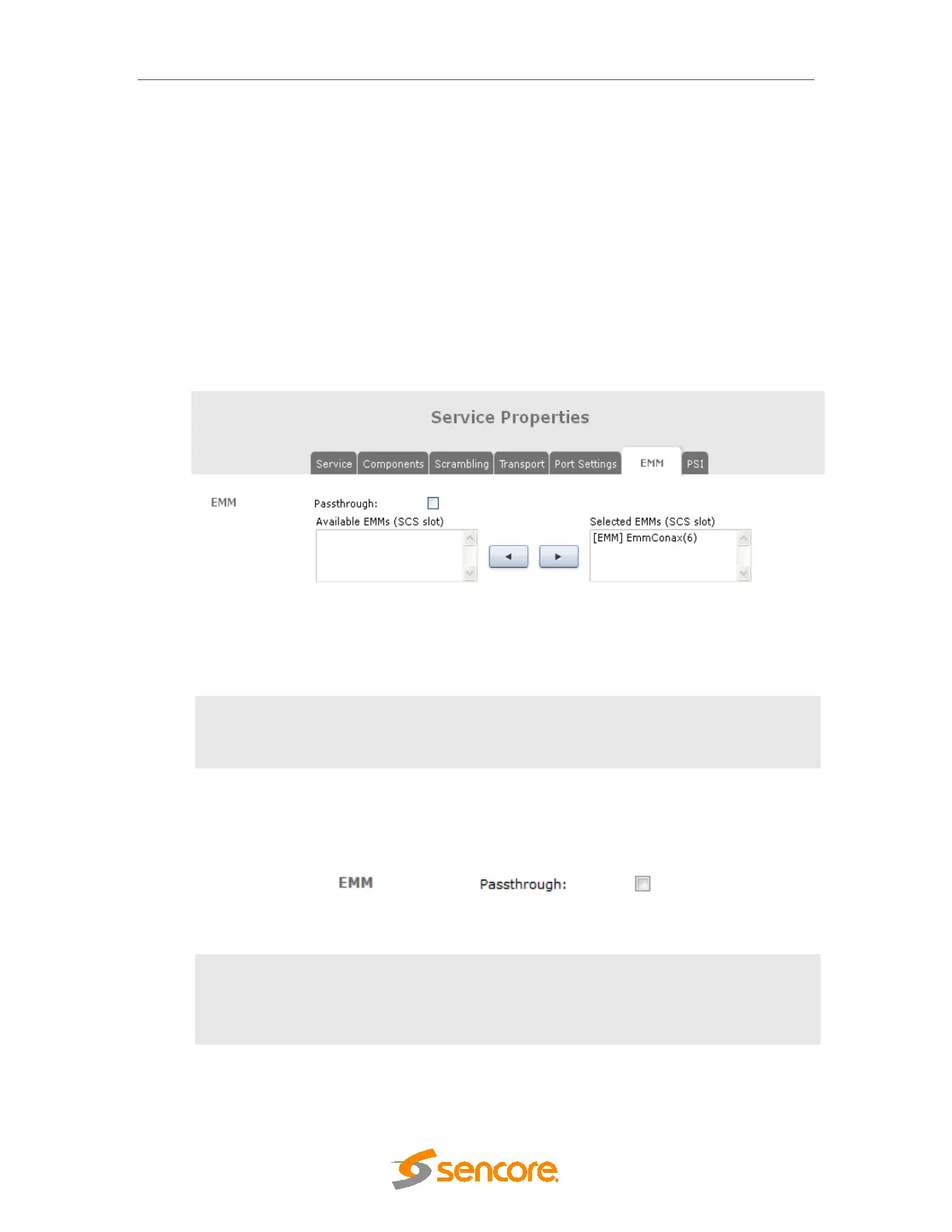
This tab makes it possible to add EMM streams inserted by the CA server via the unit’s
scrambling module by selecting the desired EMM(s) from Available EMMs and clicking on the
appropriate arrow to move it to Selected EMMs.
Figure 7.16 - EMM Tab for IP Modules
Available
EMMs
A list of EMMs received from the CA server via the unit’s
scrambling card, configurable under: Conditional Access
SCS
EMMG/PDG; multiple EMMs may be added.
The EMM tab is the same on all modules. However for IP SPTS, there’s an additional
Passthrough option as shown in the figure below.
Figure 7.17- Passthrough Option for EMMs in SPTS
Passthrough
EMM Passthrough enables an incoming service to be transmitted with its
original CA including EMM and CAT without being descrambled in the
unit, so that receivers further down the chain can carry out the
descrambling process instead.



 To Next Page