DMG 3200/3100/3000 – User Manual
Page 44 (306)
Usually, the license file will be sent in a ZIP file and can be loaded directly to the GUI.
Once a license file is available from a machine with access to the web GUI, select the file and
click Install License. If no warnings are displayed, the additional privileges should now be
available.
4.3.3 Demo Licenses
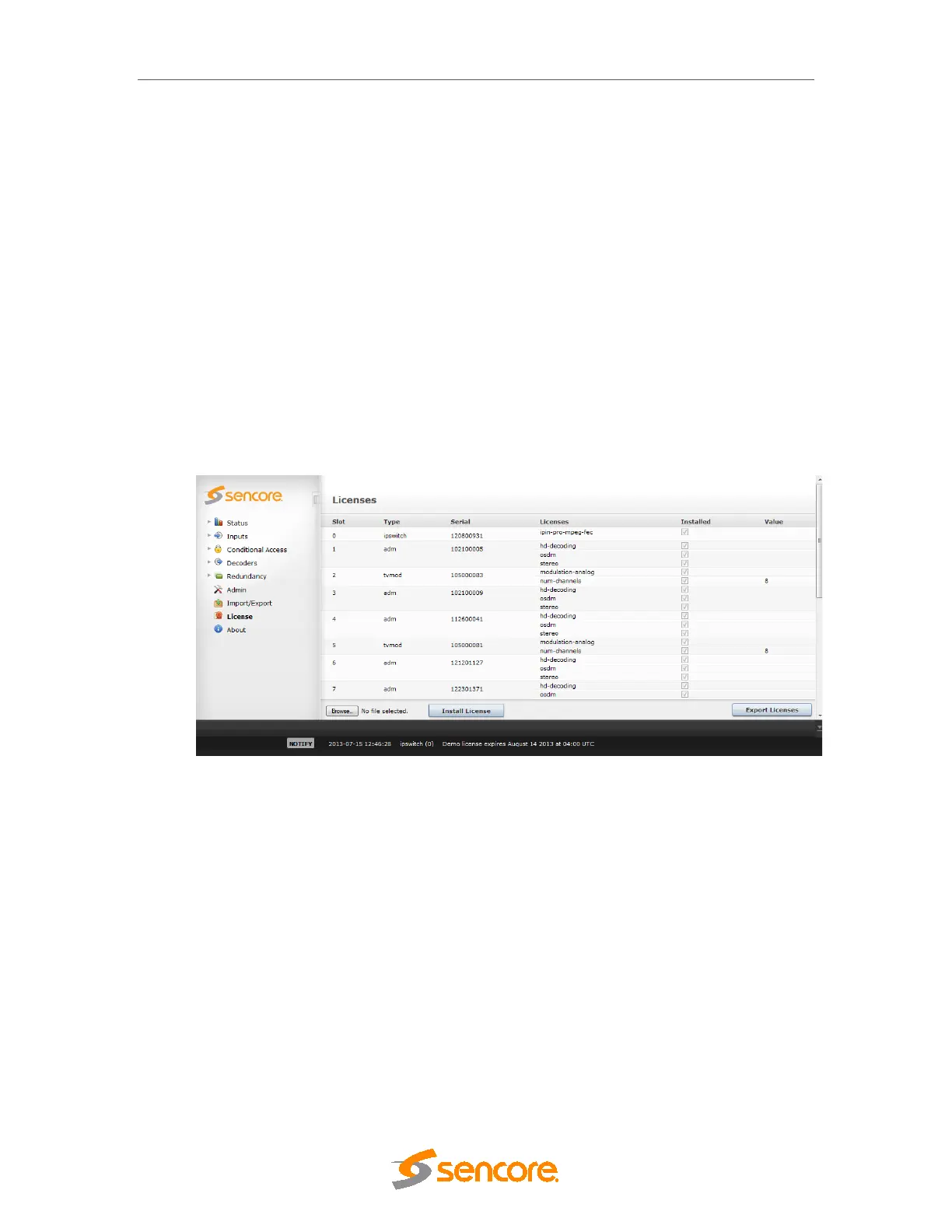
When required, a time limited demo license can be provided in order to evaluate licensed
features. The procedure to load a demo license is the same as a purchased license.
Once installed, the GUI will notify the user by creating an alarm about the presence of the demo
license and what date it expires. When the demo license expires, then the card will be rebooted
at 4 AM UTC time. After the card has rebooted, the demo license is no longer present on the
card.
Figure 4.19 – Demo License
5 Input Configuration
This chapter describes the Inputs node in the GUI and how to analyze the available inputs.
5.1 The Inputs Node
The unit can be configured to host a number of different input modules. Open the Inputs node
from the Navigation Pane to view all available input modules



 To Next Page