DMG 3200/3100/3000 – User Manual
Page 43 (306)
Module License Description
number-of-sd-encoders Enables the number of SD services to be transcoded.
number-of-statmux-
channels
Number of channels with Statistical multiplexing enabled
transcoder-
ms
hd-encoding Enables HD encoding of input source
Dolby Digital Plus
Professional Decoder
Enables decoding of Dolby Digital (AC-3) and Dolby Digital Plus (E-AC-3) inputs,
scrambler number-of-scrambled-
services
Enables the number of services to be
scrambled and the corresponding
encryption algorithm.
aes-cbc-irdeto Vendor specific scrambling license.
pvr-mode, pes-clear Enables PVR mode for the scrambler and ensures that the pes headers are not
scrambled.
* pes-clear and pvr cannot be active simultaneously
Table 1 - Types of Licenses available
If a licensed feature is used without the correct license installed, the system will produce a
License Violation warning. Use the License node to find which licenses are acquired and
available.
4.3.1 Ordering a License File
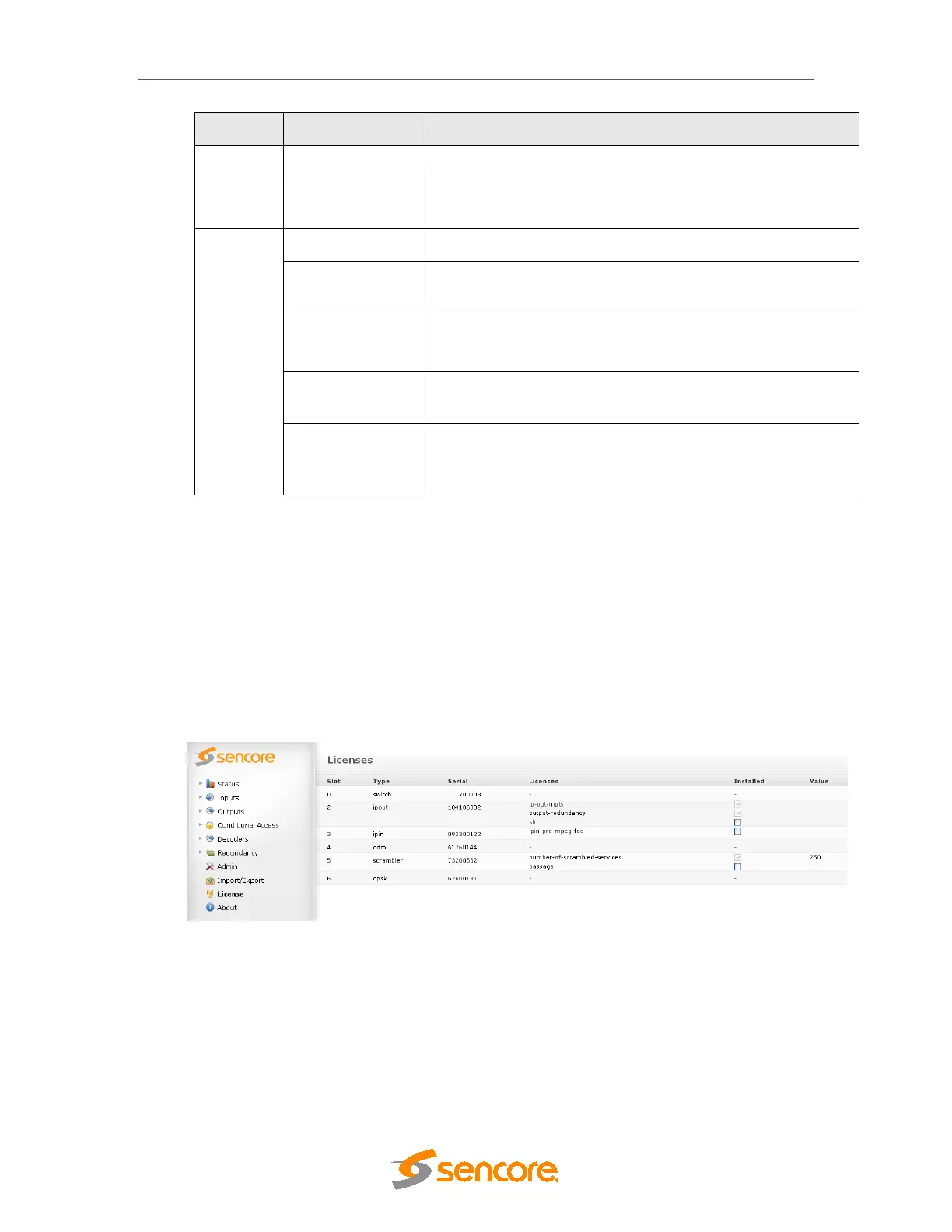
Use the License node to order a license file. Flag the required licenses using the check boxes.
The Order License button will produce a license order file which should be sent to Sencore. A
matching license file will then be returned.
Figure 4.18– Licensing
4.3.2 Installing a License File
A valid license file may contain licenses for one or several cards. This means that one license
file may be used for several units. The installation process will scan the file and if a matching
serial number is found the license will be installed on the respective card within the unit. The
license file is signed; if edited, it will be invalid.



 To Next Page