DMG 3200/3100/3000 – User Manual
Page 242 (306)
Encoder->Edit->Source->Video Format
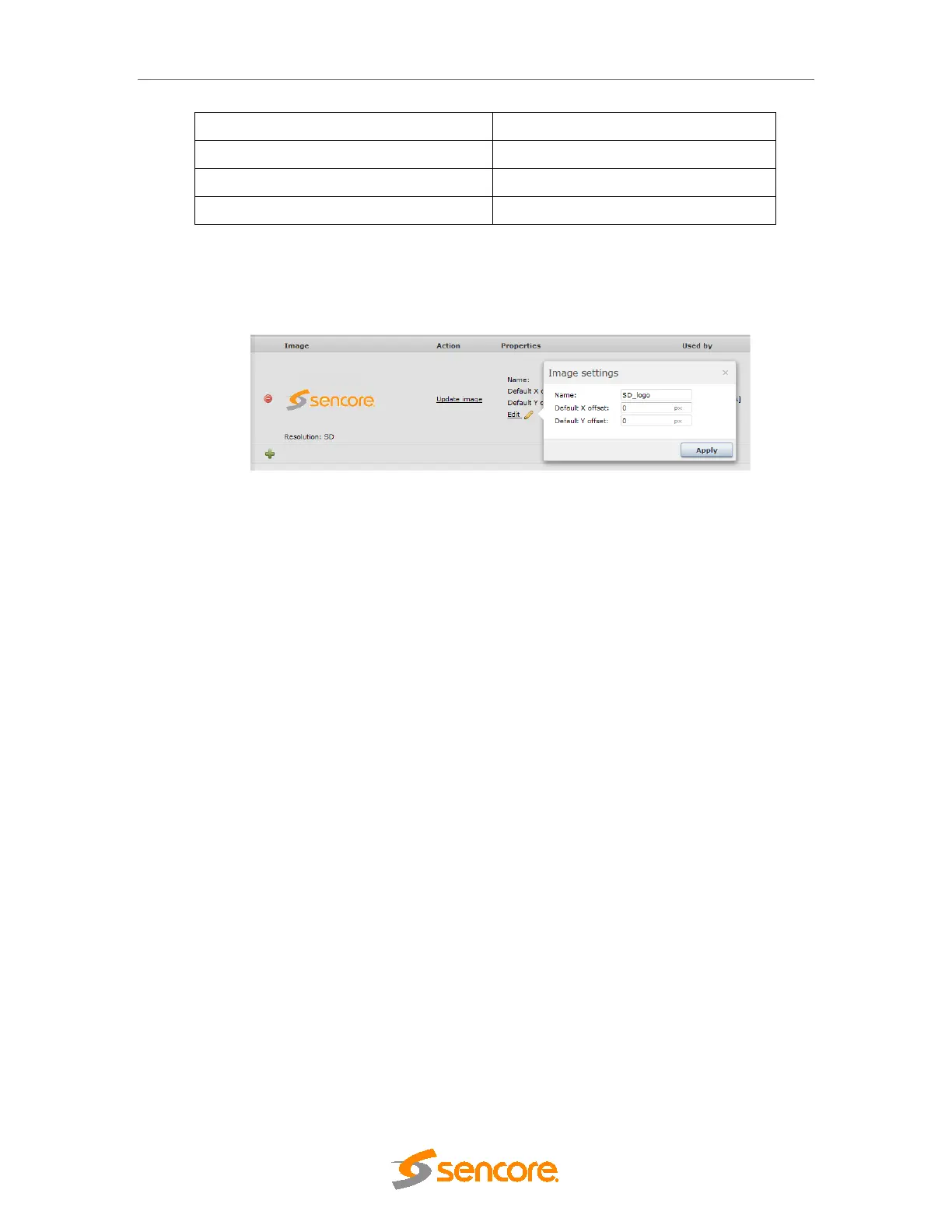
Once uploaded, it is possible to edit the information/details of the logo.
Figure 8.54 Edit Logo details
For each downloaded logo the user can define a default position. The position defined with pixel
accuracy. X (horizontal) and Y (vertical) defines position of top left corner (TLC) of logo in
active video.
• Example 1: Position (X=0, Y=0) positions logo’s TLC in TLC of active video.
• Example 2: Position (X=200, Y=100) positions logo’s TLC 200 pixels from LHS, and
100 pixels down from first line of active video.
The logo can be updated at any time by clocking on the ‘Update image’ text.
9 Digital Processing Modules
9.1 Audio Leveling Module
The Audio Leveling card is able to adjust the audio level for up to 250 audio PIDs. The leveling
process operates purely in the digital domain which means there is no signal degradation
associated with this process.
The concept with the Audio Leveling card is to be able to adjust all the outputs to the same
audio level so that zapping between channels will be more comfortable.



 To Next Page