DMG 3200/3100/3000 – User Manual
Page 254 (306)
Backup – inputs are routed from the backup input source
Click Switch to change the current active input. If the current active input is Main, the input
source will switch to Backup and vice versa. For port-based input redundancy entries, an
additional Remove button is visible. Click Remove to remove the port for which input
redundancy is configured.
10.1.1 Configuring Service-based Input Redundancy
Service-based redundancy is set up under the Outputs node. Double click on a service of your
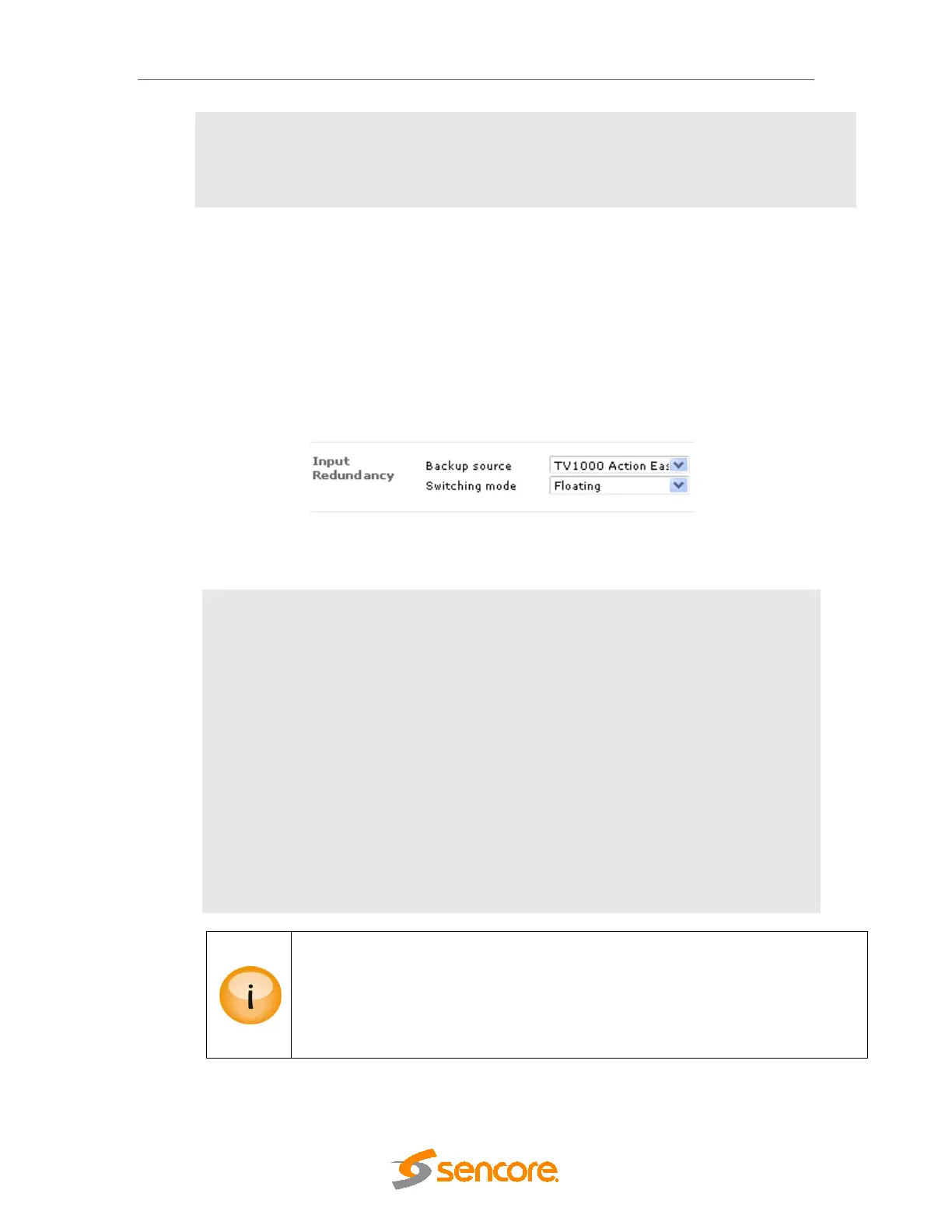
choice to access the Service Properties dialog. Under the Input Redundancy section, select
the appropriate parameters.
Figure 10.2 - Configuring Service-based Input Redundancy
The following parameters are available:
Backup source
Assign a backup service; choose None to disable input redundancy.
Switching mode
Select a suitable mode for each redundancy pair. The following
modes are available:
Off – Stop switching whether it is on main or backup
Once – Switch from main to backup when an alarm occurs on main
and remain there
Floating – Switch when an alarm is set on the service that is active,
ignore clear alarms
Reverting – Switch to backup only if there is an alarm on main but
not on backup; switch back when alarms on main are removed or set
on backup (this is the recommended mode).
Input redundancy on Scrambled MPTS inputs must be configured carefully. This is
because if the input must be descrambled it is not possible to select different
descrambler modules for each service (main and backup). In other words, all inputs
to the descrambler must be routed from the same input source. Currently the system
does not enforce this requirement; hence it is recommended that caution be
exercised when combining descrambling with input redundancy.
10.1.2 Configuring Port-based Input Redundancy



 To Next Page