DMG 3200/3100/3000 – User Manual
Page 39 (306)
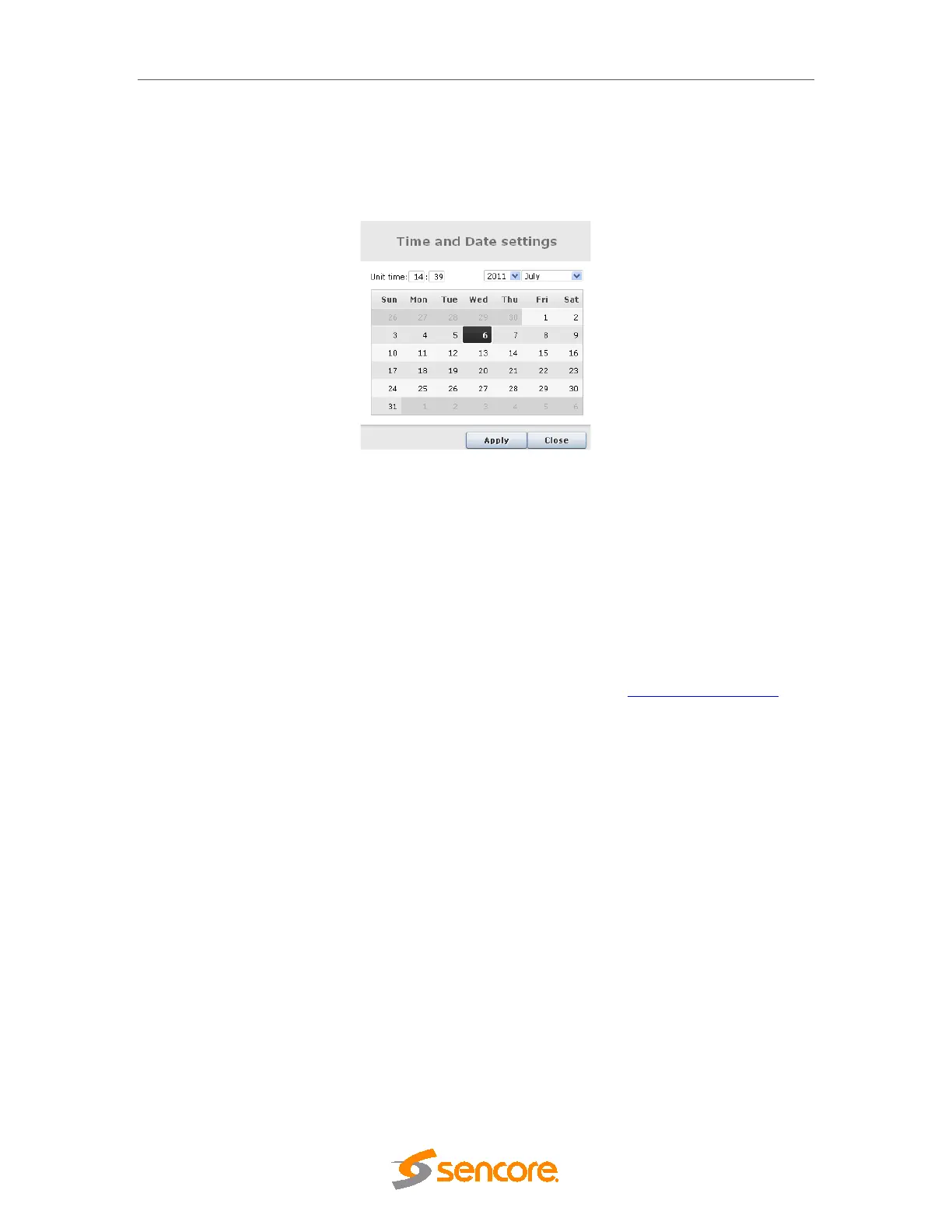
To set the internal time manually, simply click on Edit time & date to produce the dialog below.
Figure 4.12 – Setting the Time and Date
Set the date and time accordingly.
Once the internal time has been configured, it will be displayed in the Current Time field, under
the Time and Date section.
4.1.6 Automatic Daylight Saving
The Time Zone can also be selected on the Admin page for automatic updates of daylight
savings for the system time.
If you required the Time Zone file for a given region, please contact procare@sencore.com
.
This file can be installed from the Maintenance Center, by selecting and uploading to the MMI
slot.



 To Next Page