DMG 3200/3100/3000 – User Manual
Page 124 (306)
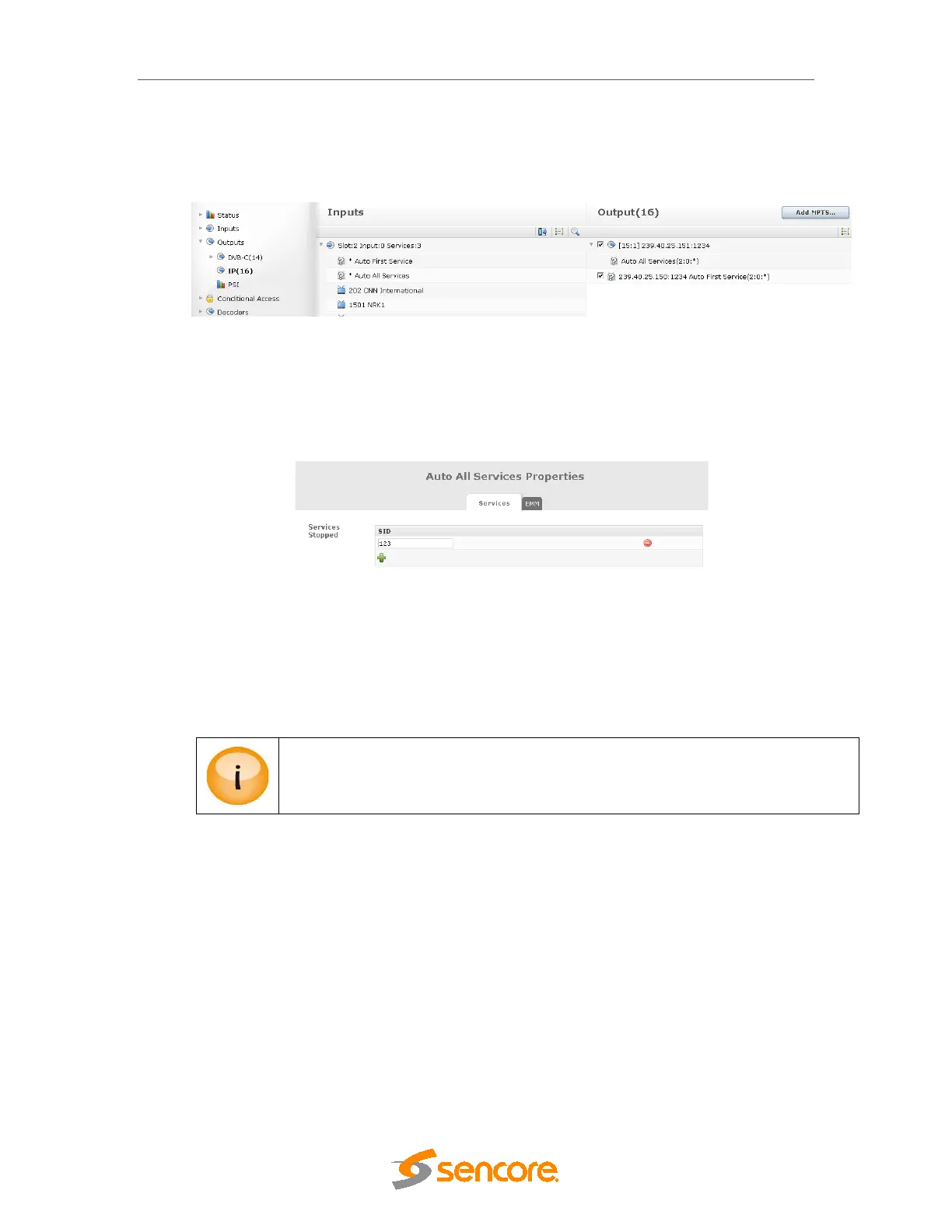
With an “Auto All Services” configured the system will automatically add all these input port
services to the output.
Note: It is not possible to add more than one “Auto All Services” per output.
Figure 7.4 – Auto All Services output configuration
It is possible to filter one or more services to be automatically removed by specifying the
incoming service ID in the blocking list. This is available on the edit dialog of the output “auto-
service” and can be accessed by double clicking on this.
Figure 7.5 – Stopping a selected service
By removing the “Auto All Services” node all the services from that input will be removed.
In conjunction with an ‘Auto All’ service, it is possible to add additional local or other programs in
the normal way i.e. drag and drop to the MPTS node.
Service ID clashes are not automatically handled when using a combination of ‘Auto
All’ and additional services.



 To Next Page