DMG 3200/3100/3000 – User Manual
Page 68 (306)
The default mode is DVB. If the incoming transport stream is not DVB
compliant, use MPEG mode instead.
Enable
Enable the corresponding input port
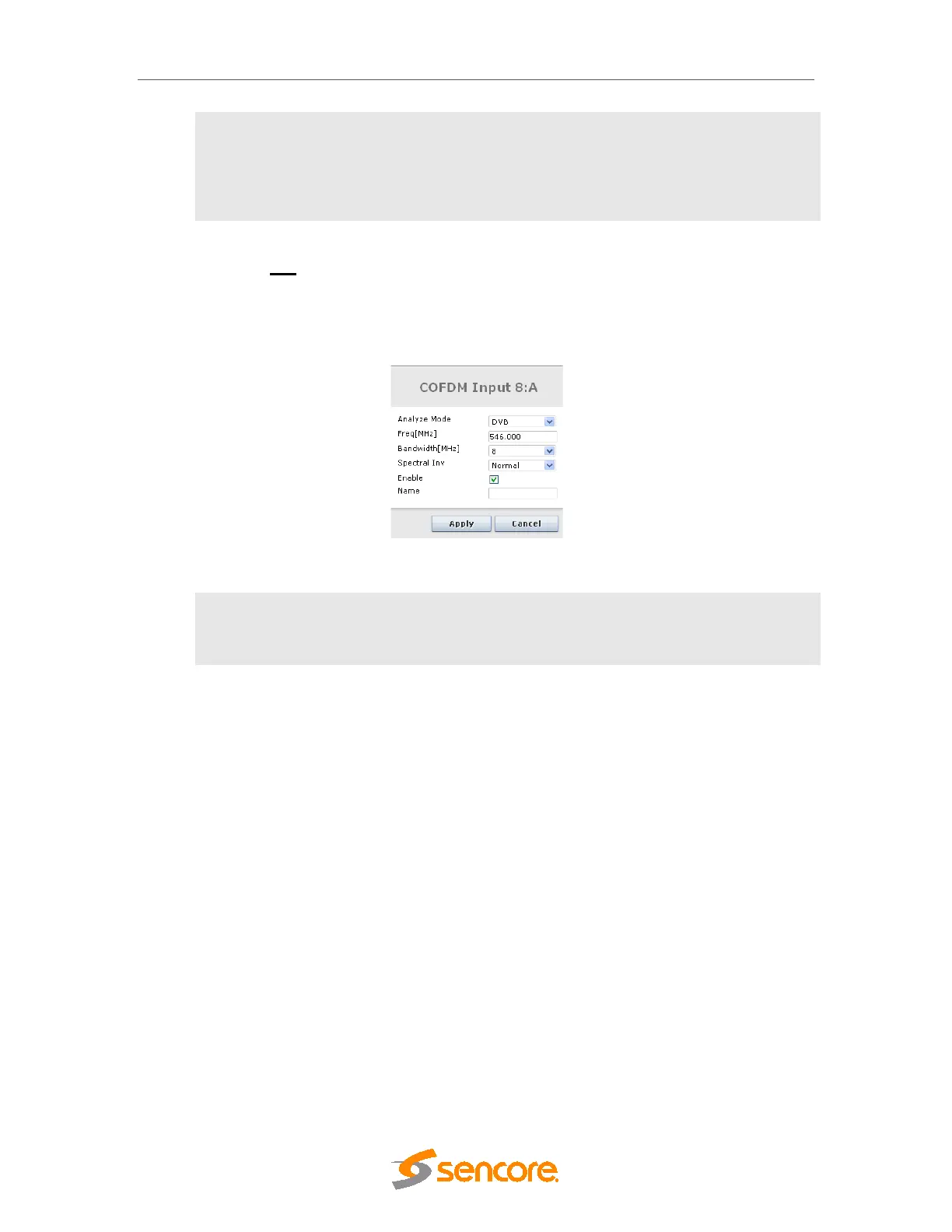
Clicking the edit link on the right displays the dialog below, allowing for the Mode, Freq [MHz],
Symbol Rate [MBd], Bandwidth [MHz], Spectral Inv, Enable, and Name parameters to be
edited.
Figure 5.26 - COFDM Edit Dialog
Name
This parameter allows for each port in a module to be labeled. This label is
visible as a tooltip when the mouse cursor hovers over the port. Port names
are shown in the alarms when a non-empty string is set as the name..
The status parameters for the COFDM module are shown in
Figure 5.24 below. Click on the letter representing the input channel (A, B, C or D) to display the
status parameters for the specific input port.



 To Next Page