ECDIS-E User Guide Charts
65934012 4-23
Go To Chart
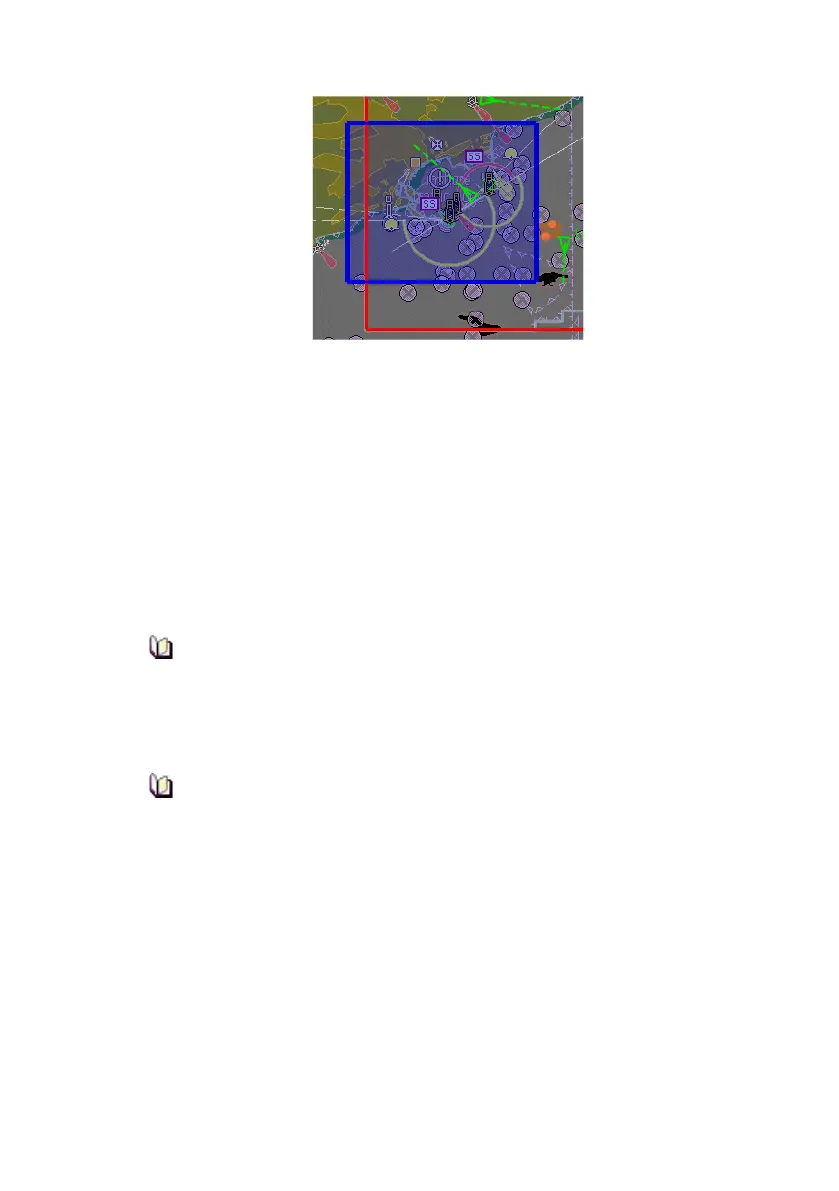
The Go to Selected Chart button pans the display to the centre of a
selected chart from the Chart Index window.
To pan to a particular chart, select the chart by clicking anywhere within the
chart row, and with the selected chart highlighted click the Go To Selected
Chart button. The display is re-drawn to the centre of the chart boundary
box, TM limits are switched off and a temporary prompt displays TM Limits
Off.
When using the Go to Selected Chart function the following notes should
be taken into consideration:
The function only changes the displayed location. It will not
necessarily display the selected chart if its database is not currently
enabled. If a different chart database is enabled, the operator will
need to select the desired chart from the Chart button drop down
list.
The function does not change the range scales to ensure the chart
is displayed. It is also possible that the centre of the chart boundary
box does not actually fall into a coverage area of the chart
depending on the chart shape (for example, an L-shape boundary).
TM limits are re-enabled and the navigation chart displayed when the
Centre button or Motion Mode button are clicked.



 To Next Page