ECDIS-E User Guide Charts
65934012 4-75
crowded harbour area. If a zero value is selected a `Minimal Safety
Region' caution is generated. The caution is removed from the Alerts list if
the time is increased to at least 1 minute, or the distance to at least 0.3 NM.
Safety region alerts in the Dangers window are suppressed when
zero Look-Ahead time/distance is selected.
As the safety checking is done periodically there is a delay of a
few minutes for dangers in the dangers list to time out after the look
ahead time range has been adjusted. This prevents the same
dangers from being added or removed from the list, and re-
alarming due to fluctuations in the ship's course.
Added Breadth enables a safety region width to be added to either side of
own ship’s beam. The value defines the safety breadth from ship's beam in
metres that the system checks for dangerous objects (for example,
underwater obstructions) that are shallower than the Shallow Contour
specified in Chart Depths/Heights.
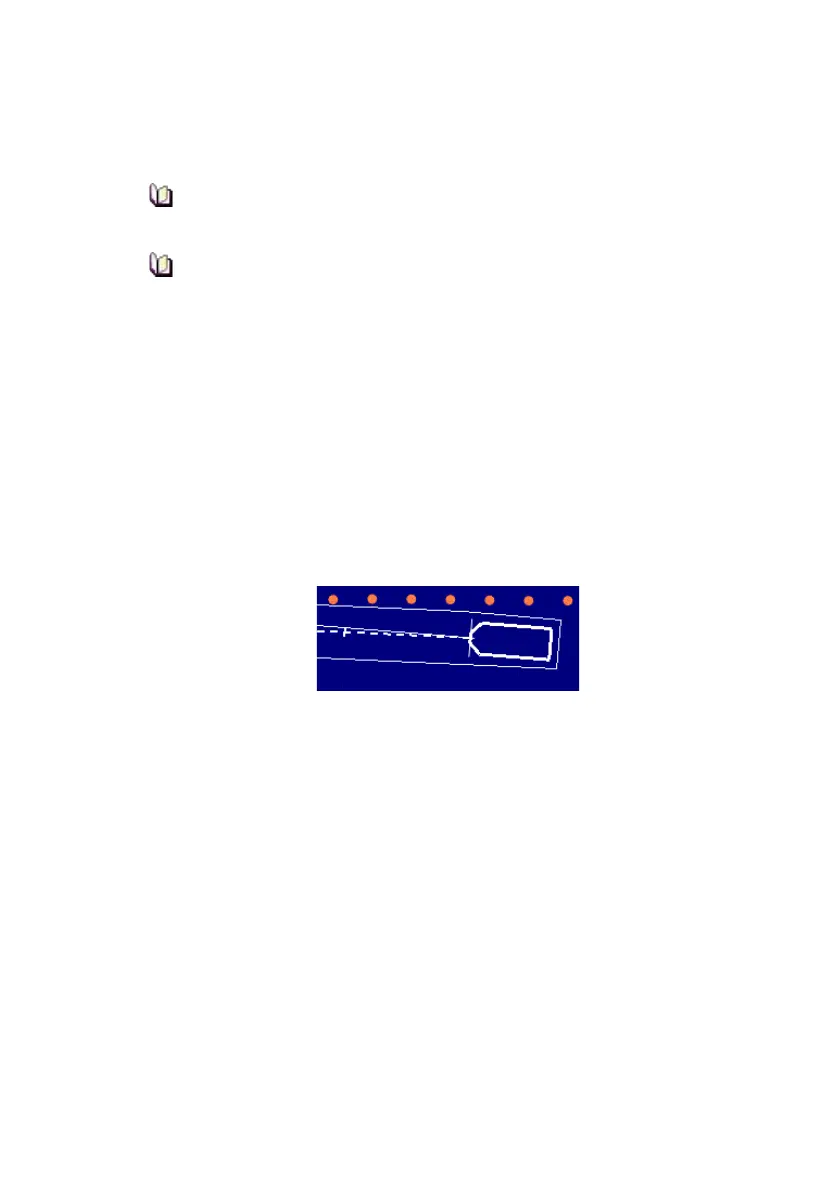
If no added breath is defined (i.e. the value is set at 0) then safety checking
is to the beam of the ship (see below). Unlike Look Ahead range no caution
is generated when added breadth is at 0.
2. To change the value click in the Added Breadth field and move
the trackball left or right. As the safety breadth is changed the width
of the safety region changes accordingly.
3. The default setting for the generation of Caution alarms is off. To
display alarms for cautions tick the Alarm On Cautions check box.



 To Next Page