ECDIS-E User Guide Appendix A - Chart Installation
65934012 A-3
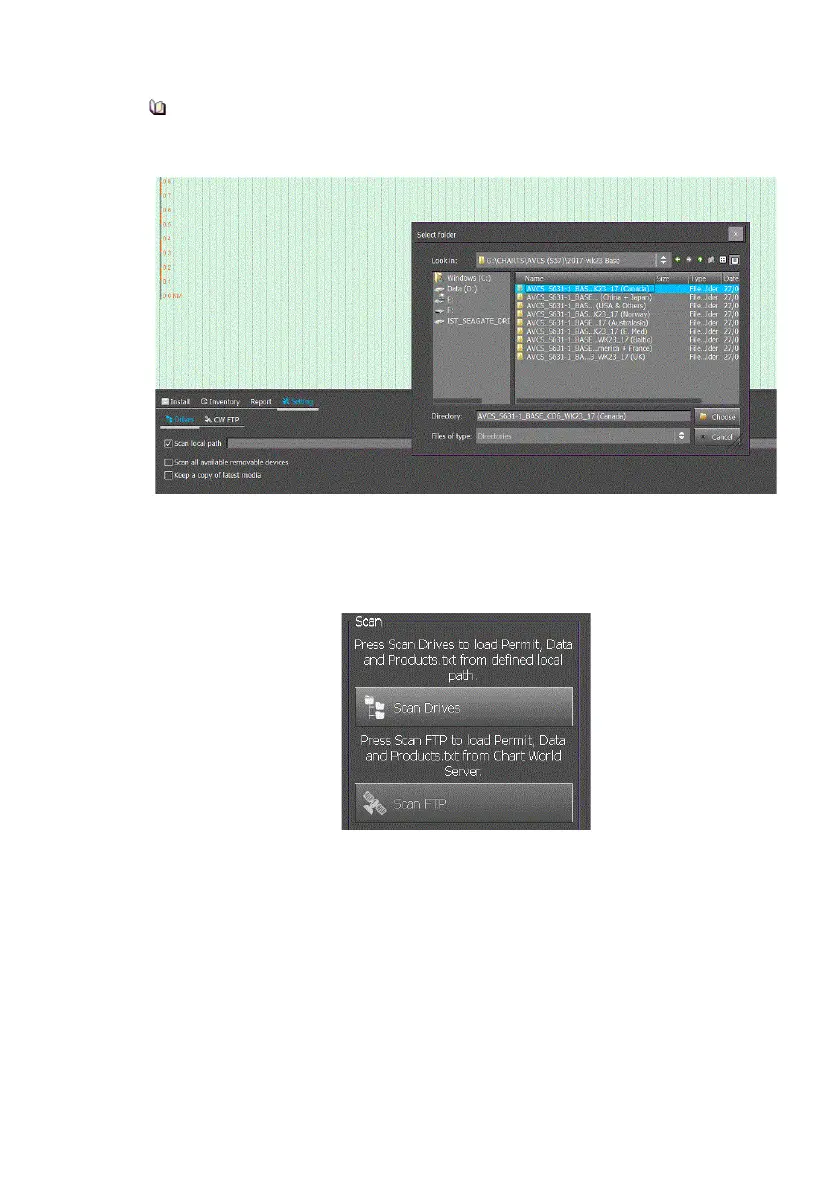
It is recommended that you browse sufficiently deeply into the chart
data directory structure in order to ensure accurate selection of
charts and avoid loading more charts than required.
6. Select the chart source directory and click the Choose button. The
Select Folder window is removed.
7. Open the Install tab and click the Scan Drives button. The chart
data, including
chart permits
are loaded to
the defined
local path.
8. When charts are being installed the ChartHandler screen shows
the progress of the installation. While installation is in progress an
Installation Report can be viewed by clicking the Last Report
button, see below.



 To Next Page