ECDIS-E User Guide Routes
65934012 8-25
To delete a critical point do the following:
1. In the Critical Points tab navigate to the CP to be deleted using the
navigation buttons and click on the Delete button. The CP is
removed from the screen and list.
Or
2. Move the cursor over the CP to be deleted. As the cursor moves
over the CP the letters DEL CRTP are displayed below the cross
hair.
3. Right click on the CP and select Delete Critical Point from the semi-
transparent window. The CP is removed from the screen and list.
Although Critical points are associated with a route they are not
associated with route track segments. When a route track segment
is moved or deleted, the critical points that were on that route track
segment remain in their original place.
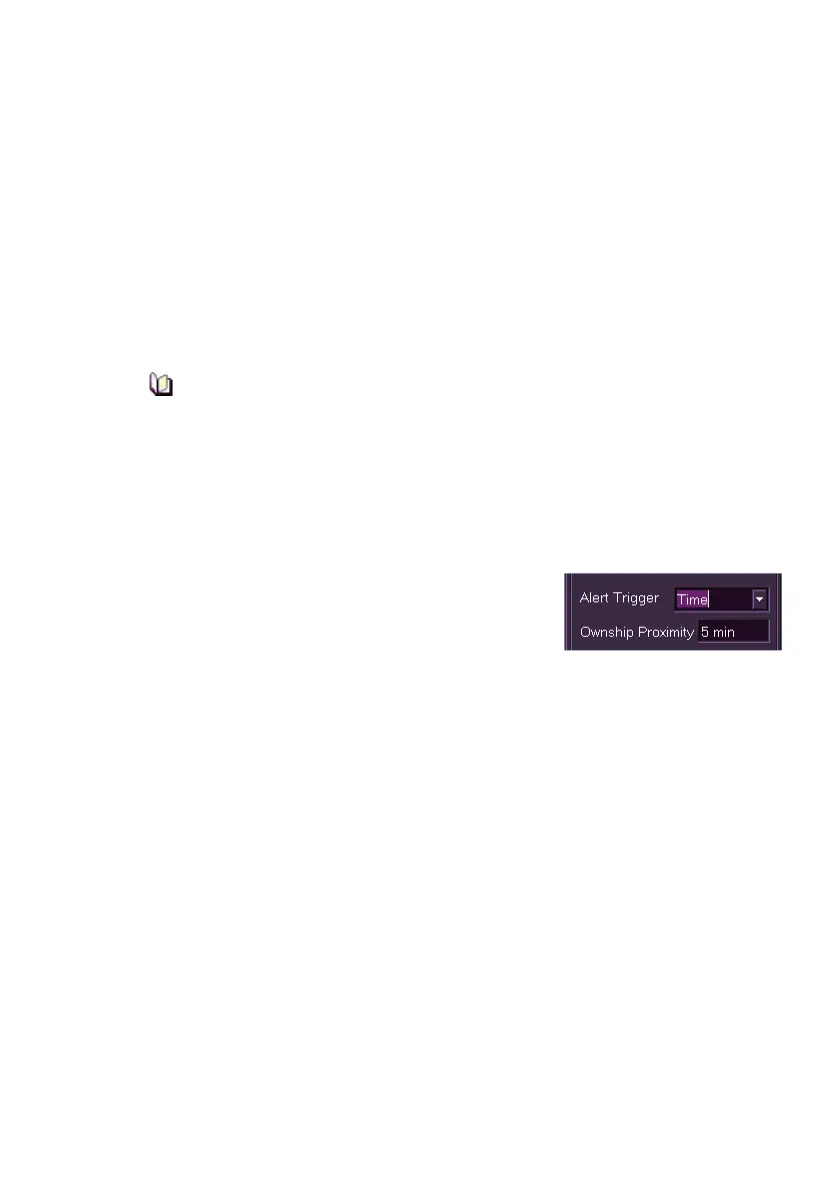
The CP alert trigger defaults to distance, with the trigger being the proximity
of own ship to a CP, shown in metres. When own ship's proximity to a CP
is less than the distance shown an alert is raised.
To change the alert trigger to time, click on the
drop down arrow to the right of the field and select
Time. The Ownship proximity changes to
displaying the trigger value in minutes. To change
the proximity time click in the field and move the trackball left (to decrease)
or right (to increase).
Each CP can be assigned a type of alert (Alarm or Warning) with the
default alert set to Warning. To change the alert setting to an Alarm click on
the Generate Alarm radio button.
The operator can define the text to be displayed when an alert is raised
during route monitoring. To generate alert text click in the Description
field, a screen keypad is displayed. Using the keypad, enter the required
alert message and when finished click the OK button on the keypad.



 To Next Page