ECDIS-E User Guide System
65934012 13-27
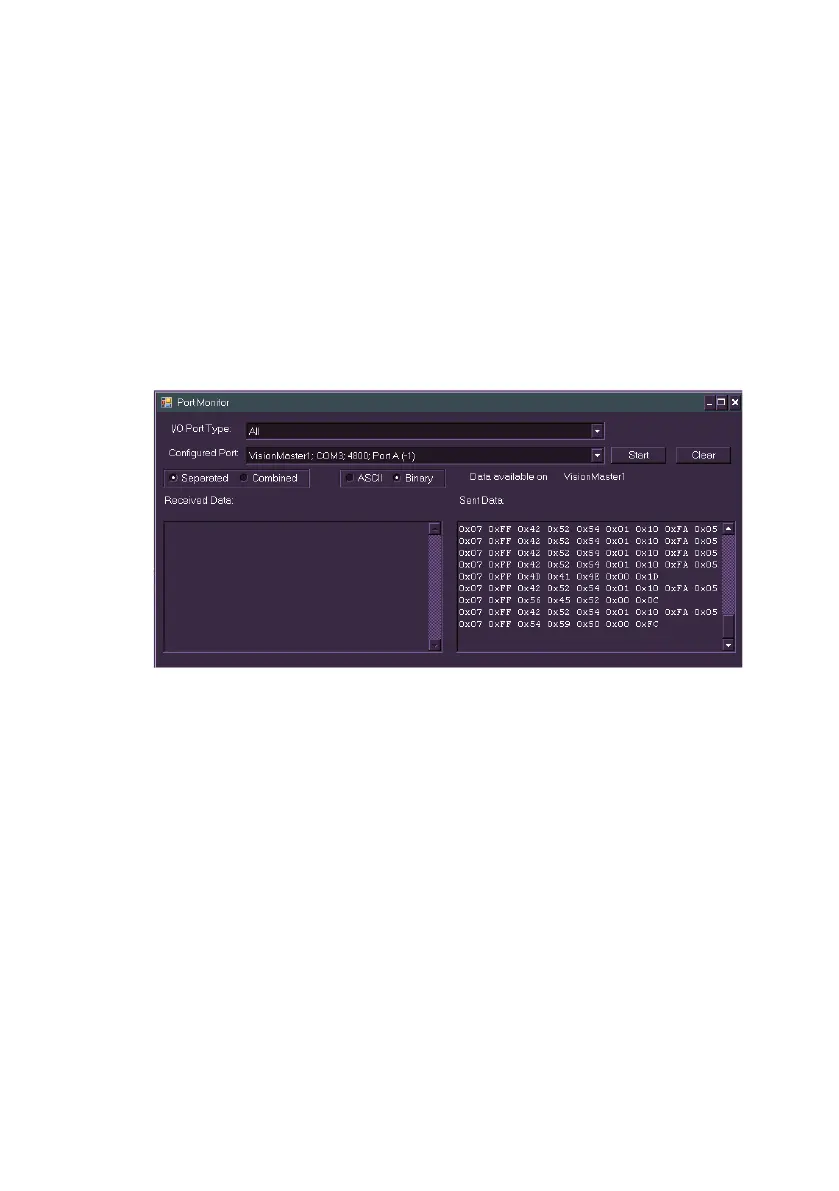
3. The Port Monitor window view options default to separate Received
and Sent data fields and data viewed as ASCII. To change these
default options click in the Combined button to view all data in the
same field and click in the Binary button to view data as binary
code.
4. With all required settings made click on the Start button. The Port
Monitor window displays real time received and sent data for the
selected port and the Start button changes to Stop.
5. To halt the port monitor process click on the Stop button. The port
monitor stops its updating based on data being sent or received.
To clear the data from the Port Monitor window click on the Clear
button.



 To Next Page