System ECDIS-E User Guide
13-28 65934012
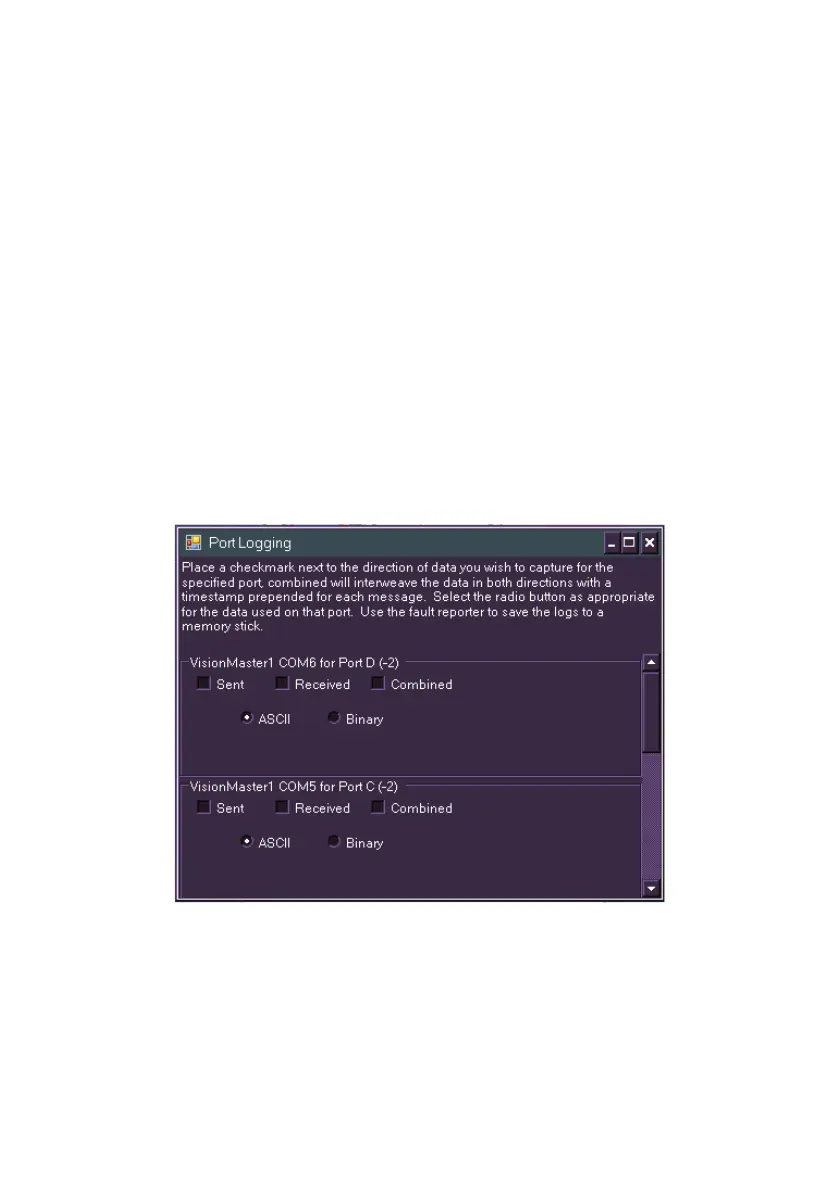
Port Logging
The Port Logging window lists all the currently configured ports on the
system and provides the option to capture data for the specified port.
1. To access Port Logging click on the Communications + button,
highlight Port Logging in the tree menu and click on the Display
Selected button at the bottom of the tab folder. The Port Logging
window is displayed which can be moved and scaled to suit.
2. Click the radio button as appropriate for the data used on that port.
The options are data sent from the port to the display, data
received from the display to the port and combined data
(interweaved in both directions). A timestamp is prepended to each
data message.
3. The data defaults to ASCII, to change the data to Binary click on
the radio button.
4. Logged data may be saved to an external device such as a USB
memory stick via the Report tab folder in the Diagnostics menu.



 To Next Page