ECDIS-E User Guide Basic Operation of ECDIS-E
65934012 3-33
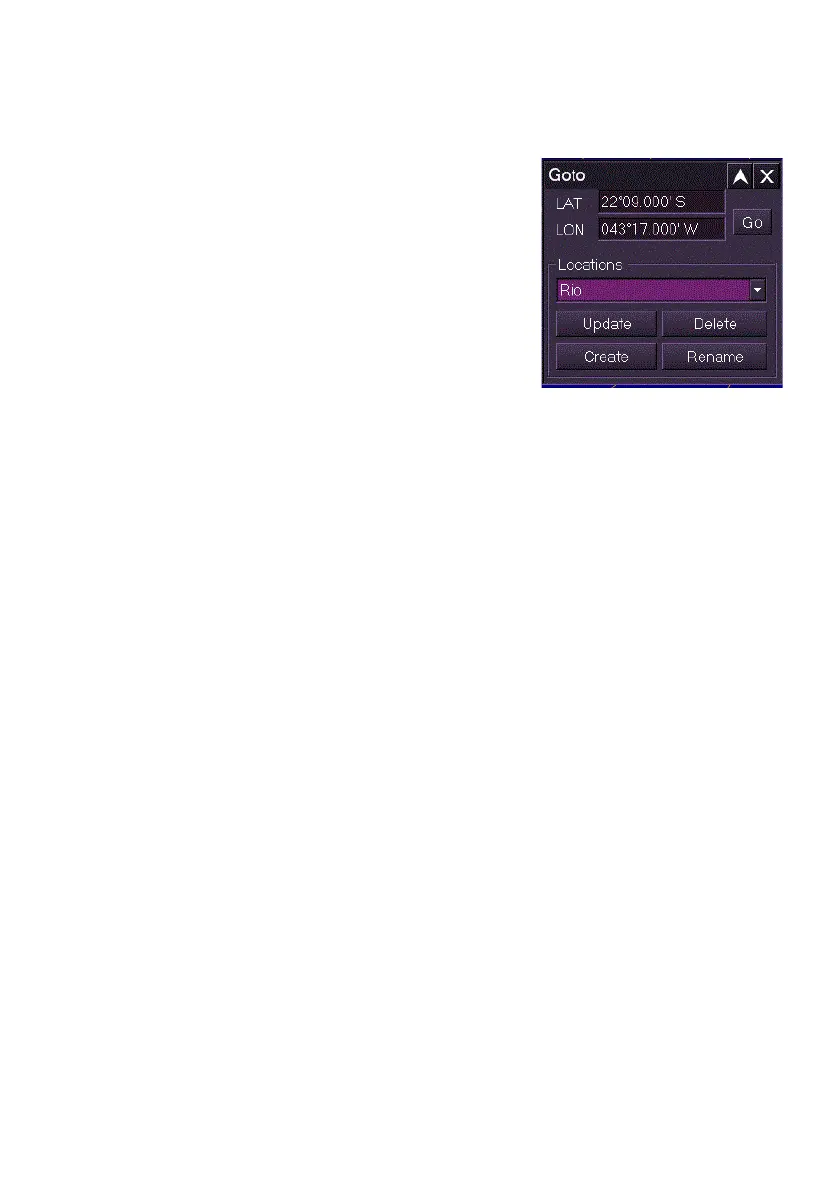
To rename or delete a location do the following:
To delete a saved location:
1. Select the location name to be deleted
by clicking on the Locations drop down
arrow.
2. With the location shown in the field,
click the Delete button. The location
and its coordinates are deleted from the
list.
To rename an existing location:
1. Select the location name to be renamed
by clicking on the Locations drop down
arrow.
2. With the location shown in the field, click the Rename button.
3. The Goto.. window prompts to rename the current location's name
and includes the option of automatically generating a name based
on the current date and time {Auto-Generate Name}.
4. To auto generate the name click the OK button, or to create
another name click in the field and enter a name using the screen
keypad. When the location has been renamed the new name
appears in the location drop down list.



 To Next Page