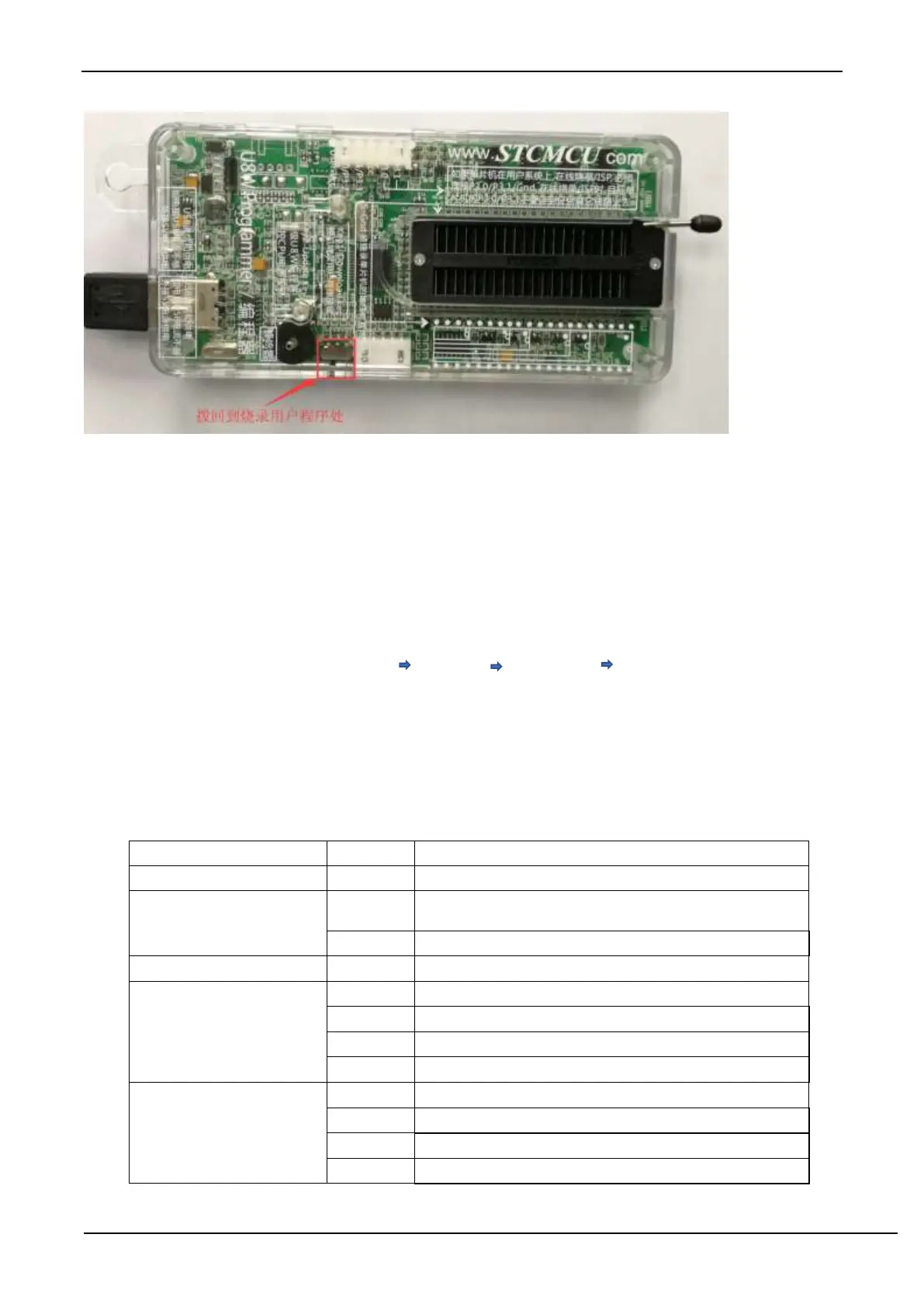
G.3.9 U8W/U8W-Mini set through mode (can be used for simulation)
To use U8W/U8-Mini for simulation, you must first set U8W/U8-Mini to pass-through mode. The method of
U8W/U8W-Mini to realize USB to serial port pass-through mode is as follows:
1. First, the U8W/U8W-Mini firmware must be upgraded to v1.37 and above;
2. After U8W/U8W-Mini is powered on, it is in normal download mode. At this time, press and hold the Key1
(download) button on the tool and do not release it. Press the Key2 (power) button again, and then release the
Key2 (power) button. Then release the Key1 (download) button, U8W/U8W-Mini will enter the USB to serial port
pass-through mode. (Press Key1 Press Key2 Release Key2 Release Key1);
3. The U8W/U8W-Mini tool that enters the pass-through mode is just a simple USB to serial port and does not have
the offline download function. If you need to restore the original functions of U8W/U8W-Mini only need to press
the Key2 (power) button separately again.
G.3.10 Reference circuit of U8W/U8W-Mini
USB online/offline download board U8W/U8W-Mini provides users with the following common control interfaces:



 To Next Page