G.4.5 Use STC universal USB to serial port tool to simulate user
code
The current STC simulation is based on the Keil environment, so if you need to use the STC universal USB to serial
port tool to simulate user code, you must install the Keil software.
After the Keil software is installed, you also need to install the STC simulation driver. The installation steps of STC's
simulation driver are as follows:
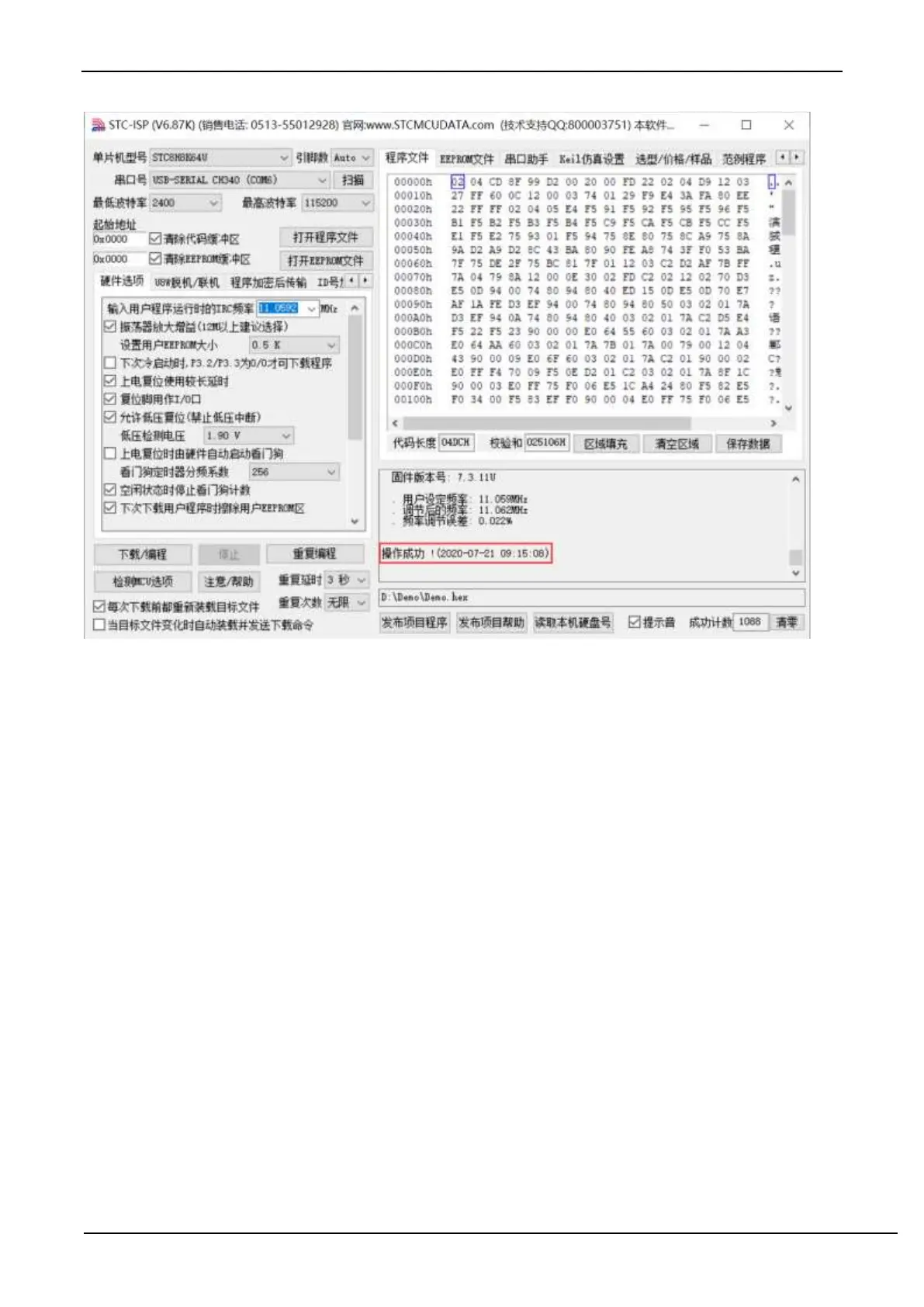
Firstly, open STC-ISP to download the software;
Then click the "Add model and header files to Keil and add STC emulator driver to Keil" on the "Keil simulation
settings" page in the functional area on the right side of the software:



 To Next Page