143
4 Adjusting knitting machine
4.1 Basic settings
Actions for fabric take-down,
auxiliary take-down
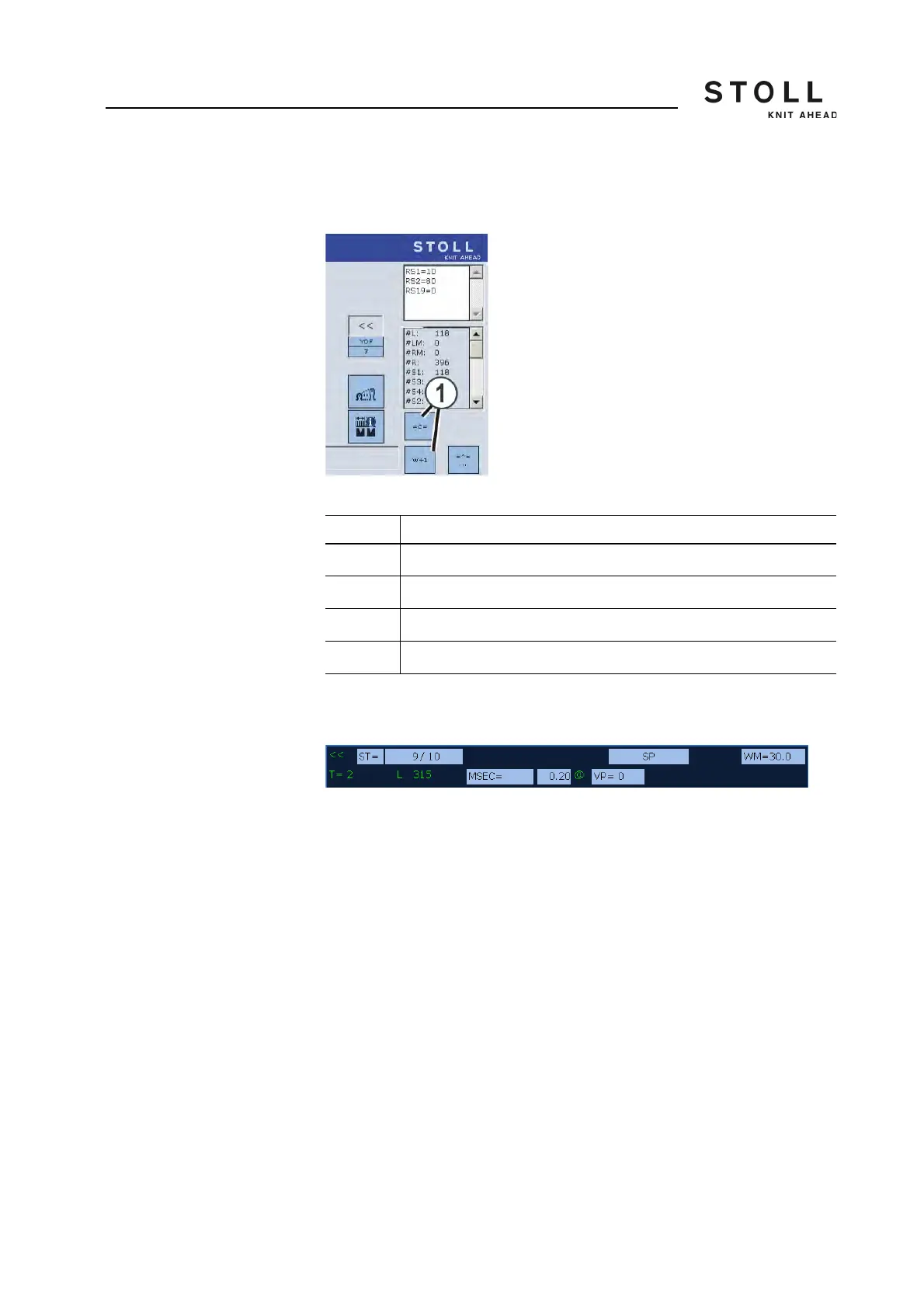
The keys (1) can be used to select actions for the fabric take-down and for
the auxiliary take-down. The possible action is always displayed on the key.
"Actions for fabric take-down, ... " window
State line The elements displayed in gray in the status line can be selected. To do so,
tap one of the gray fields.
"Status line" window
At some elements the gray field is divided. This means: If the front field is
touched, the complete setting menu for this element appears. If the rear part
of the gray field is touched, the window for changing the value appears.
Sintral line If this field is touched, the "Sintral editor" window opens up. The cursor is
automatically positioned before the current Sintral line.
Key Explanation
= C = Close fabric take-down
= W = Open fabric take-down
W+1 Close auxiliary take-down
W+0 Open auxiliary take-down



 To Next Page