Adjusting knitting machine 4
Basic settings 4.1
142
Window with selection
possibilities
Actions can be selected in the following windows:
Comb actions
Fabric take-down, auxiliary take-down
State line
Sintral line
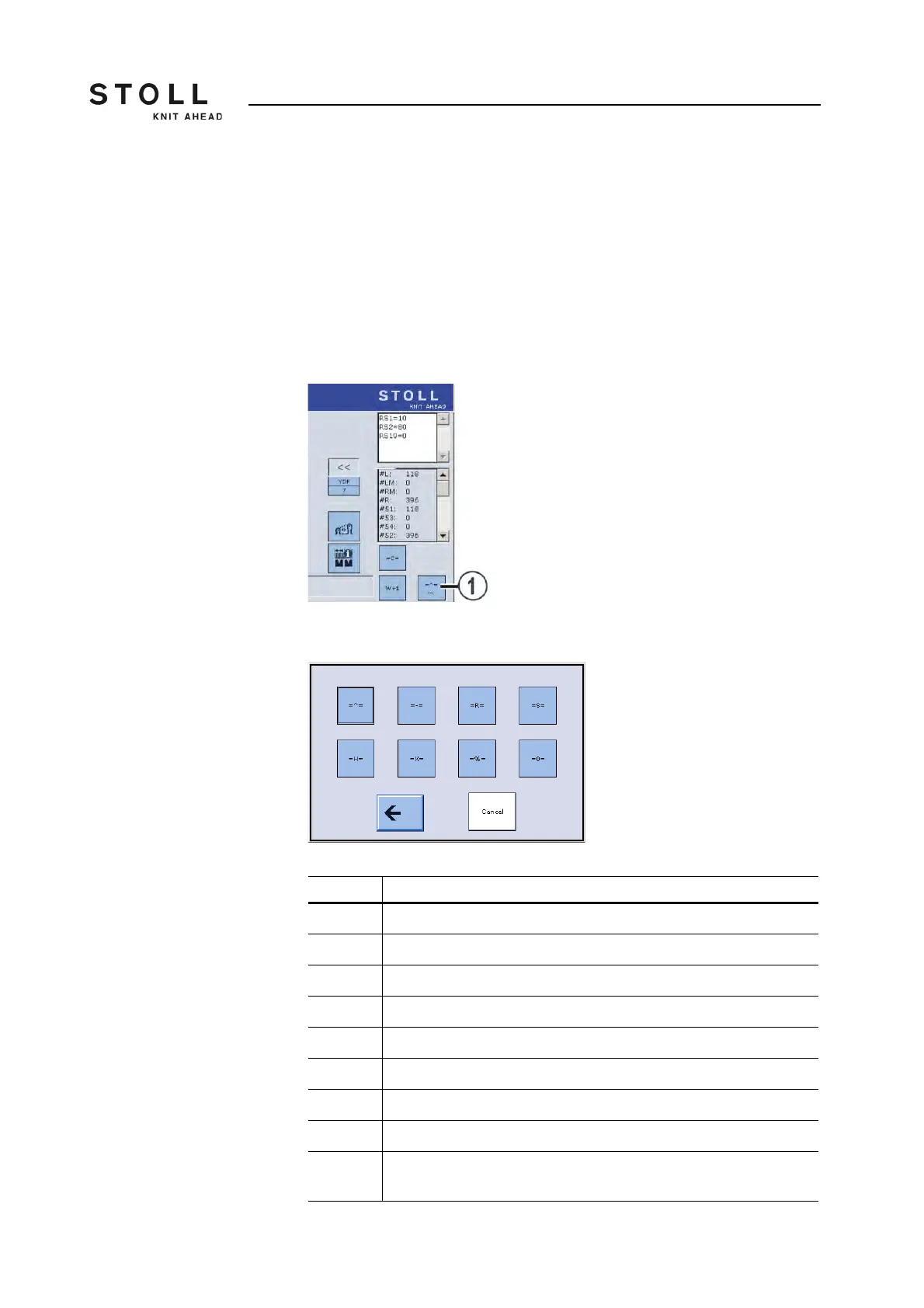
Comb actions Various actions for the comb take-down can be selected by tapping the key
(1).
"Comb actions" window
The "Select comb actions" window appears.
"Select comb actions" window
Key Explanation
= ^ = Comb take-down upwards, grip elastic yarn
= - = Comb take-down in waiting position
= R = Comb take-down reference run
= S = Comb take-down at upper limit switch
= H = Opening the comb hooks
= X = Open the comb brake
= % = Close the comb brake
= 0 = Comb take-down at lower limit switch
Cancel This key can be used to cancel an action as long as it is being carried
out.



 To Next Page