Adjusting knitting machine 4
Working with files 4.3
190
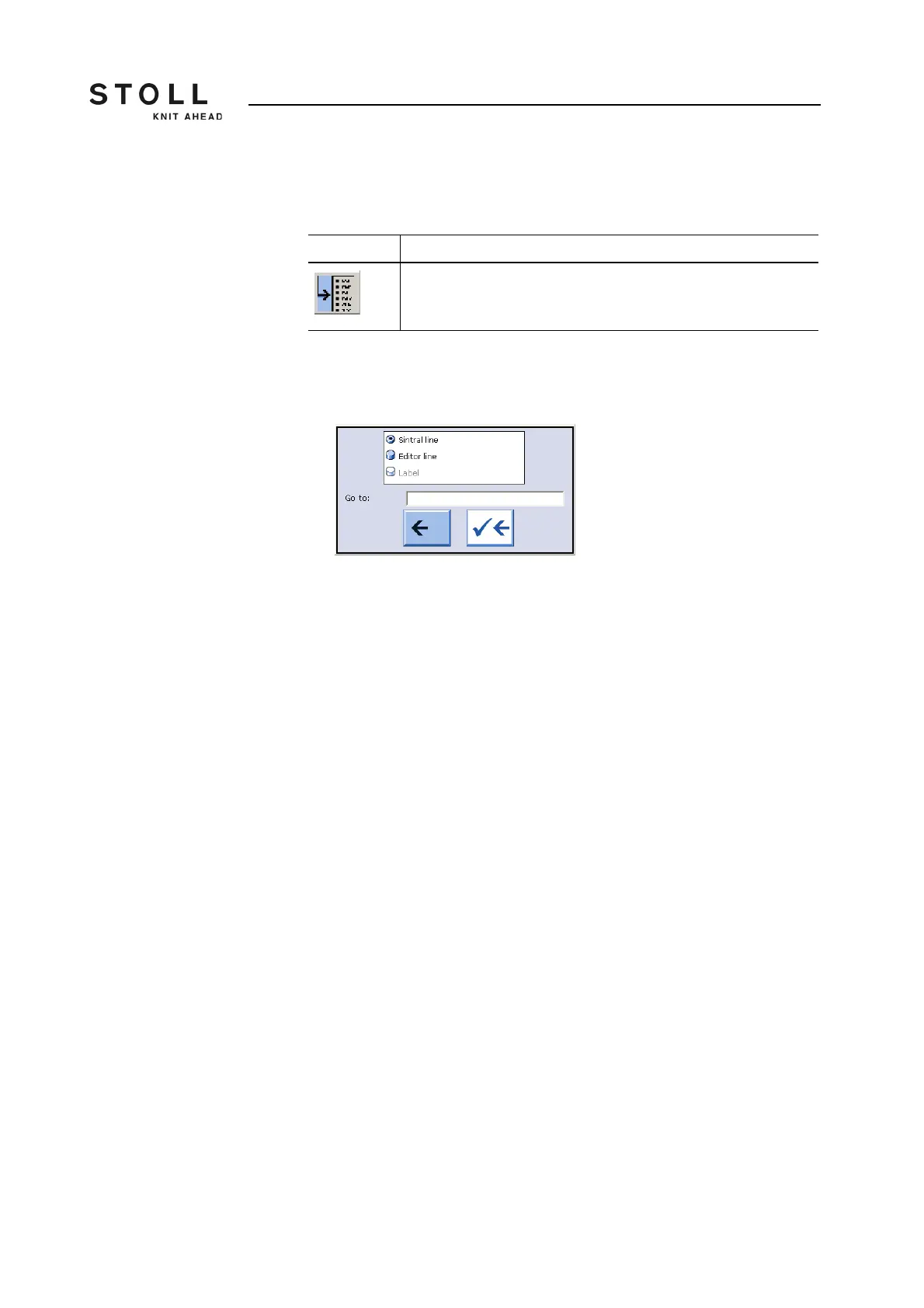
Call up "Go to" selection
window
You can jump to the corresponding point in the loaded file by entering line
numbers or names and selecting the keys.
1. Call up the "Go to" selection window with the "Go to" key.
The "Go to" window appears.
Selection window for "Go to" function key
2. Enter the line number or name to be searched for with the virtual
keyboard.
3. To go to Sintral line numbers, tap the "Sintral line" key,
- or -
➜ To execute a real line jump, tap the "Editor line" key,
- or -
➜ To jump to the named line, tap the "Label" key.
4. To activate the search, tap the right arrow key,
- or -
➜ To exit the window, tap the left arrow key.
Key Function
"Go to" a certain position
"Go to" key



 To Next Page