195
4 Adjusting knitting machine
4.3 Working with files
Call up the selection window
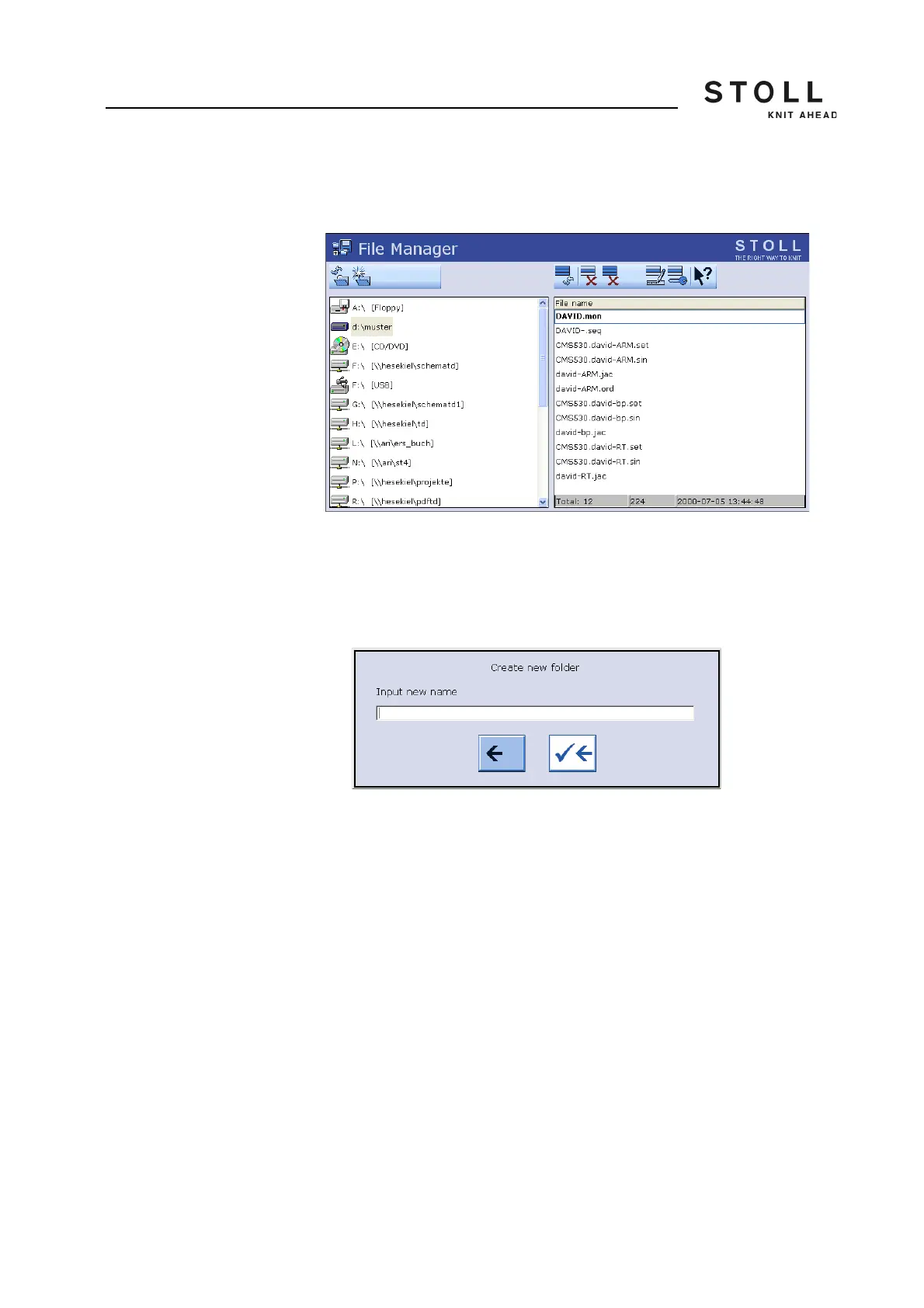
"Create folder"
With the selection of a drive or a folder in the list on the left side, the key
"Create folder " appears.
"Create folder"key in window "File-Manager"
1. Tap the desired folder in the list on the left in which the new folder is to
be created.
2. Call up the selection window with the key "Create folder".
The window "Create new folder" appears
Selection window "Create new folder"
3. Enter the name of the new folder with the virtual keyboard.
4. To save the new folder, press the right arrow key,
- or -
➜ To exit the window, tap the left arrow key.
Further information:
KnitLAN connection [-> 220]
Selecting the current folder [-> 208]



 To Next Page