Adjusting knitting machine 4
Working with the Sintral editor 4.4
216
"Auto-Sintral" function key To activate this key, "Auto-Sintral" must be loaded. In the editor now one
can switch between the currently loaded pattern and "Auto-Sintral".
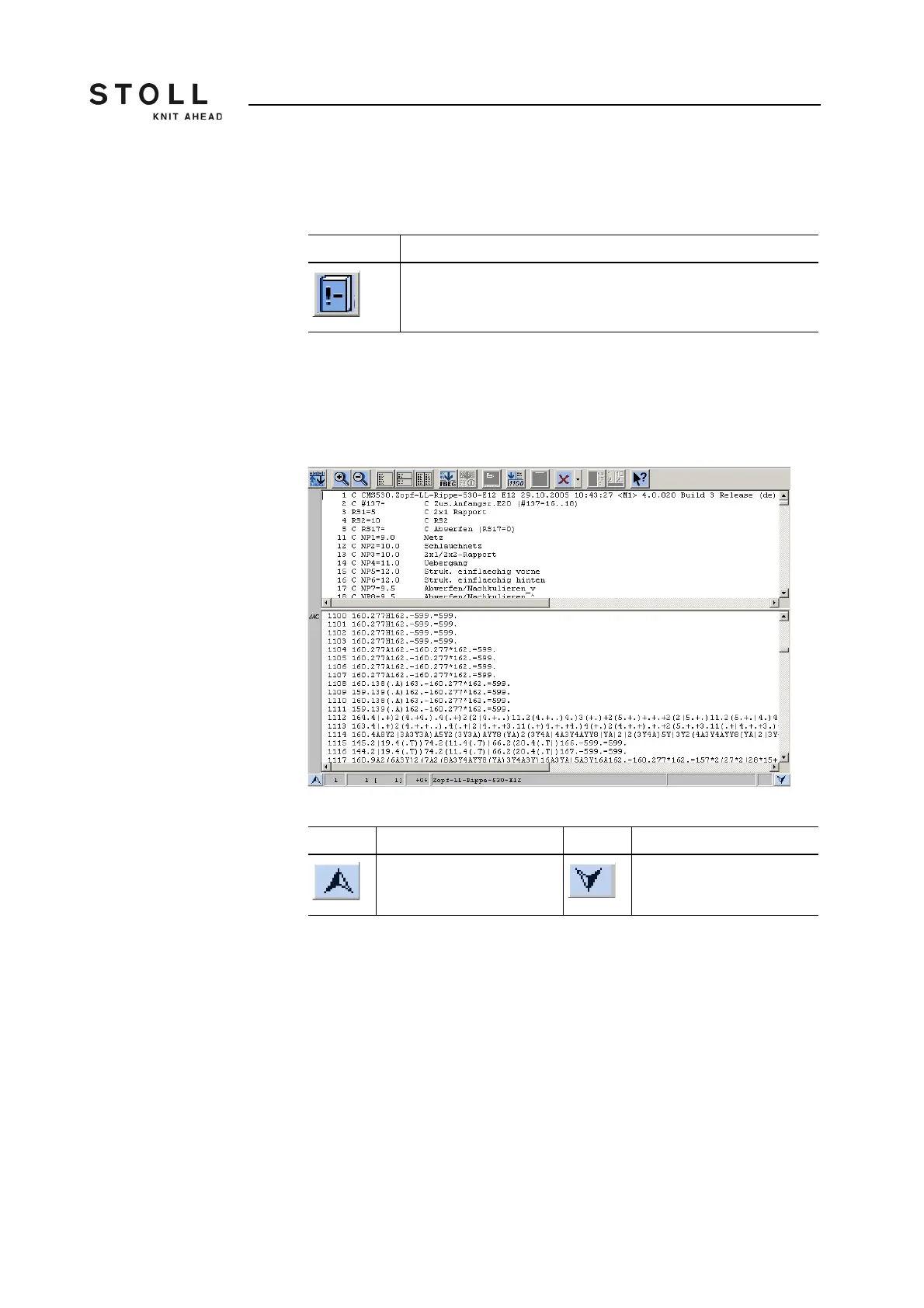
"Tile window horizontally"
function key
This function makes two editors available which work independently of one
another. When opening, the jacquard is jumped to in the lower editor. The
size of the division is changed via both arrow keys on the left or right sides
at the bottom edge of the screen.
Window for the function "Tile window horizontally"
Key Function
Switch over between current pattern and "Auto-Sintral"
"Auto-Sintral" key
Key Function Key Function
enlarge lower part enlarge upper part
Function keys for the function "Tile window horizontally"



 To Next Page