217
4 Adjusting knitting machine
4.4 Working with the Sintral editor
"Tile window vertically"
function key
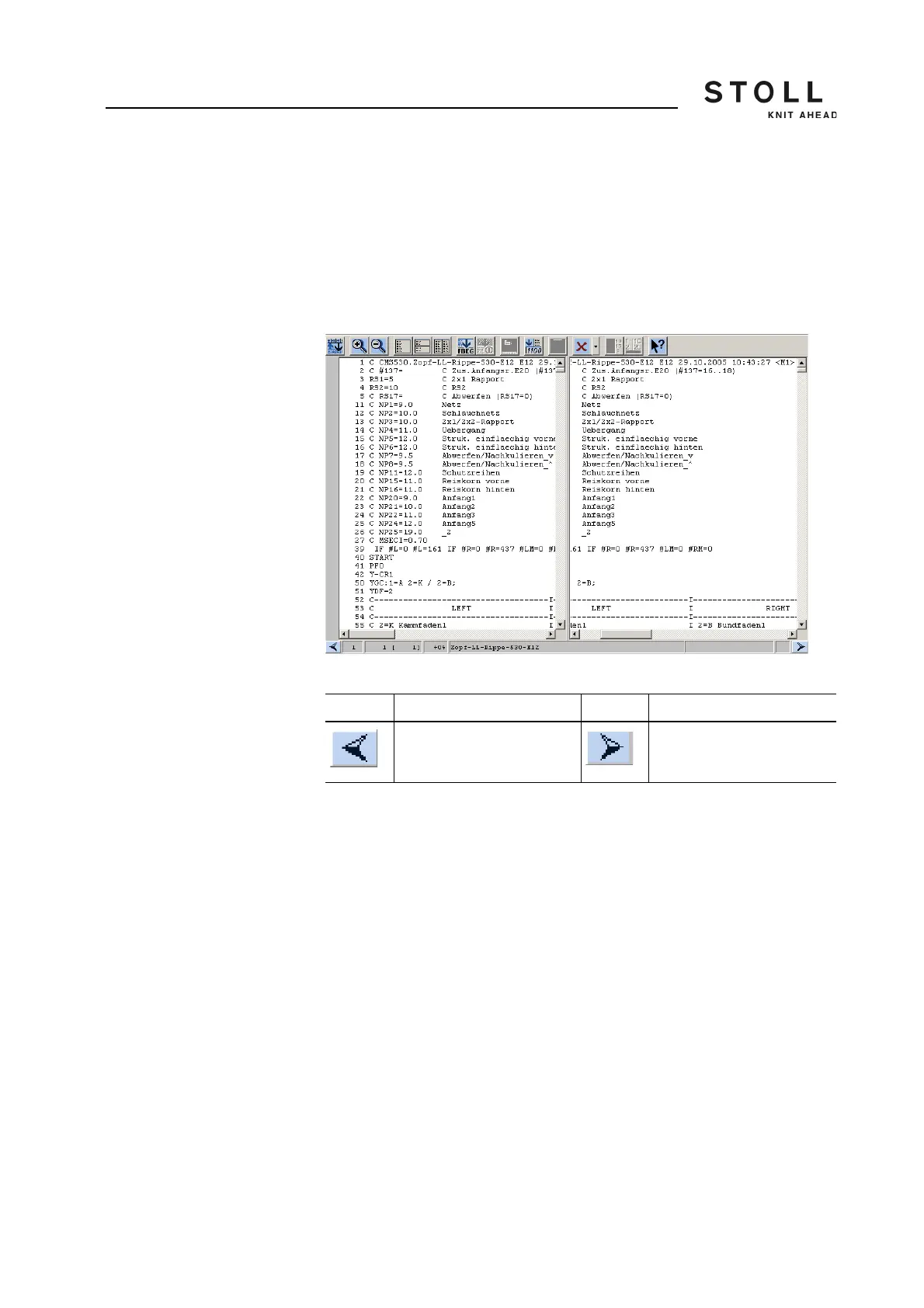
This function makes two editors available, which both always show the
same lines. Vertical scrolling in one editor changes the second editor
simultaneously. Horizontal scrolling only changes one editor, and the start
of a long line can be displayed in the left editor and the rest on the right one.
Selections will immediately be copied in the other editor. The size of the
division is changed via both arrow keys on the left or right sides at the
bottom edge of the screen.
Window for the "Tile window vertically" function
Key Function Key Function
enlarge right part enlarge left part
Function keys for the function "Tile window vertically"



 To Next Page