Adjusting knitting machine 4
Working with the Sintral editor 4.4
218
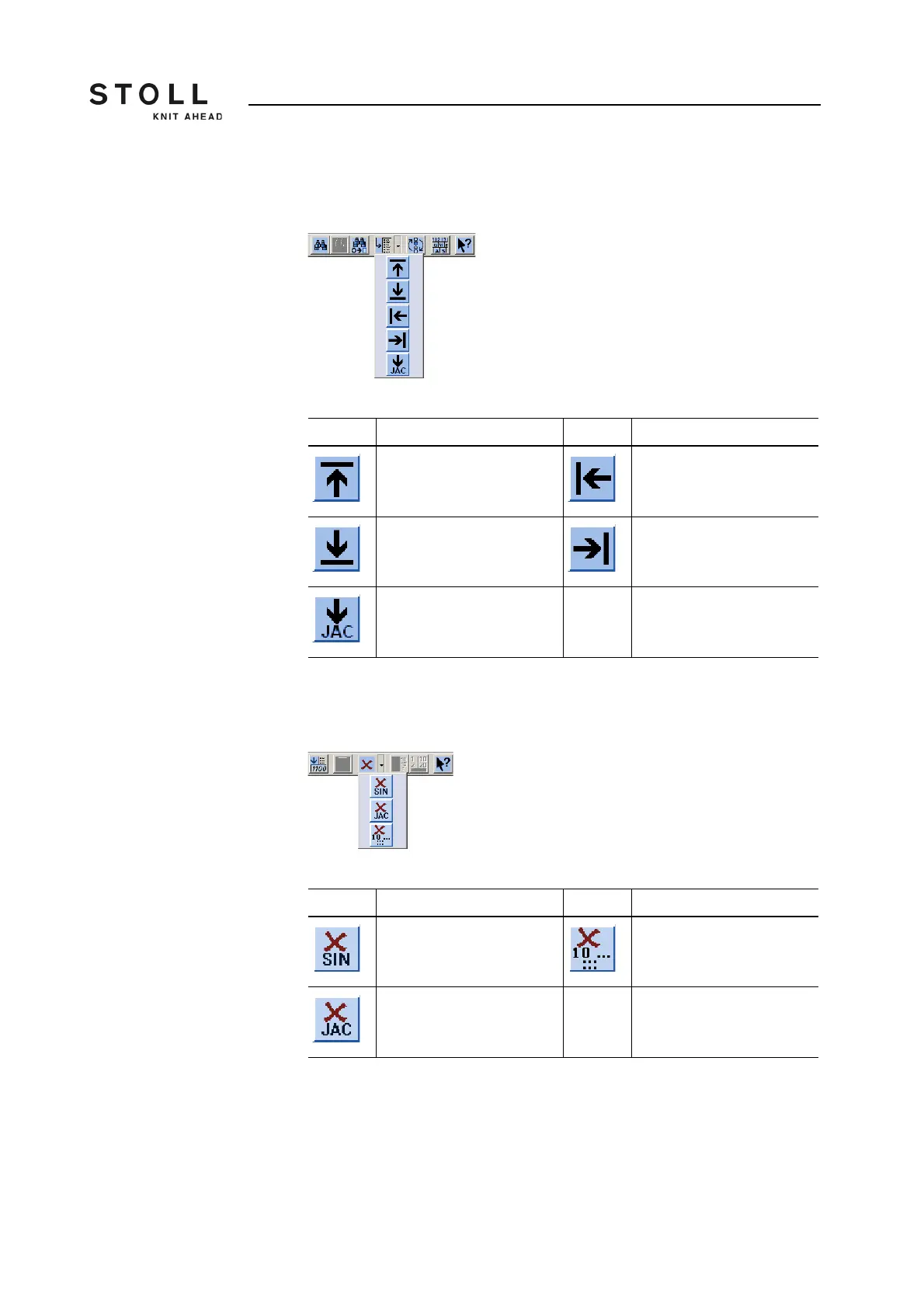
Call up "Go to" submenu Press the arrow key next to the "Go to" key. You can jump to the start or the
end of the file or line using this submenu.
Window "Go to" submenu
Call up "Delete" - submenu Press the arrow key next to the "Delete" key. Sintral, jacquard or a line from
the loaded file can be deleted via this submenu.
Window "Delete" submenu
Key Function Key Function
Go to the start of the file Go to the start of the line
Go to the end of the file Go to the end of the line
Go to the begin of jacquard
Function keys in "Go to" submenu
Key Function Key Function
Delete Sintral from file Delete specified line from file
Delete jacquard from file
Function keys in "Delete" submenu



 To Next Page