Adjusting knitting machine 4
Defining user profile 4.6
228
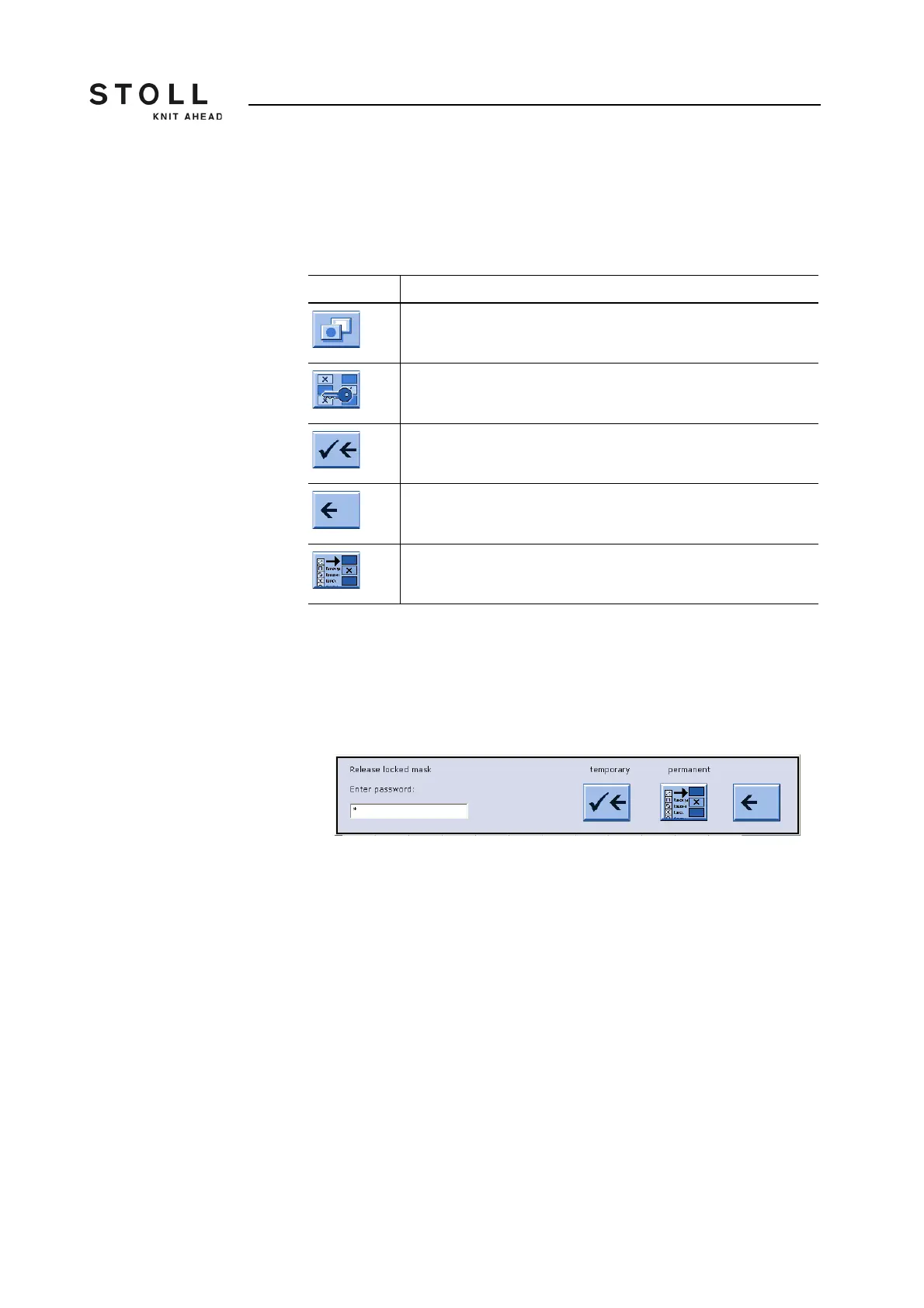
Enabling blocked window During production it may be necessary to open a blocked window and carry
out a change or action. Or you find that it is necessary for this window to be
enabled for the active user. Naturally, this is only possible for a person who
knows the password.
Enabling blocked window:
1. Display the "additional function keys" in the blocked window.
2. Tap the "Password" key.
3. Enter the password with the keyboard.
"Enabling blocked window" window
4. Enable window once by tapping the "Confirm password" key.
- or -
➜ Change the user profile by tapping the "User profile" key.
Key Function
Call up "Additional function keys"
Tap "Password"
Confirm password
Return to previous window (cancel process)
Call up "User profile" window
Keys for "Enabling blocked window"



 To Next Page