Setup Data 5
Setup2 Editor 5.4
238
Calling up the Setup2 Editor
on the machine
How to call up the Setup2 Editor with the Setup data of the actual pattern:
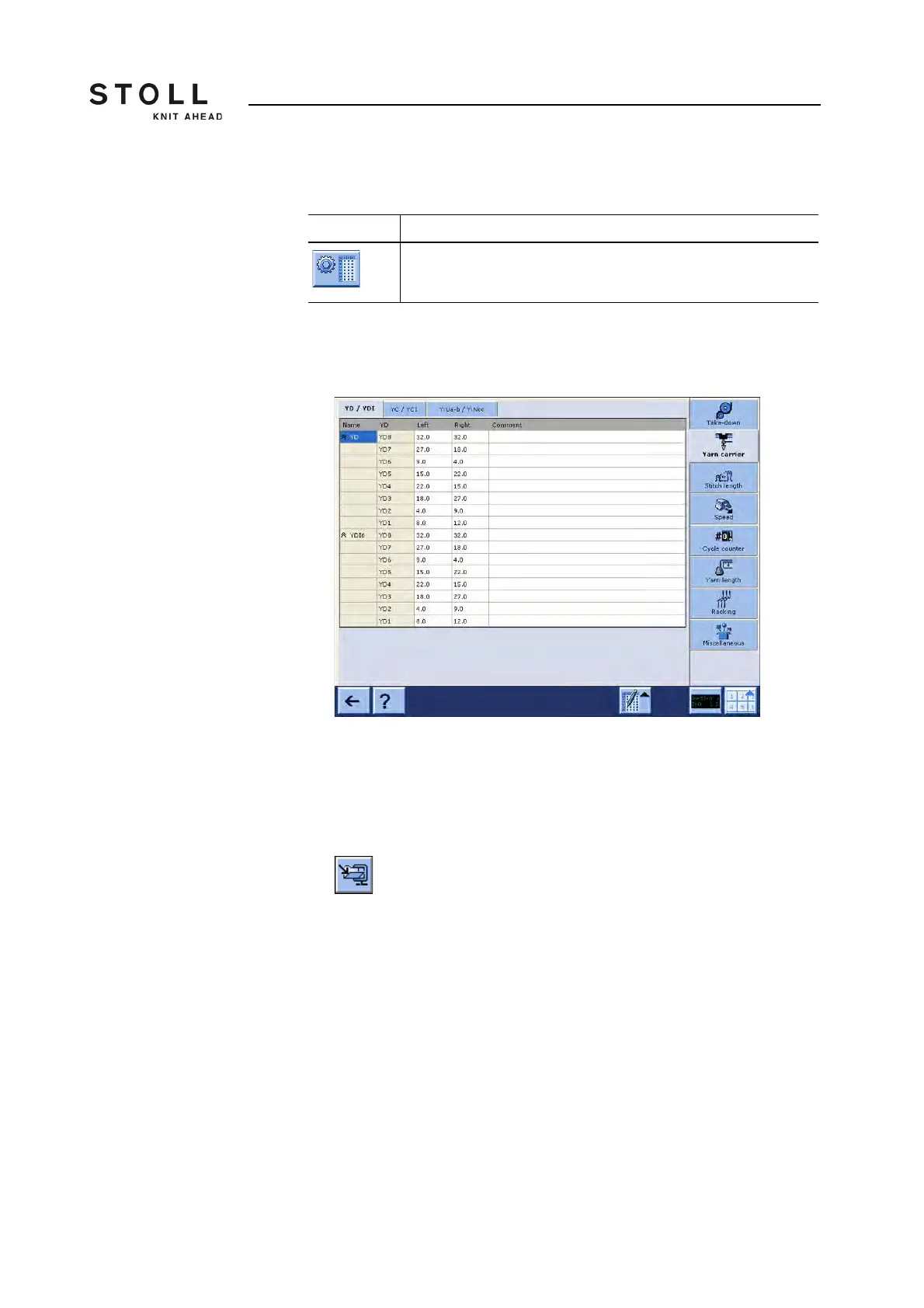
1. Call up the "Setup2 Editor" in the "Main menu".
The "Setup2 Editor" window appears.
How to open the Setup2 file in the Setup2 Editor:
You can edit Setup2 data independently to the running production by the file
mode.
1. Call up the "Load & save" window.
2. Get the Zip file displayed.
3. Tap the Setup2 file (*.setx).
The "Setup2 Editor" window appears in the file mode.
Key Function
Call up the "Setup2 Editor" window
Key to call-up the "Setup2 Editor" window



 To Next Page