387
8 Software - Installation and basic settings
8.4 Installing the Stoll operating system
Select Boot Source ✔ The machine is switched off.
1. Set the main switch to 1.
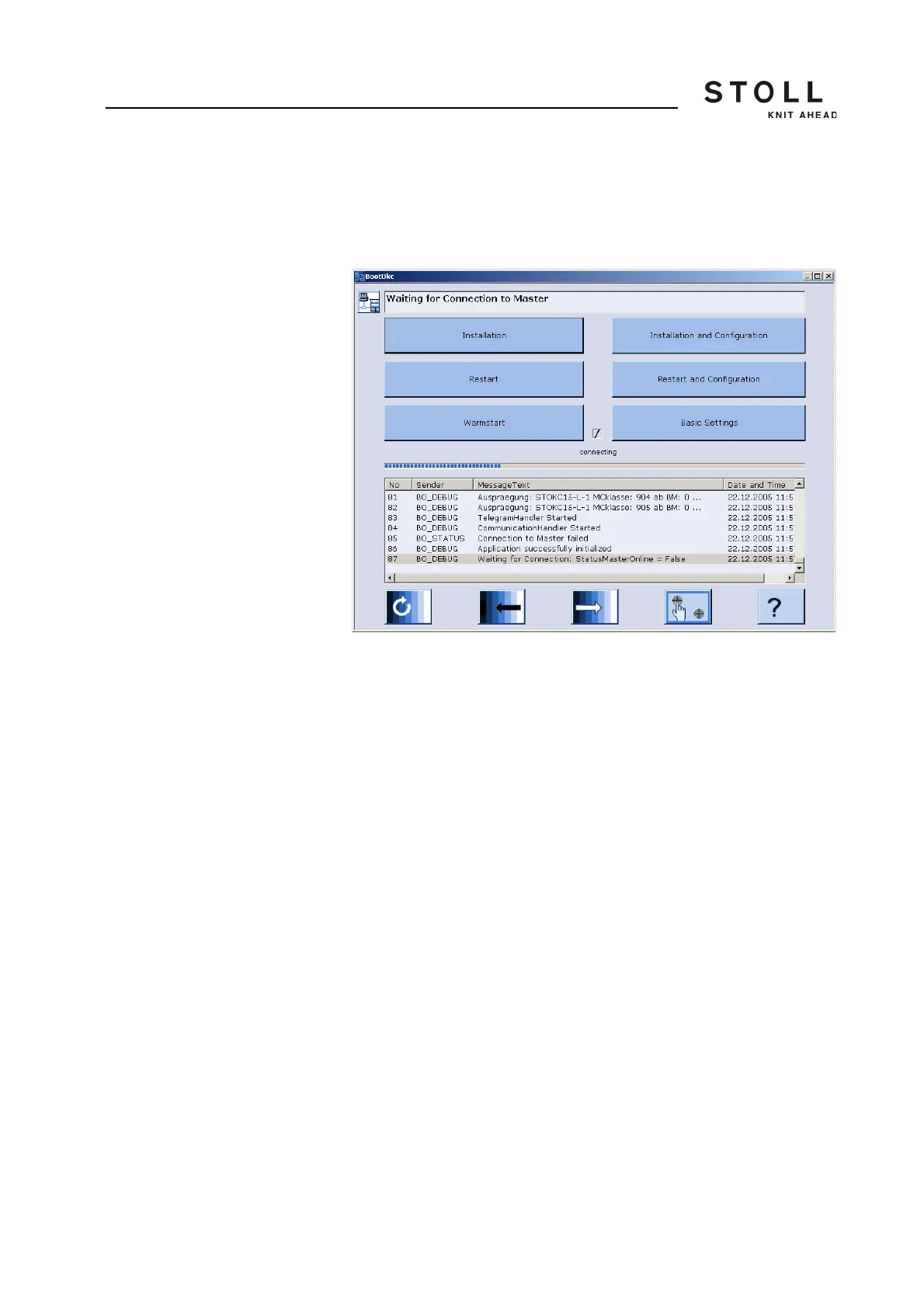
The "BootOkc" window is displayed on the touch screen.
"BootOkc" window
2. For the automatic warm start, tap on the "Basic Settings" key within the
waiting time.
The "Basic Settings Menu" window is displayed.
3. Select a source for the installation data in the "Boot Source" section.
4. Confirm input.
The "BootOkc" window is displayed.
5. Continue with the next section.
Start installation 1. When you want to execute the installation with the final configuration,
tap in the "BootOkc" window on the "Installation and Configuration" key.
- or -
➜ When you want to execute the installation without the final
configuration, tap in the "BootOkc" window on the "Installation" key.
In the "User Message" window (INSTALLATION STARTED!) the
path to the installation data is displayed.



 To Next Page