Software - Installation and basic settings 8
Installing the Stoll operating system 8.4
388
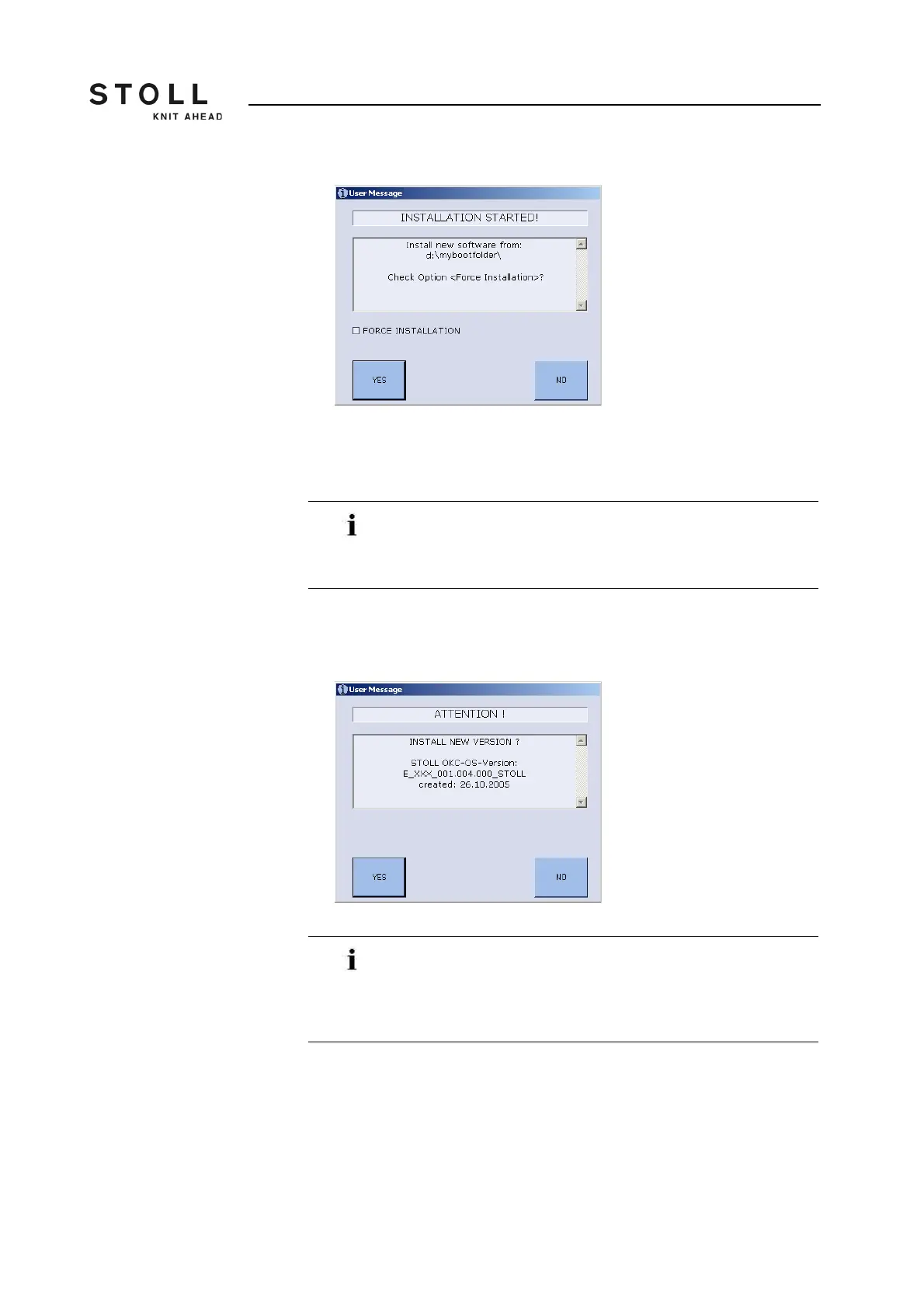
"User Message" window (INSTALLATION STARTED!)
2. If only the files that have got altered are to be installed anew during the
installation deactivate the "FORCE INSTALLATION" check box
(expedites the installation process).
3. To confirm the Installation press on the "YES" key.
In the "User Message" window (CAUTION!), the version number of
the Stoll operating system version selected earlier gets displayed.
"User Message" window (CAUTION!)
When you take up an installation in order to repair your
operating system, activate the "FORCE INSTALLATION"
check box so that the damaged files do not get overwritten
subsequently.
The current operating system version will be overwritten!
When you install a new Stoll operating system version the
current one is overwritten.
Carry out the following step only if you want to replace the
current operating system by the previous version.



 To Next Page