VS1 Installation, Configuration & Operating Guide 89
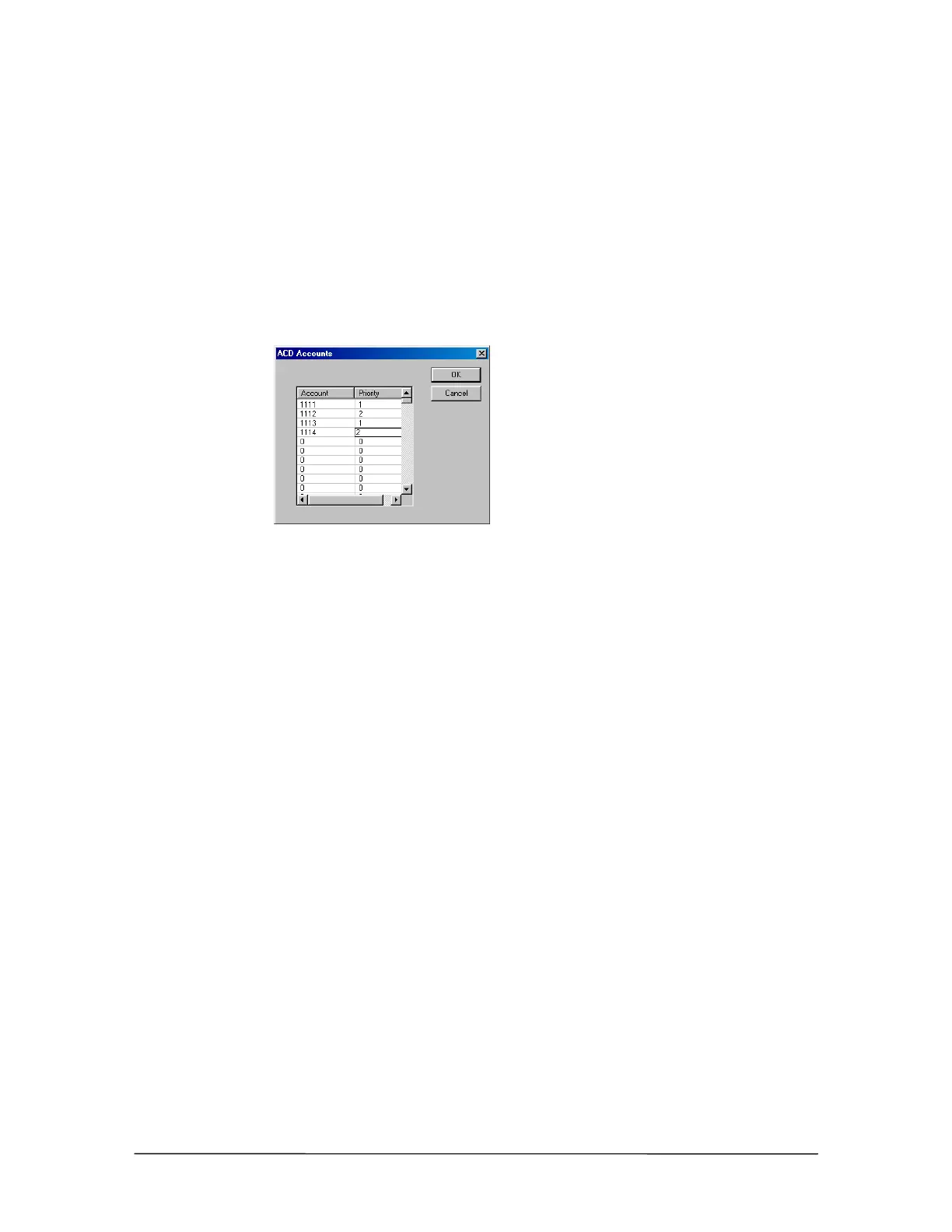
• The ACD Accounts window appears.
2. In a space under the Account column enter a unique Account Code of four digits. Do not
include spaces or other punctuation.
3. Beside to the newly-created Account code, under the Priority column, enter a Priority number
of one or two digits. When more than one agent is available on the ACD system, callers are
routed to the highest priority agent (top-down distribution). For example, if Agent A has a
priority level of 1, and Agent B has a priority level of 2, calls are routed to Agent A first. If all
available agents have the same priority level, the incoming calls are routed to each agent in
order (round-robin distribution).
ACD Accounts
window
4. Click OK to return to the ACD pane.
Agent Account Codes can be assigned to more than one ACD, enabling that agent to receive calls
from all ACDs in which their account code appears. Note that the account codes in multiple ACDs
can have different priority levels for each ACD.
ACD No. 1 ACD No. 2 ACD No. 3 ACD No. 4
1111-1 1111-2 1111-3 1111-3
1112-2 1112-1 1112-3 1112-4
1113-4 1113-2 1113-1 1113-3



 To Next Page