76 Tel-Site System Management Application
TEL-SITE BASIC OPERATION
The Tel-Site system management application enables you to make site changes in five steps after
you have set up a profile for that site. These steps are:
1. Connecting to a site.
2. Downloading any files that have changes from a site.
3. Changing those files on your local computer using VS1 Editor.
4. Uploading those changes to the site.
5. Reloading those changes to put them in effect
Connecting to a Site
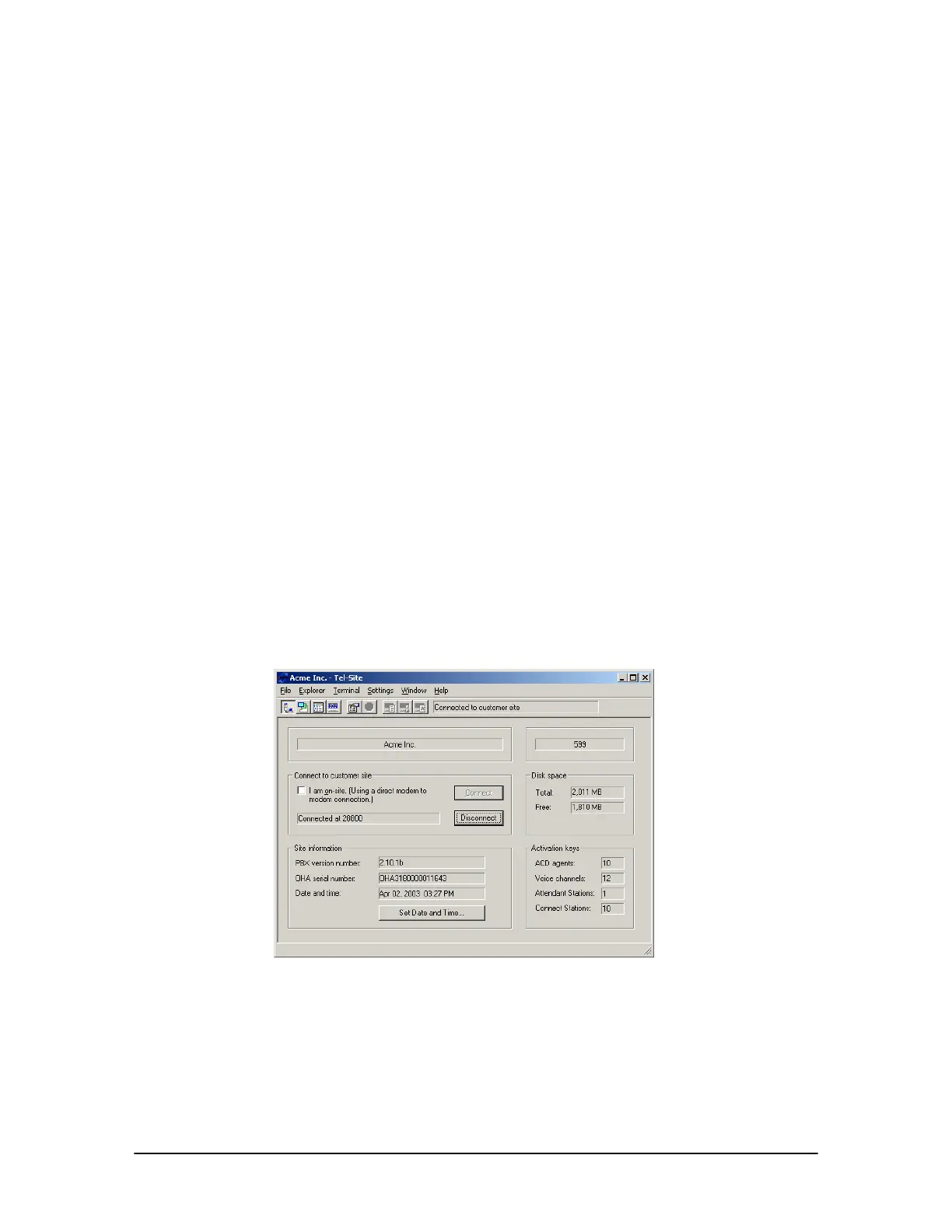
The Connection window for Tel-Site appears when the application is first started. Before you can
connect to a site using Tel-Site, you must first make hardware, wiring, and system configuration
changes. See “Connection Methods,” page 58.
1. From the File menu, click Site Selection.
• The Site Selection window appears.
2. Select the site from the Site Name column.
3. Click Open.
4. In the Connection window, click Connect.
5. Tel-Site dials the site, logs on, and supplies any necessary passwords to complete the
connection.
Connection window



 To Next Page