VS1 Installation, Configuration & Operating Guide 125
CONFERENCE ROOMS
Conference Rooms on the VS1 System are the “meet me” type of conferencing. This means each
person calls into the designated system Conference Room. The VS1 System has three 16-party
Conference Rooms. These Conference Rooms can operate simultaneously, and can include any
combination of inside or outside parties for a total of 16 participants.
Command Scripts
pane
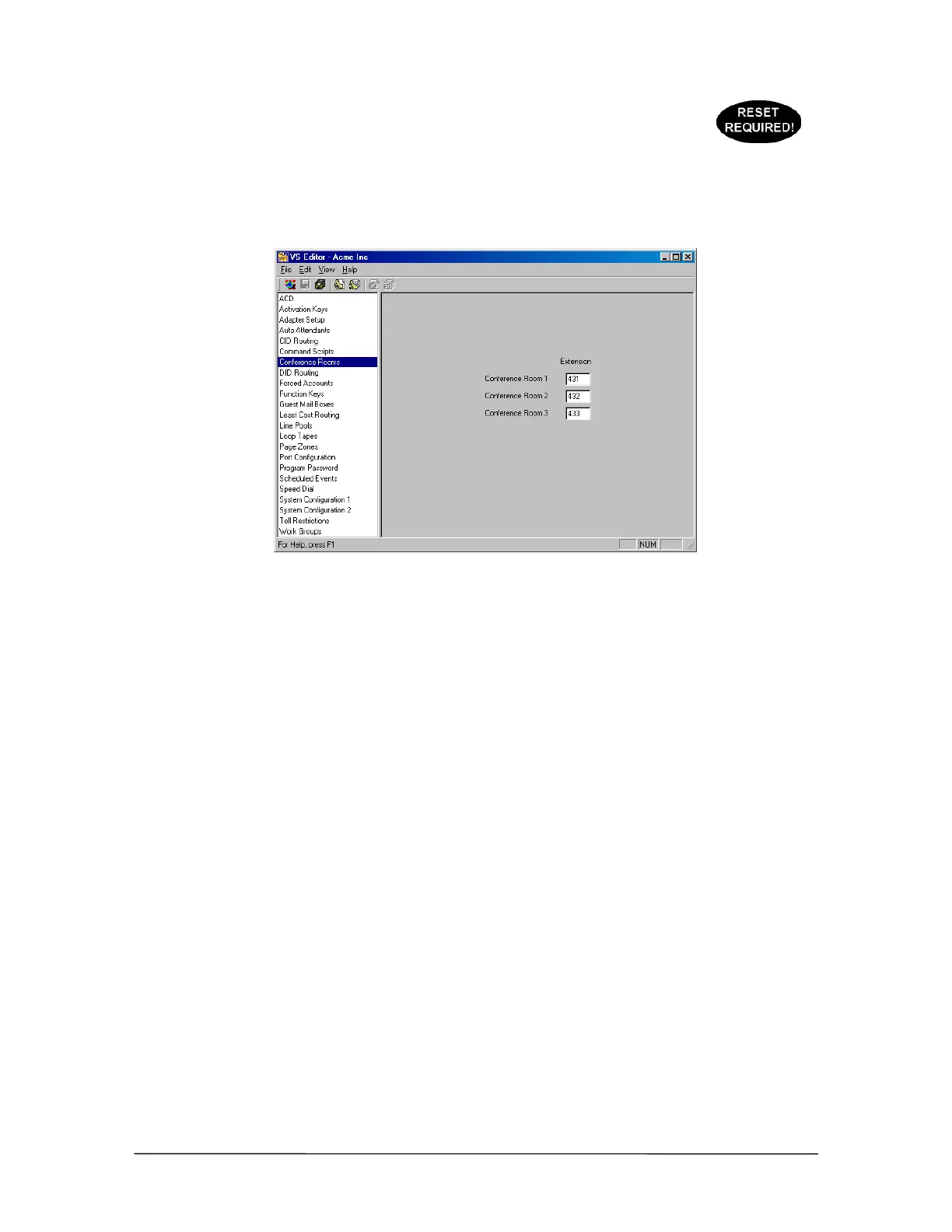
1. Select Conference Rooms in the Tree Control display.
• The Conference Rooms pane appears.
By default, Conference Rooms are set up as extensions 431, 432, and 433. However, you can use
any valid unused extension between 100–599 when using 3-digit extension numbers.
Calls can be transferred to a conference room by any VS1 Station. After transferring a caller to the
Conference Room, the station user can dial the Conference Room extension to enter the conference.
When a party enters an ongoing conference, a notification tone is played to alert attendees that
someone new has joined the conference.
Conference Rooms can also be locked after a conference has been established so no other party can
join. Any conference participant can lock a Conference Room by pressing #1 on their phone, or
unlock a conference room by pressing *1.
The VS1 System has two commands run from the TVS Command prompt that enable or disable
Conference Room locking, and determine the length of time for each conference call.
conf lock {0|1}—Controls the ability to lock a 16-party conference room. A locked
conference room results in a busy signal when its extension is dialed. When you type conf lock
0, Conference Room locking is disabled; conf lock 1 enables Conference Room locking.
conf timeout {n}—Controls how long a conference call comprised of only CO ports can
continue before the VS1 phone system terminates the call. Setting a value of 0 disables the Timeout
timer. Pressing a DTMF key resets the timer. (Valid range = 0–32767 minutes, default = 15
minutes)



 To Next Page