VS1 Installation, Configuration & Operating Guide 85
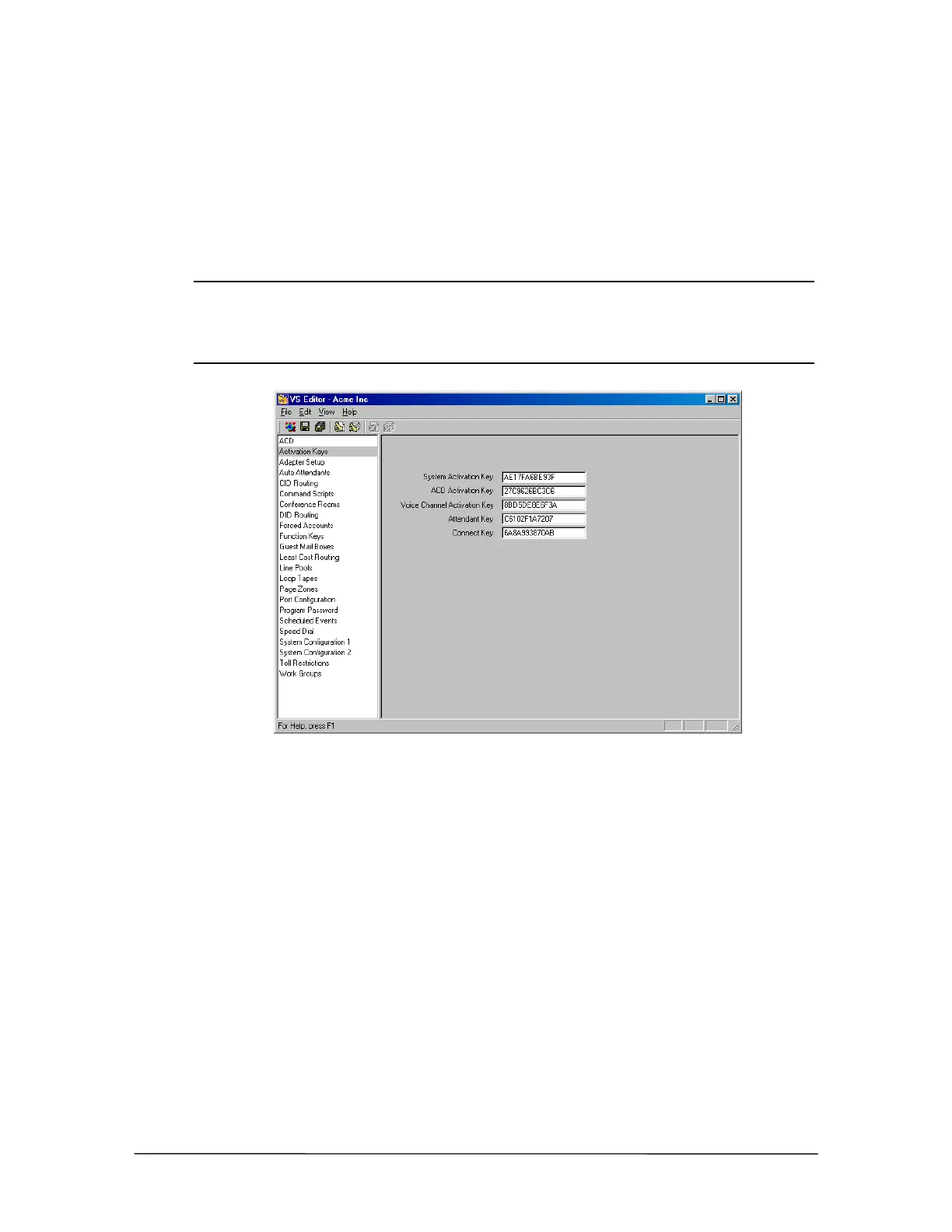
Installing Activation Keys
1. Click Activation Keys in the Tree Control display.
2. In the Activation Keys pane, type the 12-digit code in the appropriate software option text
boxes.
3. Click the Save button in the toolbar.
Note Each Host Adapter Card has a unique Serial Number. The TVS uses the Serial Number of
the first Host Adapter Card (ports 1-32) as the System ID Number. The System ID
Number is used to authenticate Activation Keys for that particular TVS. If the Host Adapter
Card is configured for ports 1-32 is replaced, you must call Technical Support for new
Activation Keys.
Activation Key pane



 To Next Page