VS1 Installation, Configuration & Operating Guide 101
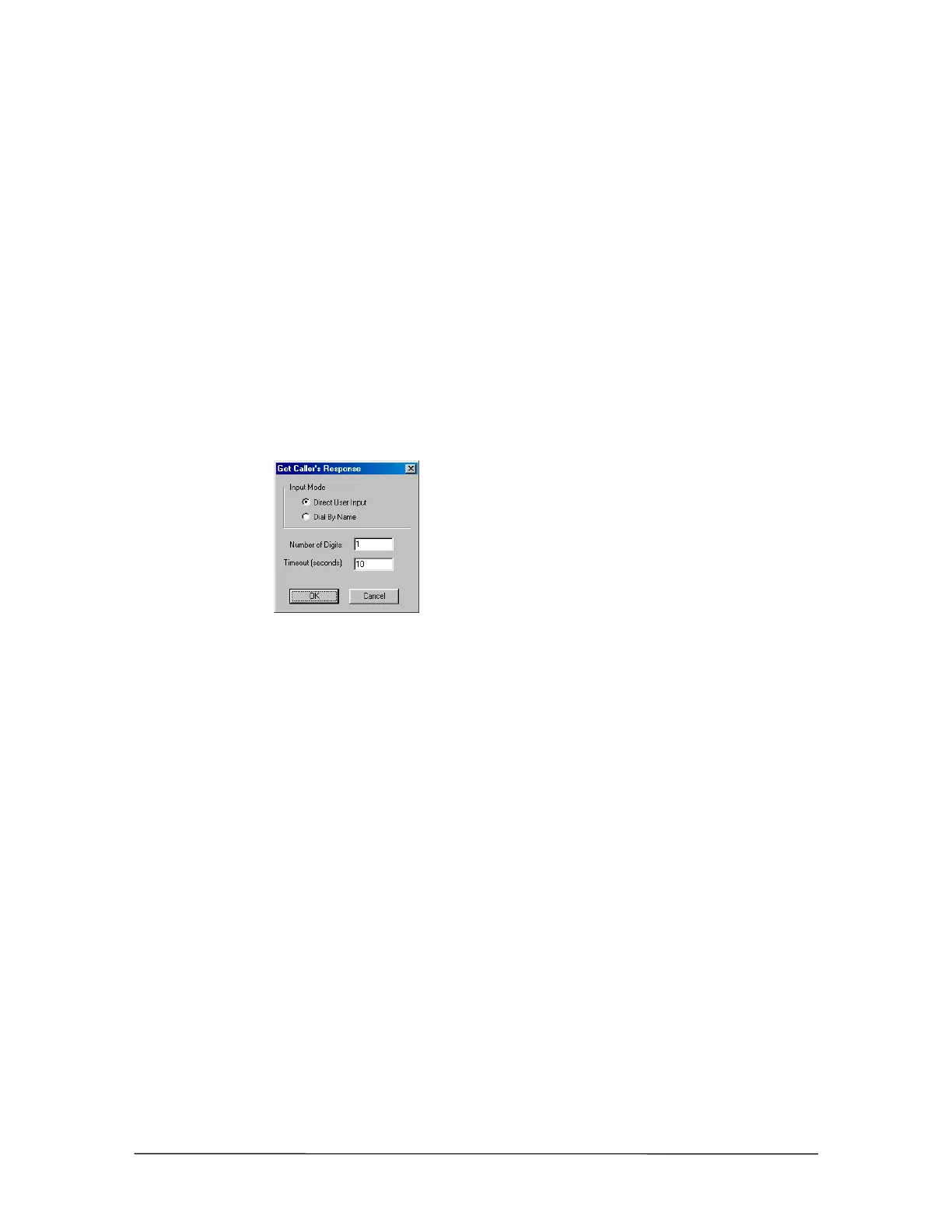
Get Caller Response
Once the Caller Greeting is set up, the Procedure must be configured to receive and recognize
touch-tone caller responses to instructions given during the Caller Greeting. The maximum number
of digits and a timeout must be defined in the Get Caller Response.
1. In the Phone System / Caller Interaction list box, select Get Caller Response and click New.
• The Get Caller’s Response dialog box appears.
2. In the Input Mode group box, select Direct User Input.
3. In the Number of Digits text box, enter the maximum amount of digits the caller can enter.
4. In the Timeout (seconds) text box, enter a number (representing seconds) that determines how
long the system waits before acting if a caller does not respond. The Timeout timer starts after
the greeting is played.
Get Caller Response
dialog box



 To Next Page