VS1 Installation, Configuration & Operating Guide 207
Adjusting DSP Volume through the Startup Command Script
By default, the DSP Volume IN and OUT for CO and Extension ports are set to the values in the
Startup Command Script. The Startup Command Script is run every time the system boots up.
Therefore, the DSP volume adjustments are made every time the system starts.
Warning! Use caution when adjusting the DSP volume settings. Improper DSP volume settings
can result in poor sound quality, feedback, or telephone company fines.
To adjust these values complete the following steps:
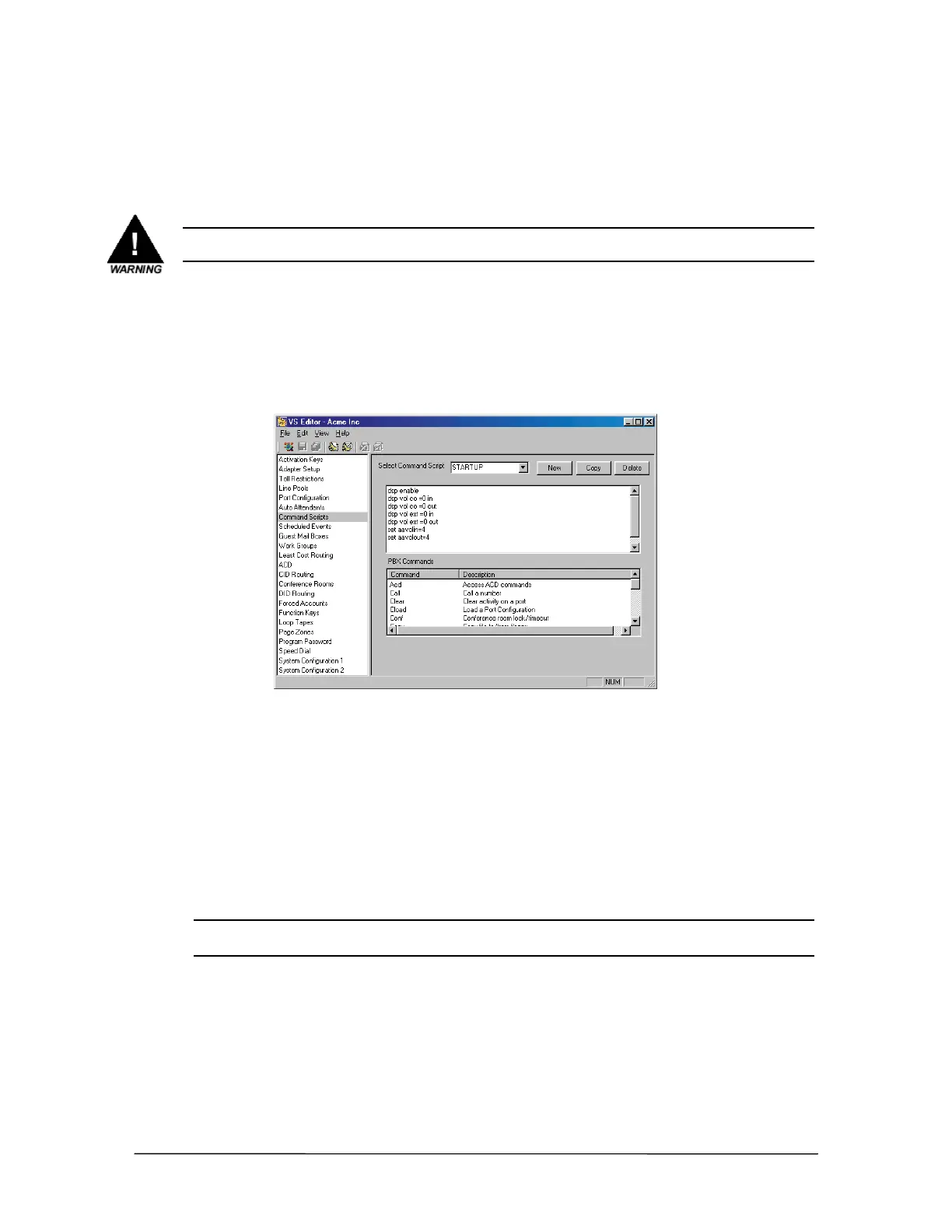
1. In the VS1 Editor application, select Command Scripts.
2. Select STARTUP in the Select Command Script dropdown box.
3. In the Startup Command script window, adjust the DSP Volumes to the new values.
Command Scripts
window
4. Click the Save button in the toolbar.
Adjusting DSP Volume on CO Line Connected to an Auto
Attendant or Voice Mail
To adjust the DSP volume on a CO line that is targeted to an Auto Attendant or Voice Mail, a
different command syntax is used. The volume adjustments have a wider range of values than a CO
or Extension port as previously described.
Note The dsp enable command enables volume adjustments and must be issued before any
aavolin or aavolout commands are recognized by the system.
Use the following commands to adjust the DSP volume on a CO Port configured to an Auto
Attendant or Voice Mail:
DSP Volume IN
set aavolin={n} where n = -12 to 12 (The default setting is 0). For example:
set aavolin=3. This value is in addition to any change made in the dsp vol co={n} in
command.



 To Next Page